If you don't want to read, go straight to the step-by-step instructions.
My name is Max.
I want to say that I am a Windows user, I have worked a little on MacOS, but I have never worked on Linux, and I have almost never worked with the command line (terminal). So I am a beginner.
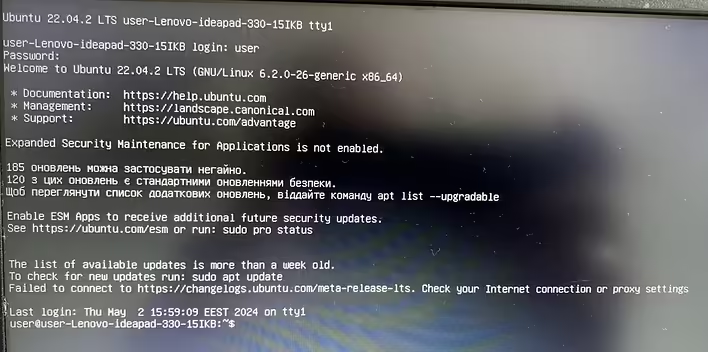
On my wife's laptop (operating system Ubuntu 22.04.2 LTS), the graphical user interface (GUI) disappeared.
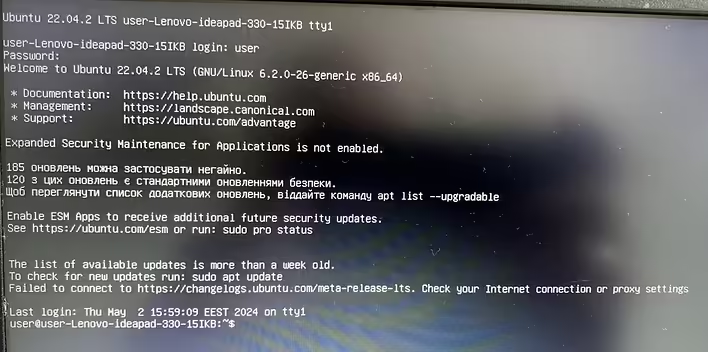
You turn on the laptop and see this:
Пропав графічний інтерфейс користувача
After this happened, there is no exact answer. It seems it was after an update of either Python or Pycharm, she doesn't remember. And after rebooting the system, she saw what you see in the screenshot above.
To restore the GUI, I spent about 2 days and achieved a positive result.
STEP-BY-STEP INSTRUCTIONS
Step 1. Checking the internet connection via wifi
Step 2. Searching for active wifi points
Step 3. Connecting to the internet via an active wifi point
Step 4. Installing updates
Step 5. Installing the desktop environment
Everything I found on the internet (I searched for information using my smartphone) regarding restoring the GUI was related to the update and upgrade commands, and I understood that for this, you first need to be connected to the internet. So I started with connecting to the internet.
Step 1. Checking the internet connection via wifi.
We type the following command:
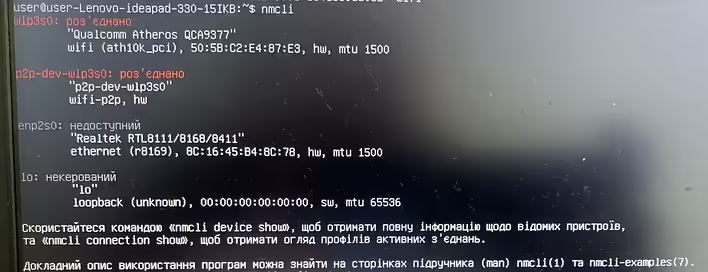
nmcli
After getting the result, I realized that I had no internet connection. Although this could also be seen in the previous screenshot, there is a phrase: Failed to connect to https://changelogs.ubuntu.com/meta-release-lts. Check your Internet connection or proxy settings
But here is the result after the command nmcli
Результат після команди nmcli
Step 2. Searching for active wifi points.
To see active wifi points, we type the following command:
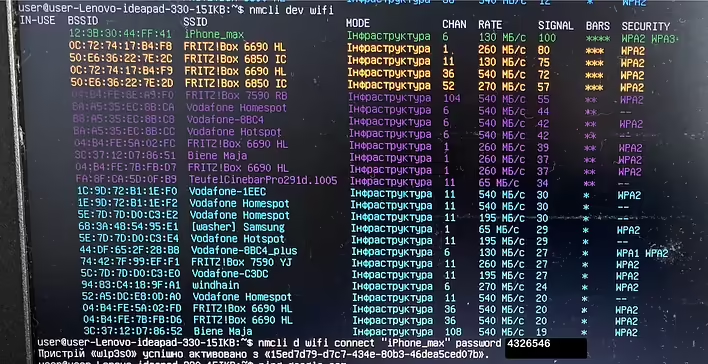
nmcli dev wifi
we see the following:
Результат nmcli dev wifi
Step 3. Connecting to the internet via an active wifi point.
We type the following:
nmcli d wifi connect “iPhone_max” password 4326546
iPhone_max is the name of the network (sharing internet from the smartphone).
Before that, there was a problem connecting to a wifi point where the name had an exclamation mark, that is, this “!”, and the connection command did not execute.
I decided to postpone this problem for later and connected to the smartphone.
To check the connection, I typed the following:
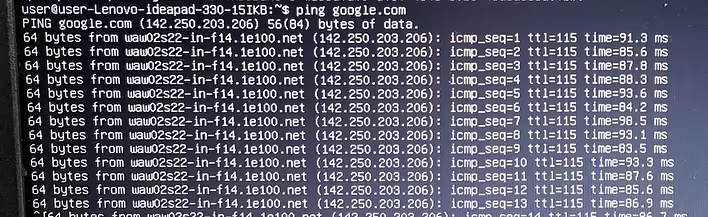
ping google.com
ping google.com
Packets were being sent to Google,
to stop this, I pressed the key combination
CTRL+c
This command stops the previously running process
Step 4. Installing updates.
We type the following:
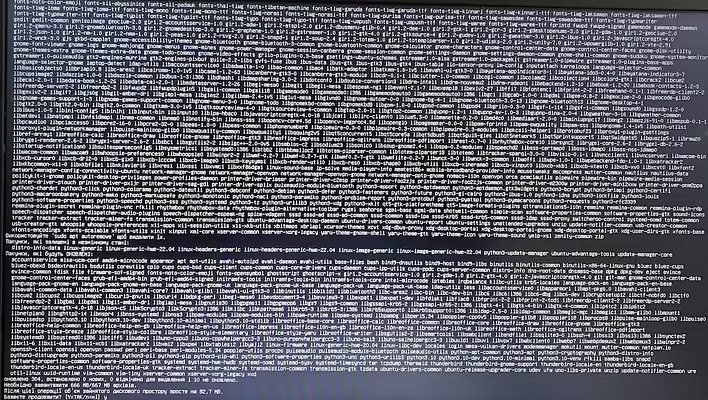
sudo apt-get update && sudo apt-get upgrade
After that, I waited about 15 minutes for the updates to complete
Процес оновлення
Step 5. Installing the desktop environment.
And the final command:
sudo apt-get install ubuntu-desktop
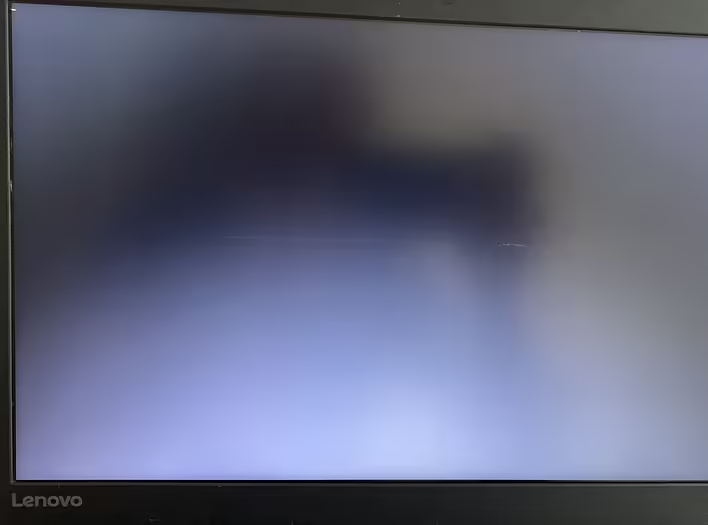
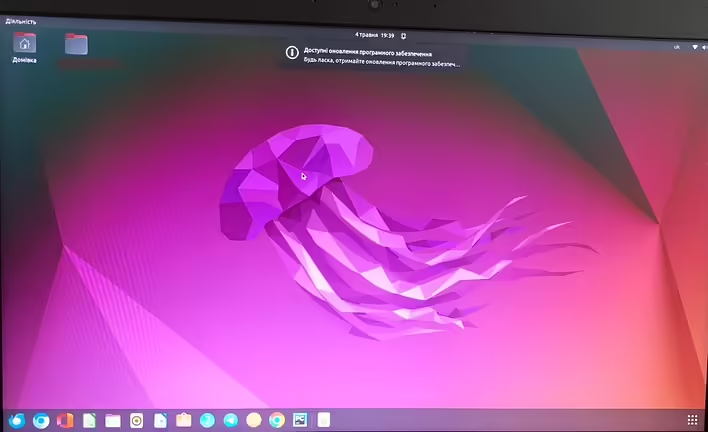
After this command, something executed again, and I saw the desired desktop environment, but before that, there was a moment with a completely black screen with a blinking cursor in the upper left corner of the screen. After waiting for about a minute, I decided to press Enter, and then Esc. I don't know if these presses worked or if it was just the timing, but the desktop appeared.
Чорний екран
GUI
I hope this was informative. Thank you all for your attention!
Some more tips
Almost all the information that helped me was searched in English. The solution was comprehensive. The resource https://askubuntu.com was very helpful, and a bit https://youtube.com
Here are a couple more commands that may be useful, or maybe not:
sudo shutdown -h now (turns off the laptop)
sudo reboot (restarts the system)
upower -i /org/freedesktop/UPower/devices/battery_BAT0 (shows the battery charge status of the laptop)