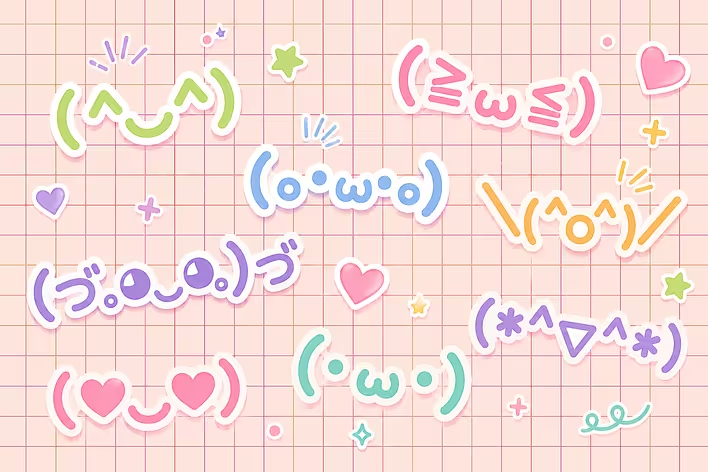
If you've been with us for a while, you know: we have gathered one of the largest collections of kaomojis at tseivo.com. Hundreds of text emojis, convenient search, categories - it's all there. We love kaomojis and use them often (even in interface elements) ヽ(•‿•)ノ
But opening the page every time, searching for the right kaomoji, and copying it - that's unnecessary steps. So we made the next logical step - and even two.
Chrome Extension
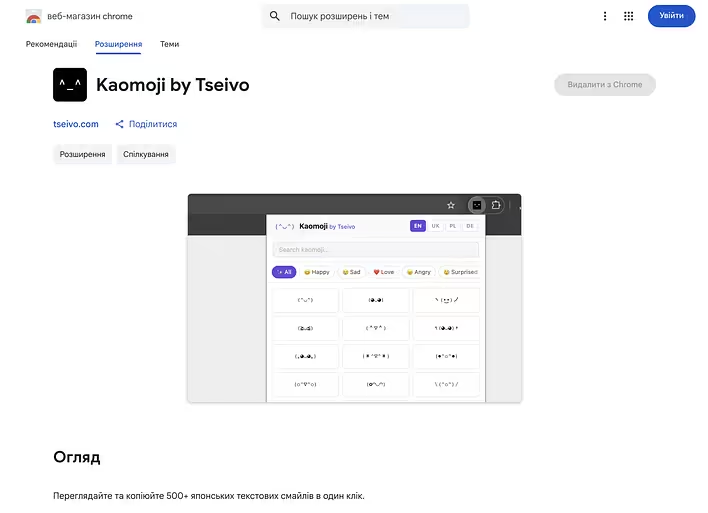
We released an official extension - Kaomoji by Tseivo. Now the collection is always at hand: click the icon in the browser, choose a kaomoji, paste it — and that's it. No unnecessary tabs, no unnecessary clicks. Works on any site — in social networks, messengers, emails.
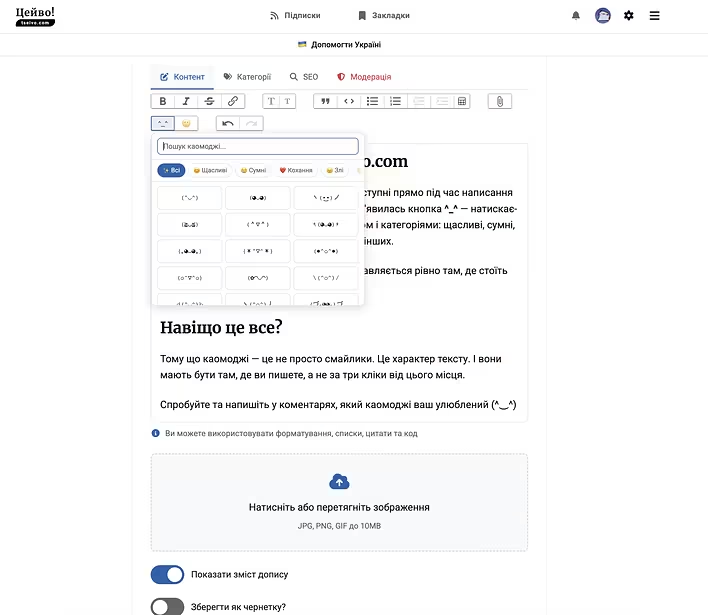
But we didn't stop there. Now kaomojis are available right while writing a post on tseivo.com. A button ^_^ has appeared in the editor panel - click it, and a convenient panel with search and categories opens: happy, sad, love, animals, dancing, and a dozen more.
Find the one you need - click - and it gets inserted exactly where the cursor is. No copying and pasting. ٩(◕‿◕)۶
Why all this?
Because kaomojis are not just emojis. They are the character of the text. And they should be where you write, not three clicks away from that place.
Try it and let us know in the comments which kaomoji is your favorite (^‿^)