This content has been automatically translated from Ukrainian.
Even the highest quality technology has its lifespan. In this article, we will discuss battery failures, as it is one of the most wear-prone components. Its lifespan is limited by the number of charge-discharge cycles, and improper use accelerates the aging process of the battery.
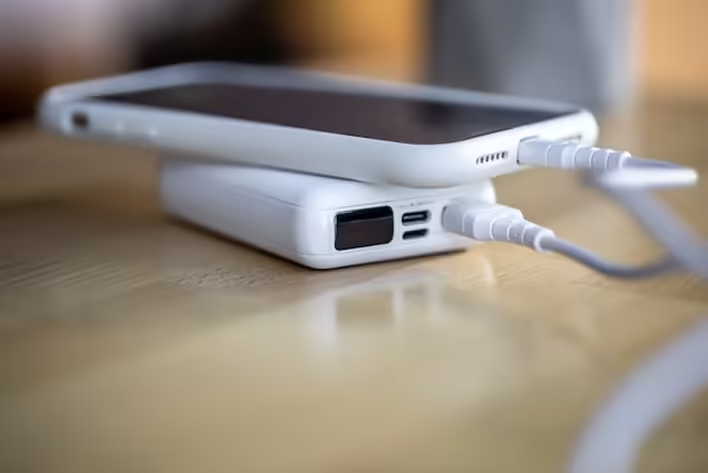
You should consider replacing the battery if:
- The number of recharge cycles is running out
Each full charge from 0 to 100% (or the same total amount of charge) counts as one cycle. In iPhones, the battery is usually rated for about 500-1000 charging cycles. You can check the current number of cycles in the "Power" section (or using specialized apps or system tools on Mac/Windows). If you notice that the battery capacity has dropped to 80% or lower, you need an replacement of the iPhone battery at a professional service center.
- Reduced battery life
If a phone that used to last all day without a charge now needs a charger by lunchtime, this also indicates battery degradation and is a direct signal to check the battery's condition and, if necessary, replace it.
- Sudden shutdowns and device restarts
One of the most common signs of battery problems is when the phone shuts down or restarts with a normal remaining charge. This happens because a worn-out battery cannot maintain a stable power supply.
- Incorrect battery level indication on the screen
If the battery level fluctuates erratically, for example, the phone suddenly shows 1% and then 50% — this may be due to calibration failures of the battery or its aging. In any case, with such symptoms, we recommend visiting a professional service center, for example, at the company https://applefix.ua/ in Kyiv.
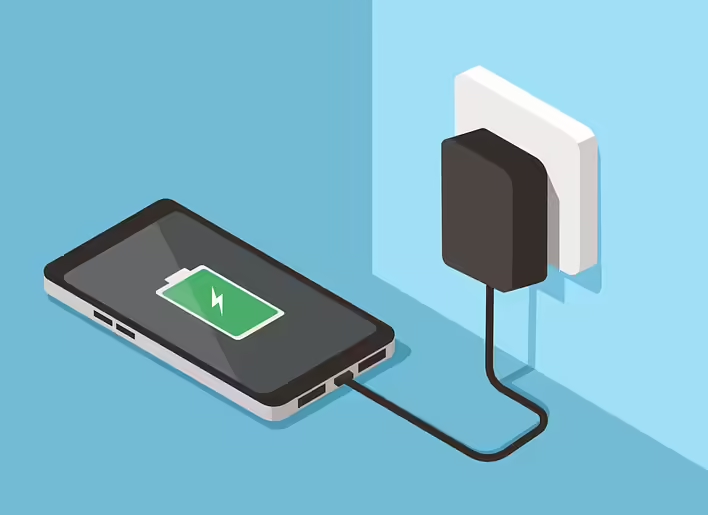
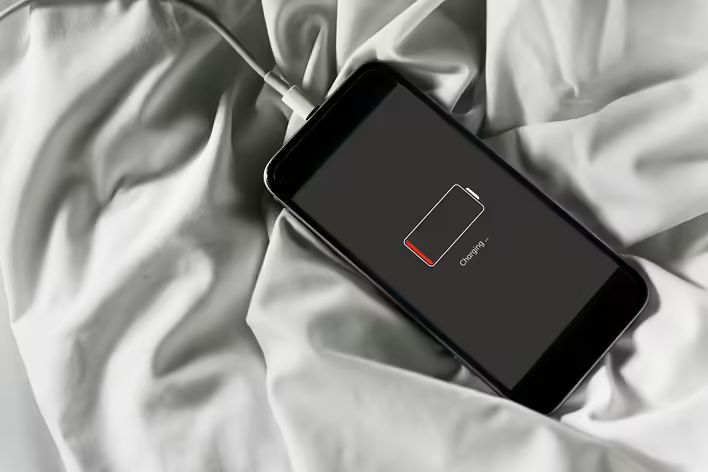
- Various difficulties with charging the smartphone
You need to schedule a phone diagnosis if you notice that it charges too slowly or, conversely, faster than before. Additionally, you may encounter the following symptoms:
- The iPhone does not want to charge beyond a certain percentage;
- The phone starts charging, but the power supply “flickers”;
- Severe overheating of the battery during device charging;
- Charging does not occur at all.
All these symptoms may indicate problems with the battery itself, charging malfunctions, power controller issues, software glitches, etc.
Conclusion
If you see that the iPhone has become slower and shows various malfunctions that hinder the free use of the gadget, do not delay a visit to the service center. Timely diagnosis and replacement of worn components will help extend the device's lifespan and prevent more serious malfunctions due to overheating or even battery swelling.
Like it?React
🧵
This post doesn't have any additions from the author yet.