If the iPhone suddenly stops turning on, the cause may be as simple as a drained battery or more complex technical malfunctions. Let's consider how to act in such a situation step by step.
What can be done first?
Before ordering iPhone repair, it is worth performing a few simple actions to ensure that the problem is not related to a temporary glitch or device discharge.
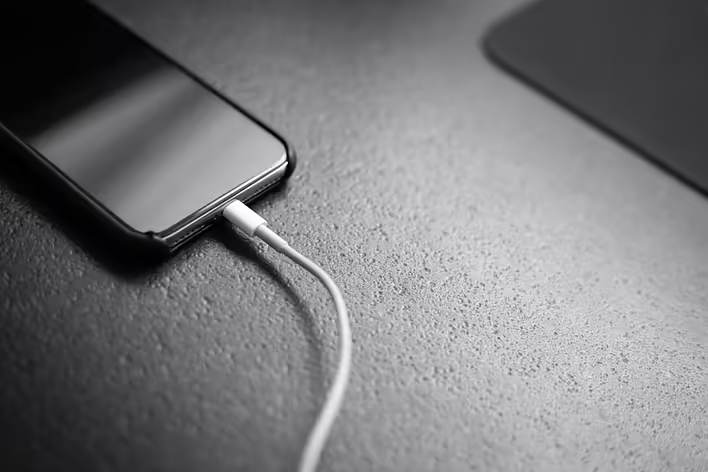
Check the cable and adapter for functionality.
Important! Only original accessories should be used to charge the iPhone, as low-quality cables and adapters can damage the device. If you cannot purchase Apple accessories, choose certified alternatives that fully comply with the specifications of the original accessories and guarantee safe use.
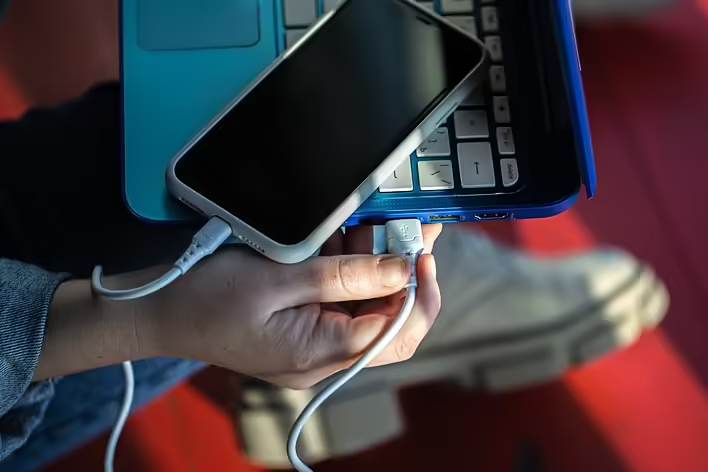
To check the functionality of the charger, connect it to another smartphone. If the other device starts charging, the problem is likely with your iPhone.
Check the battery charge
Sometimes a smartphone can discharge so much that it does not immediately respond to being connected to a charger. Connect the iPhone to the power source and leave it to charge for at least 15–30 minutes — it is quite possible that you just need to wait a little while for the device to start working.
Force restart the smartphone
Sometimes the iPhone does not turn on due to temporary glitches in the operating system. In this case, you can try to force restart the device. Depending on the model, the button combinations may vary. On iPhone 8 and newer models — after quickly pressing the volume up and volume down buttons, you need to hold the side button (power) until the Apple logo appears on the screen.
Additionally, you can try connecting the iPhone to a computer with iTunes or Finder installed. They can detect even a frozen device and offer recovery or an iOS update.
What to do if our advice does not help?
If after performing all the actions your iPhone still does not turn on, you are likely facing a more serious malfunction or even a hardware component failure of the smartphone. This could be complete battery wear, a malfunction of its controller, damage to internal parts due to impact, liquid ingress, etc. In this case, the best solution would be to contact qualified specialists at a professional service center — this can be done via the link https://2mac.ua/uk
The technicians will perform a detailed diagnosis of the iPhone using specialized equipment, determine the exact cause of the malfunction, and suggest possible solutions to the problem. After the repair, you will receive a warranty for the work performed and the installed parts.
Do not attempt to disassemble the iPhone yourself! You may cause additional damage, significantly increasing the cost of repairs.