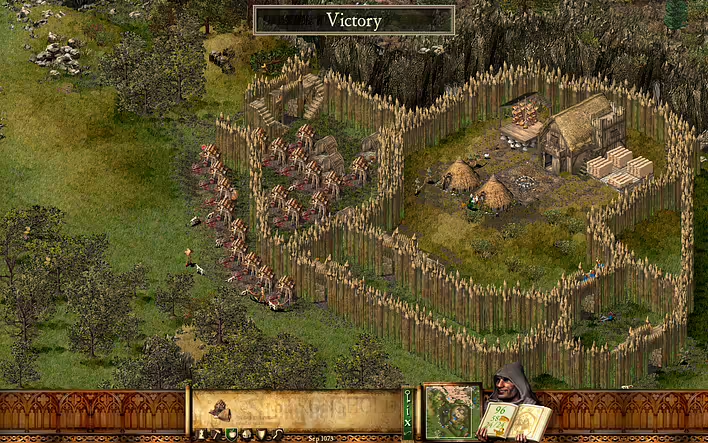
Many strategy fans remember Stronghold HD — the iconic medieval RTS that combines economy, castle building, and epic sieges. But what to do if you are using Mac with M1 (or M2) processor, and the game is not officially supported?
I last played Stronghold ~ 6 years ago on a 2014 MacBook Air (Intel). There was a port of the game for Mac on GOG, so there was no need to fuss with installing the game. Just install and play.
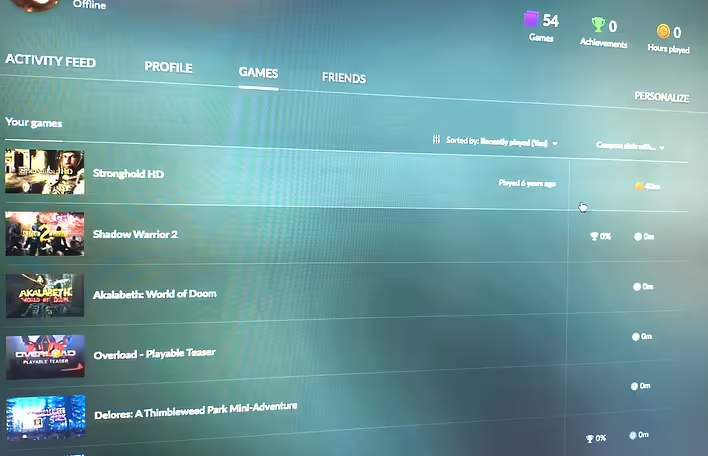
StrongHold HD (GOG.com)
Back then, I couldn't play properly because I didn't have time and a mouse at hand. Playing on a trackpad is inconvenient.
After a few macOS updates, the mac port for Stronghold stopped working, and the macOS version was completely removed from the game's page.
Now I have an old mac mini with Intel, so I hoped to download an old dmg for the port from GOG and play. It turned out that the installer is in the account library on the GOG website. So there's no need to download dubious installers from the internet.
It seems the stars aligned. I have an old Mac, a mouse, and the Stronghold HD installer.
But no. The installer on the GOG website is broken, and this has been mentioned several times on Reddit. And it’s a bit frustrating. I started to think about an old Windows computer to play old titles. But I decided not to give up and read a bit more on Reddit.
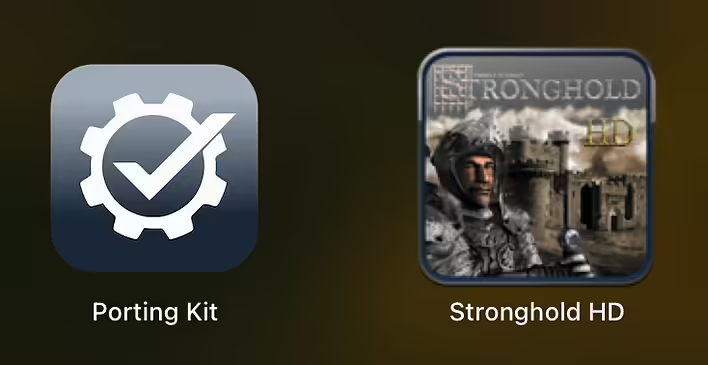
Users reported successful launches of the Windows version of the game. So the first attempt - PortingKit. Immediately successful.
What is PortingKit?
PortingKit is a free utility that allows you to run Windows games on macOS using Wine. It creates so-called 'ports' — isolated environments where you can run Windows applications without using virtual machines or Boot Camp.
Wine (Wine Is Not an Emulator) is a compatibility layer that allows you to run Windows programs without emulating the system, which significantly saves resources.
PortingKit simplifies working with Wine: instead of manually configuring the entire environment, you just click "Install" — and within minutes the game is ready to launch.
What do you need to run Stronghold HD on Mac?Mac with M1 / M2 / M3 chip (Apple Silicon)
macOS 12 or newer
GOG.com account (and purchase the game. Pirating is bad)
Install the application by dragging it to the Applications folder.
Log in to GOG
In PortingKit, click GOG Games → Login to GOG, enter your account details.
After logging in, you will see a list of your games from the library.
Find Stronghold HD
In the search bar, type Stronghold HD.
Select the game from the list.
Click Install.
💡 PortingKit will automatically create a port and download the Windows version of the game from GOG.
Launch the game
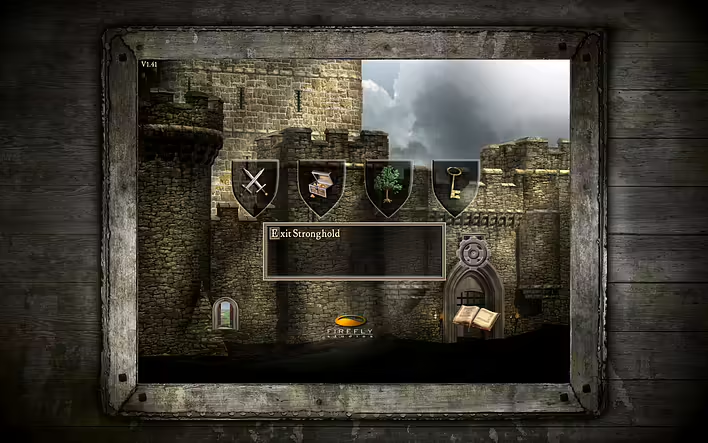
After installation, just click Play — the game will launch in a window like a regular application.
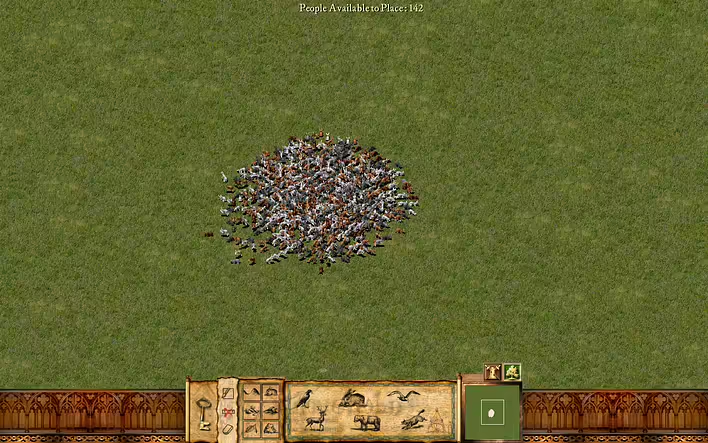
Режим створення мап. Я й забув про це.
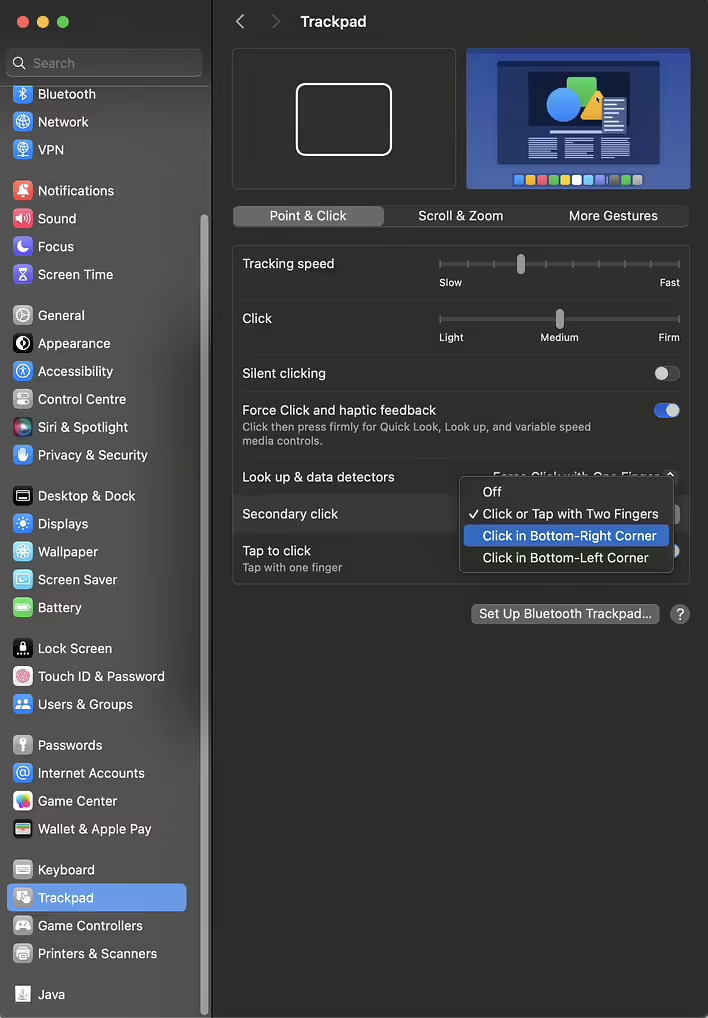
There is no Ukrainian language in the game. You can play in English. If you are playing with a trackpad trackpad - enable right-click in the settings right away.
The laptop gets a bit warm, but the game runs fine. I completed a couple of the first missions, but it’s hard to play without a mouse.
Правий клік миші в правому нижньому кутку трекпаду
The next title to launch is Age of Mythology. Another game that I absolutely loved.