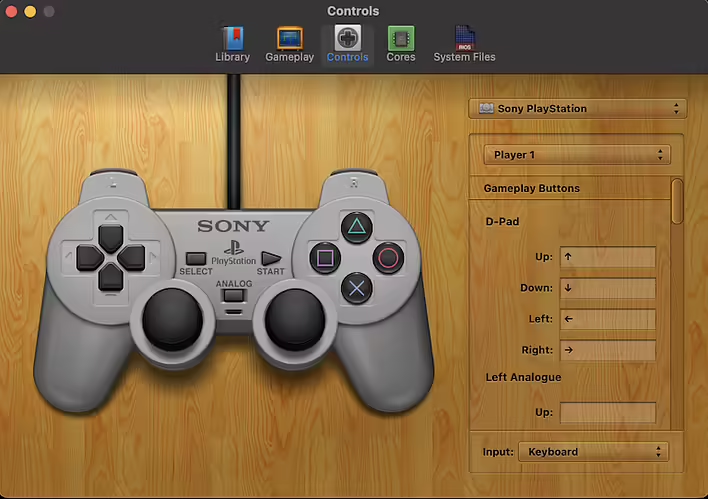
For some reason, there is currently no button in the OpenEmu interface to reset the controller settings.
While editing the gamepad settings, I accidentally clicked something. A simpler option is to reset the settings (key bindings) in OpenEmu.
Searching online did not yield better results than deleting the OpenEmu controller configuration file (after launching the emulator, it will generate a new file with default settings).
So, you need to delete the file Default.oebindings
The file is located here:
~/Library/Application\ Support/OpenEmu/Bindings
Deleting the file using the terminal: