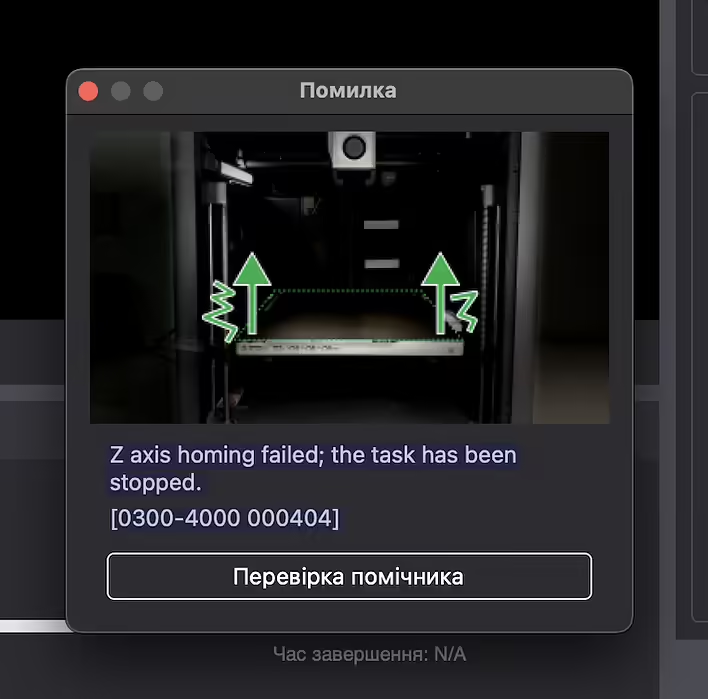
I was in a hurry, started the print, and after 7 minutes an error appeared in the application:
Z axis homing failed; the task has been stopped.[0300-4000 000404].
What does this error mean?
This message means that during calibration (homing) on the Z axis, the 3D printer could not find the zero position. As a result, the task was stopped to avoid damage.
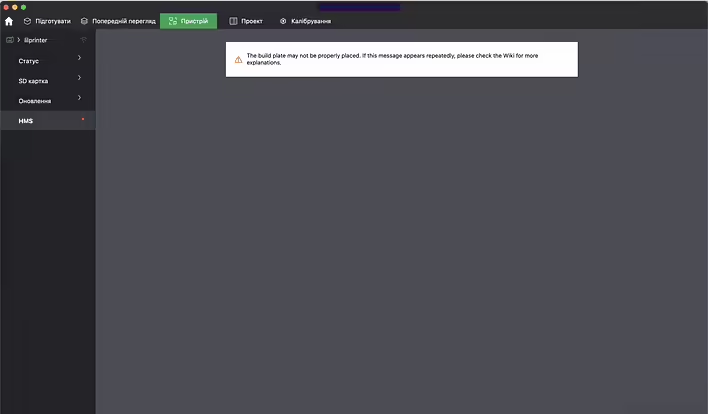
The build plate may not be properly placed. If this message appears repeatedly, please check the Wiki for more
Possible causes:
❌ The endstop (limit switch) of the Z-axis did not trigger or is faulty
🧷 Physical obstruction of Z-axis movement
🔌 Issues with motor or sensor connections
⚙️ Incorrect configuration in firmware or G-code
What to do?
Check if anything is blocking the movement on the Z-axis
Ensure that the endstop is working (press manually and check the response)
Check cables and connections
Restart the device and try again
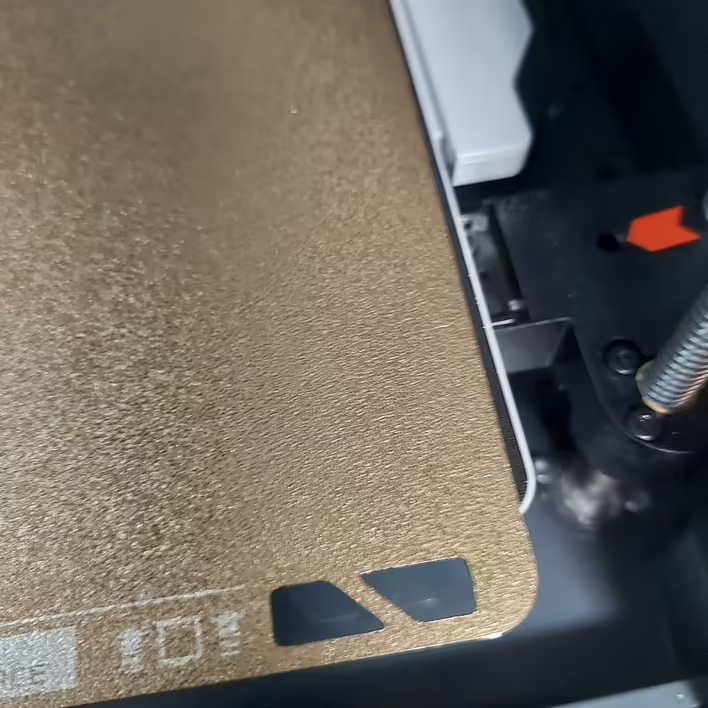
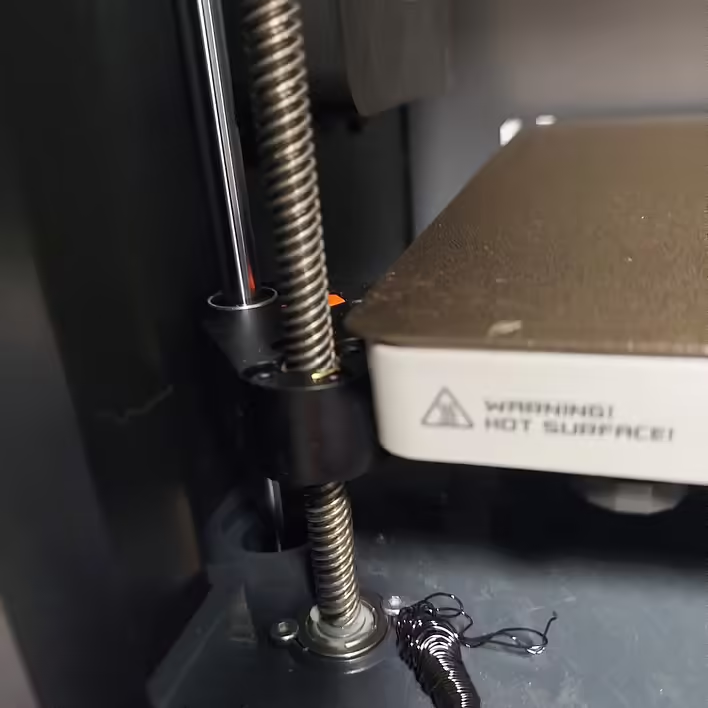
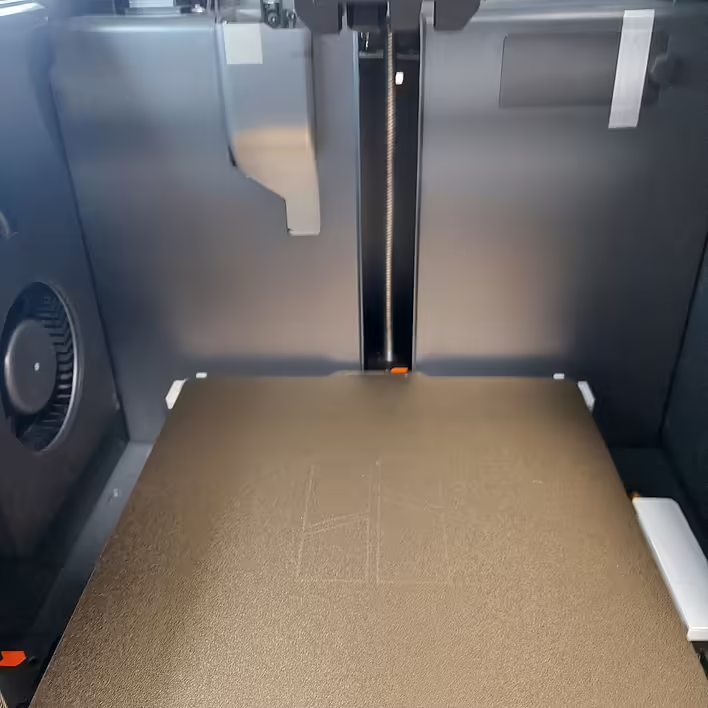
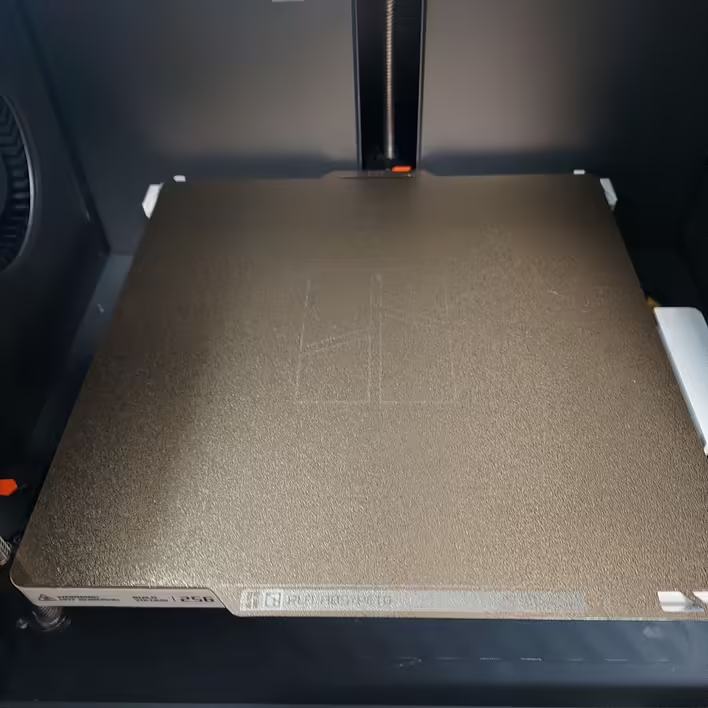
But my printer is less than a month old. What went wrong?It's quite simple. I was in a hurry and placed the plate a bit crooked. I aligned it, restarted the print, and everything was fine. But I noticed that the printer dropped one poop right under the plate. So don’t forget to check the printer before starting the print.
To resolve other possible issues, BambuLab suggests referring to the official Wiki page for a breakdown of this error.
![HMS error: 0300-0d00-0002-0001 what does it mean and how to fix it? [P1S]](https://cdn.tseivo.com/0wi0y60gycmr9yktq6uss8vyao12)


![[P1S] Message on the screen - Z-axis lead screw needs lubrication](https://cdn.tseivo.com/n2484aszggdtb76vwovcelpt4vag)