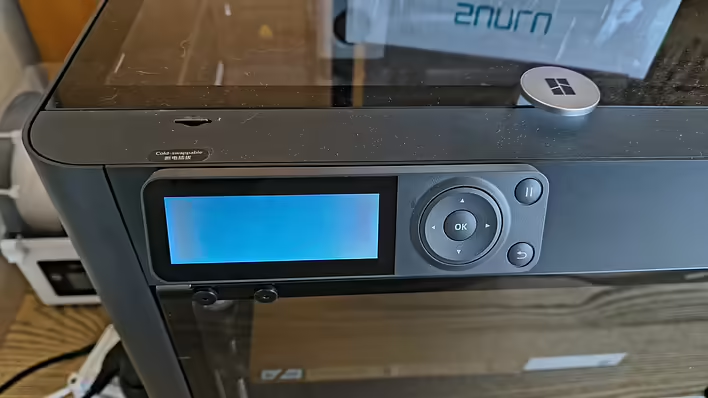
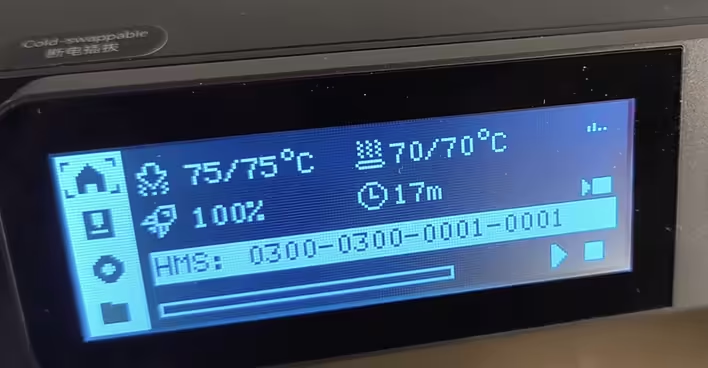
After replacing the nozzle (and thermistor) on my P1S, I immediately received errors 0300-8010 2003191 and 0300-0300-0001-0001. One in Bambu Studio, and the other on the printer screen.
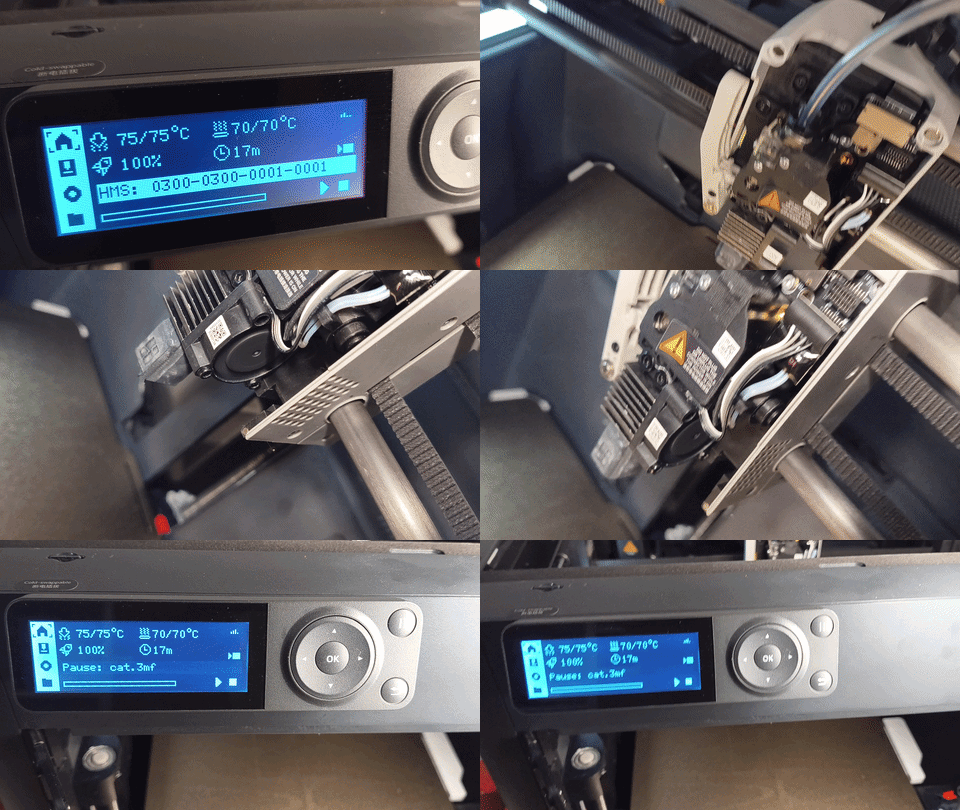
HMS: 0300-0300-0001-0001
In fact, it's the same thing:
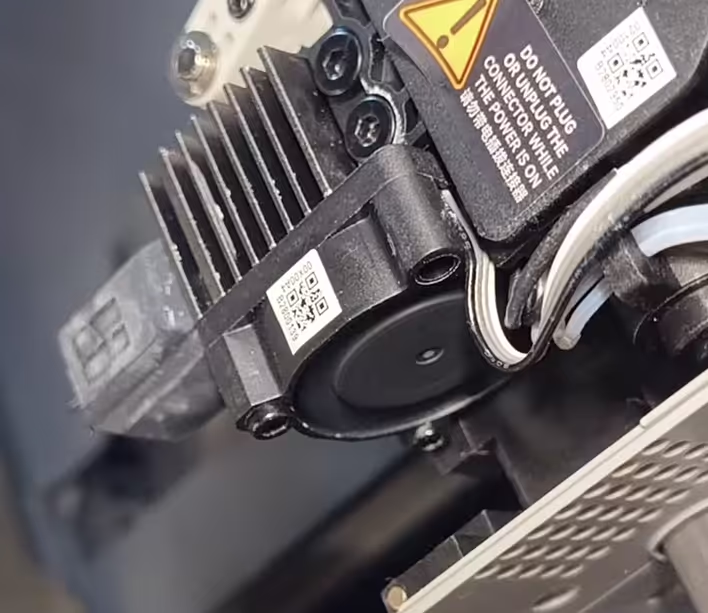
The hotend cooling fan speed is too slow or stopped

The hotend cooling fan speed is abnormal
Immediately, we go to the official documentation - https://wiki.bambulab.com/en/x1/troubleshooting/hmscode/0300_0300_0001_0001
We check the connector and everything like that. I removed and reattached it several times. Visually, I found no problems.
Nothing works. I think about ordering a new one. But I decided to do a bit more Googling in the context of replacing the nozzle. Something like:
The hotend cooling fan speed is too slow or stopped after nozzle change
And I stumble upon a forum where there are suspiciously many identical situations. Nozzle replacement - the fan doesn't work. And one comment turned out to be the solution to this issue.
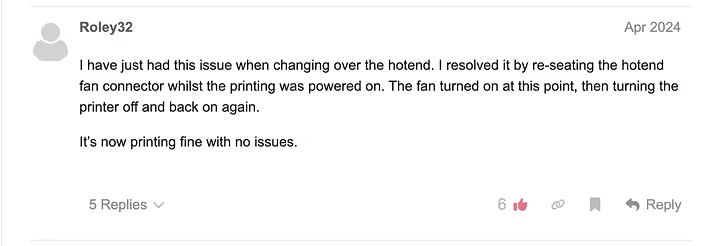
Roley32 й його цілюща відповідь ^_^
From the post, it's clear. You need to reconnect the cooler while the printer is on. Then turn off the printer (when the cooler starts) and turn it back on.
I did all these procedures with the printer off. Safety and all that. But this all seems like some strange bug.
So I try:
Started printing a calibration cat
The process stopped and gave an error (nozzle at 75 degrees)
Disconnected part of the head (the one that is on magnets)
Disconnected and reconnected the cooler. I did this a few times and waited a bit. I even turned the propeller a little with my finger. But I think it turns on with some delay.
Cooler крутиться після підключення "на гарячу"
The cooler works. BambuStudio shows a different error (Toolhead front cover fell off). We attach the Toolhead back.
I didn't make a video of the whole process. Out of joy, I only recorded the moment when the cooler started spinning.
конвертнув у GIF
Here we immediately see in Bambu Studio (the old message The hotend cooling fan speed is abnormal has disappeared)
Toolhead front cover fell off [0300-8005 203919]
We turn off the printer. Turn it on. Start a test print, and everything works. The fan spins - the filament melts.
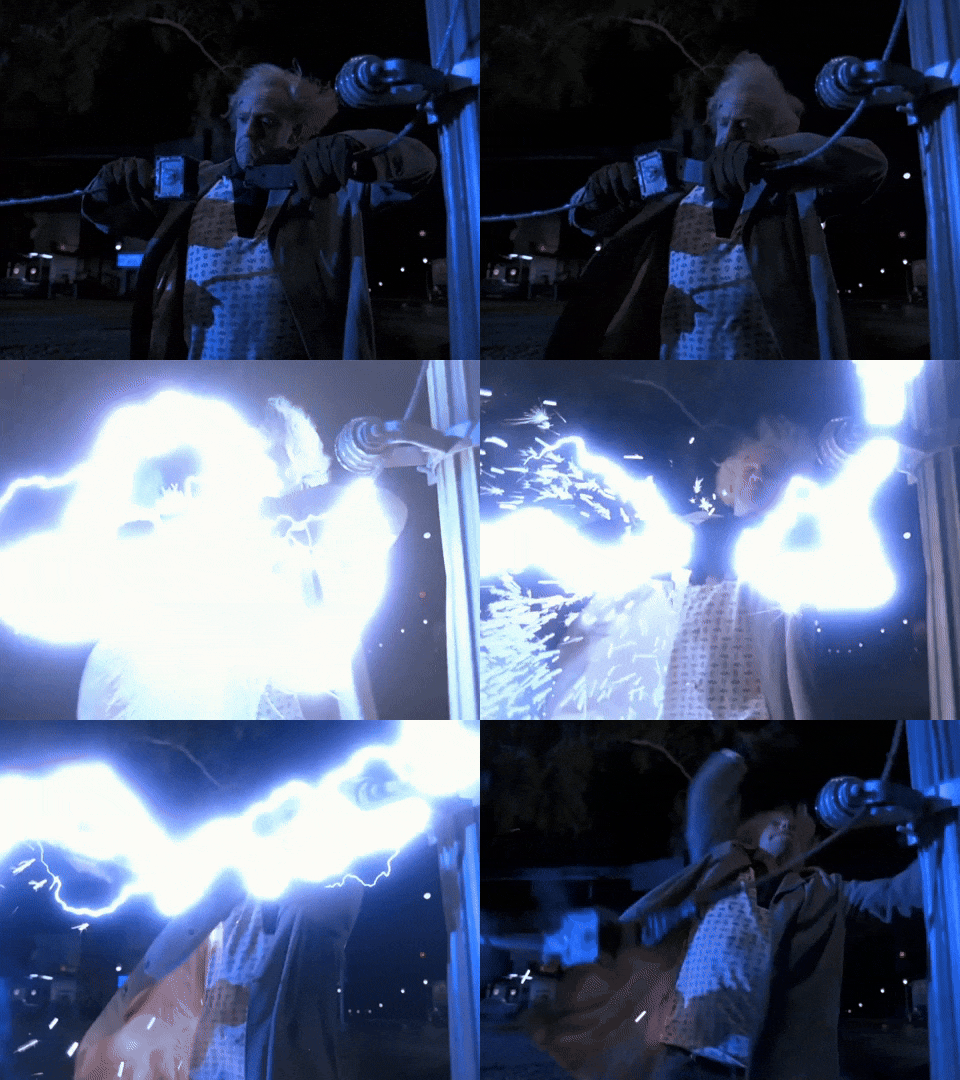
So that's the deal, folks. I don't know if you can get electrocuted or burned by the hot nozzle - but most likely, you can. So be careful and do everything at your own risk. Everyone is responsible for their own actions.
![Post cover: [Fixed] Error 0300-8010 2003191 and 0300-0300-0001-0001 on P1S](https://cdn.tseivo.com/8doj09ufk2fmqvytnih0al9dypgf)
![Toolhead front cover fell off [0300-8005 203919]](https://cdn.tseivo.com/cciix1qyvzlrbw98mnc00dwjvd52)
![HMS error: 0300-0d00-0002-0001 what does it mean and how to fix it? [P1S]](https://cdn.tseivo.com/0wi0y60gycmr9yktq6uss8vyao12)
![[Bambu P1S] Electricity consumption for ~15 hours of printing](https://cdn.tseivo.com/1gmes1a8hnxxq1fi2xzihjbf31zn)