Table of contentsClick link to navigate to the desired location
This content has been automatically translated from Ukrainian.
When a user tries to access the site but sees the message “403 Forbidden”, it causes surprise and irritation. Even experienced administrators of sites on WordPress or other CMS face such a problem. In order to restore access to the resource and avoid a repeat of the situation in the future, it is important to understand the reasons for the appearance of this error and know how to quickly correct it.
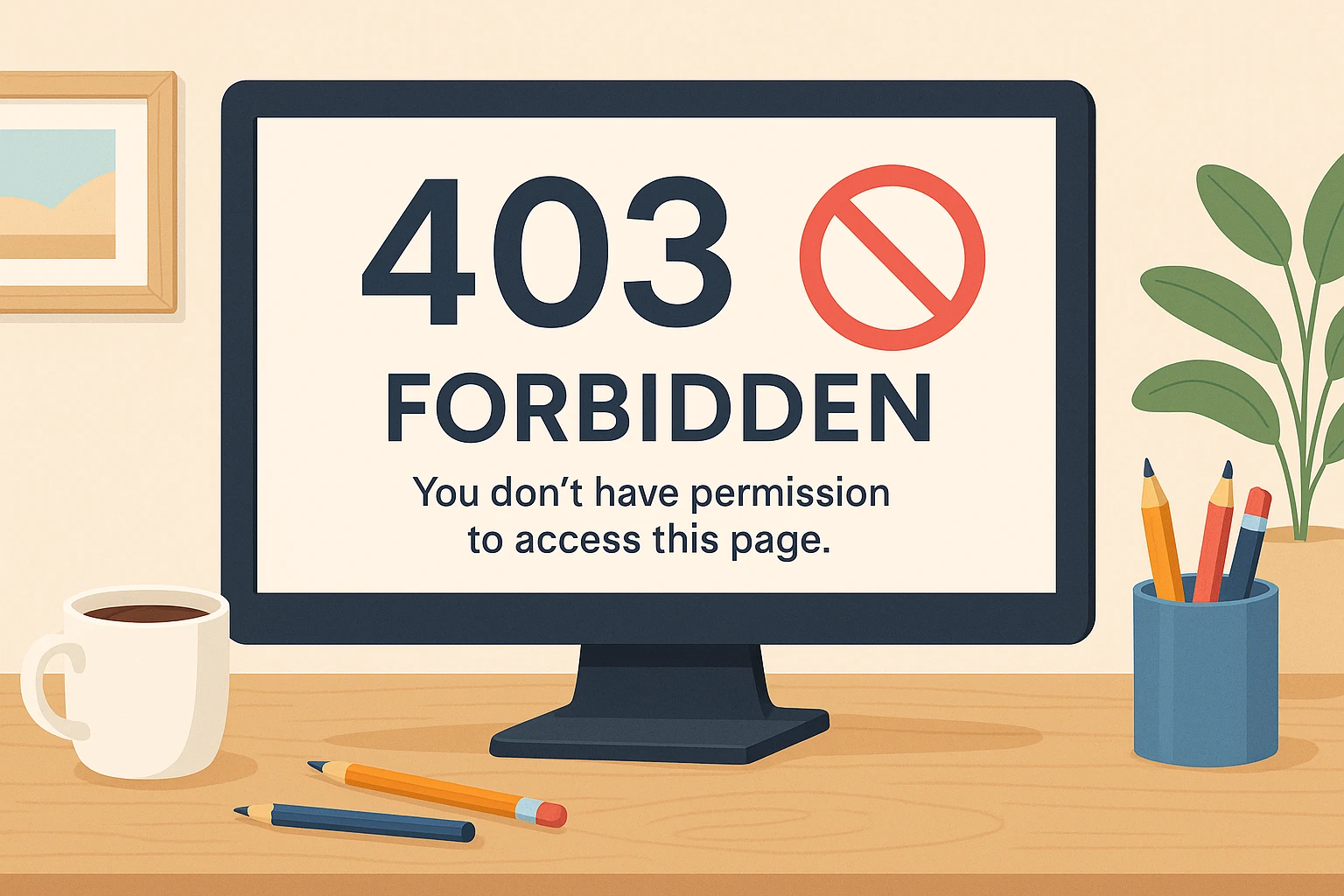
What is Error 403 and why does it appear
An error with code 403 means that the server has received the request, but does not allow access to the requested resource. This is not a server error and you don't have to worry that cheap hosting has failed you. This is a deliberate restriction of access to —, meaning that the “site refuses to show content to the user. Most often, the problem is that the requester does not have the necessary permissions to view the page or file.
This may be the result of incorrect access rights, the absence of an index file in the directory, restrictions on the IP address or region, or erroneous settings in the.htaccess file. In addition, access to a certain resource may be blocked due to improper operation of plugins or during maintenance.
Basic ways to solve the error 403
The first thing to do is to connect to the site via FTP. For this, for example, FileZilla is suitable. Next, proceed to check the settings that may be the cause of the error.
What should be checked:
- .htaccess — corrupted or incorrect file often results in access restriction.
- Access rights — incorrectly set permissions on files and folders.
- Plugins — conflicts or errors in the operation of WordPress extensions.
After each of these steps, it is worth checking whether the error has disappeared. If not — go to the next item.
Restore .htaccess and check permissions
The.htaccess file, which is usually located in the root folder of the site, contains rules for processing requests by the server. If it has errors, it may cause blocking of access to the site.
To create it anew:
- Back up your existing .htaccess.
- Remove the file from the server.
- Log in to the WordPress admin panel and in the «Settings → Permalinks» section, click «Save changes» — this will automatically create a new .htaccess.
Also pay attention to file and folder access rights. Folders are usually set to 755 or 750, files to — 644 or 640. A wp-config.php file may require even stricter — 440 or 400 restrictions.
Disabling plugins — is another effective method
If you suspect that the error is caused by one of the plugins, you can try to turn them all off temporarily. This is done simply — just change the plugins folder name in the wp-content folder, for example, to plugins-stop.
After that, check whether the site is working. If yes — return the folder name back and turn off plugins by changing their names until you find the culprit. When an issue plugin is defined, it can be removed and the others returned to work.
Situations, when the 403 error appears, are familiar to many — site owners and in most cases it is resolved without the involvement of specialists. Check if there are any problems in the.htaccess file, if the permissions for files and folders are set correctly, and disable plugins that may have caused a crash. These are basic actions that should be started.
To avoid such difficulties in the future, it is recommended to keep the site up to date — update the management system and extension. It will not be superfluous to set up log keeping on the server: if necessary, it will help to quickly find out exactly what went wrong. Regular maintenance and attentiveness to the technical part of the site — is the key to its stable and safe operation.
This post doesn't have any additions from the author yet.