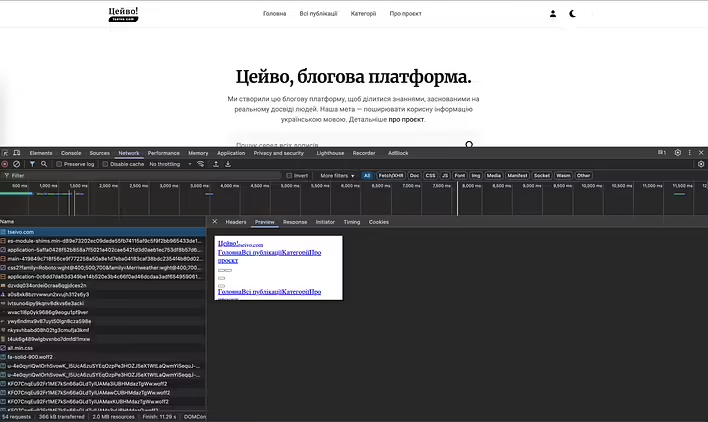
In the new versions of Google Chrome (on MacOS in my case), Preview in Network Tab is very small. The same problem in other browsers (Arc).
As a temporary solution, you need to overwrite the CSS styles for this window.
Let's add width: 100%; and height 400% to iframe with html-preview-frame class.
Calling an inspector works exactly like other web pages.
Found a trade on Reddit with this problem. So I'm not the only one like that. The next step is to use some Chrome plugin and hardcode these styles.
UPD.Found an option to overwrite styles after reloading the page.
Open Inspector (first level)
Go to Network Tab/Preview
We open the inspector inside the preview
Source /Overrides:
requestHTMLView.css -> Add styles
We roll up the second inspector (who inspects the first haha)
And the main trick is this second inspector, with whom we inspected the first - not to close, but to collapse. Overrides will then apply :D