This content has been automatically translated from Ukrainian.
What is vignetting and how does it occur?
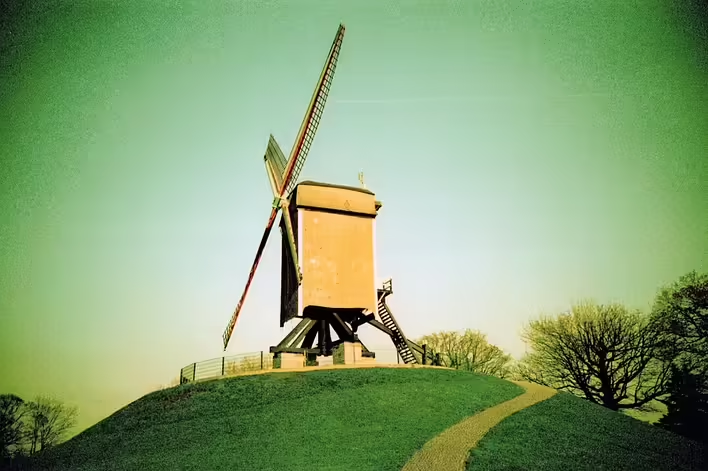
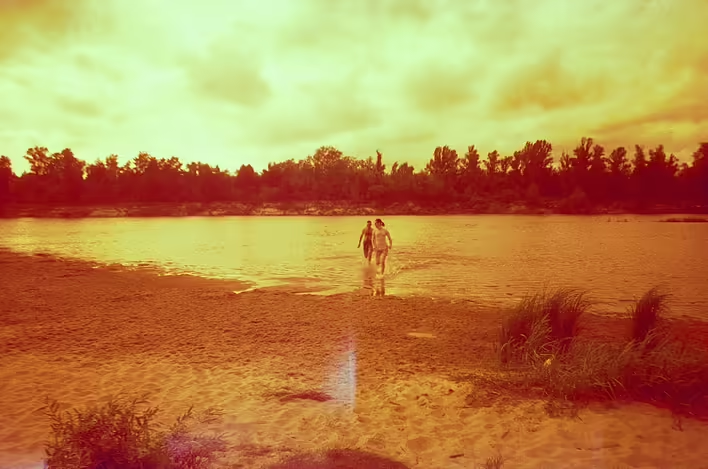
Vignetting (from the French vignette – “grapevine,” through decorative frames in old books) is a natural or artificial darkening of the corners of the frame.
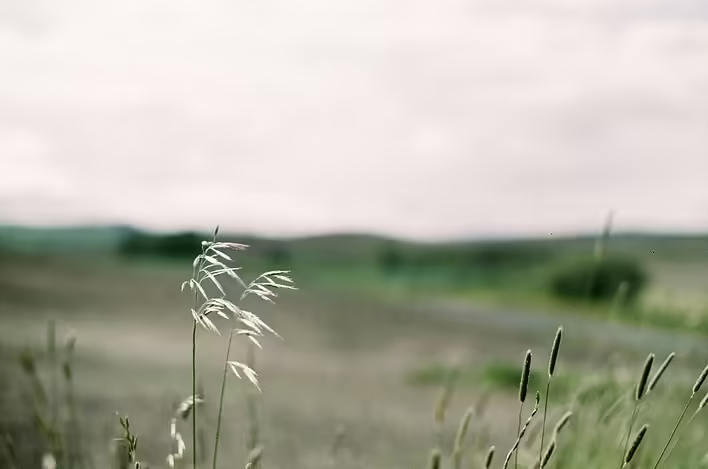
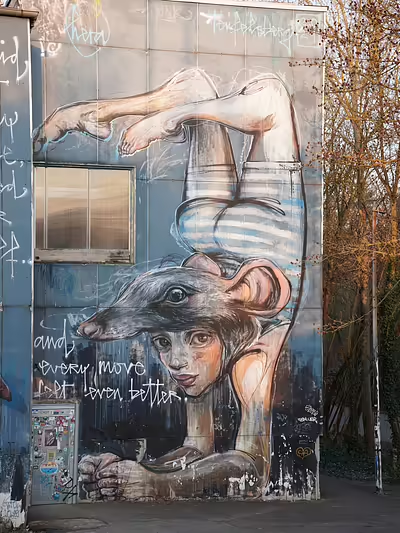
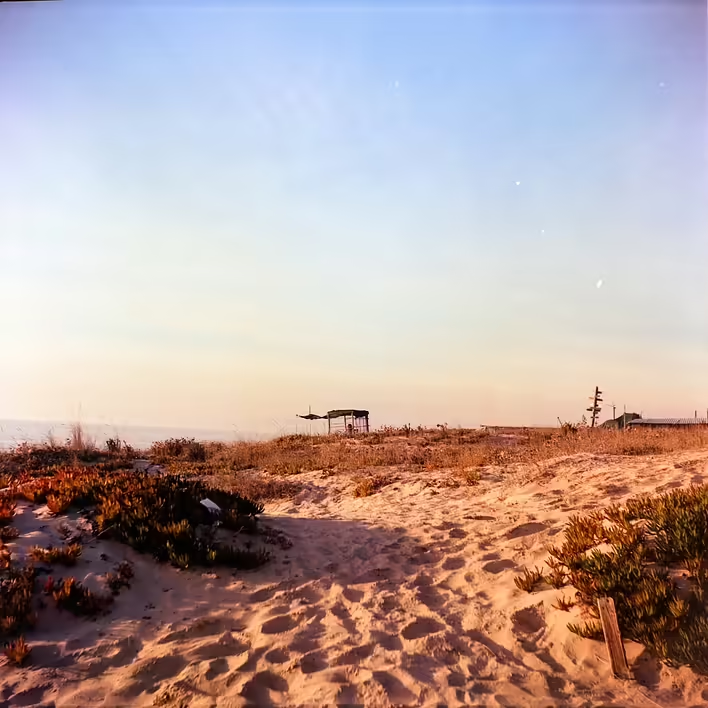
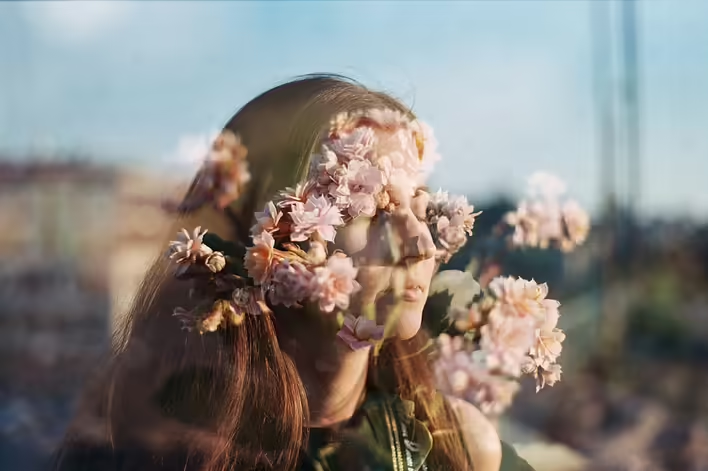
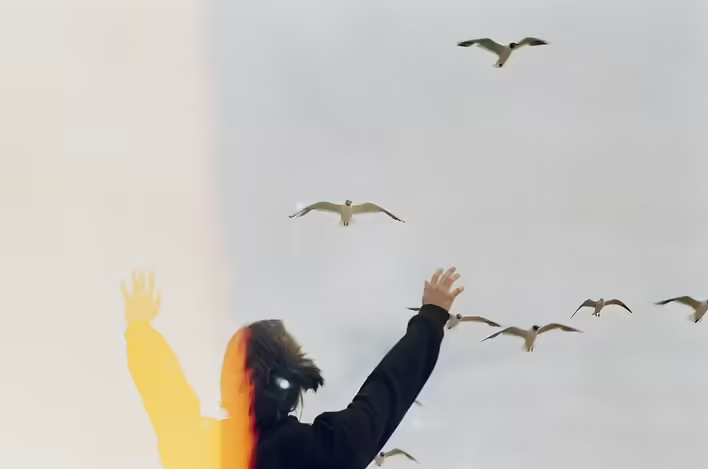
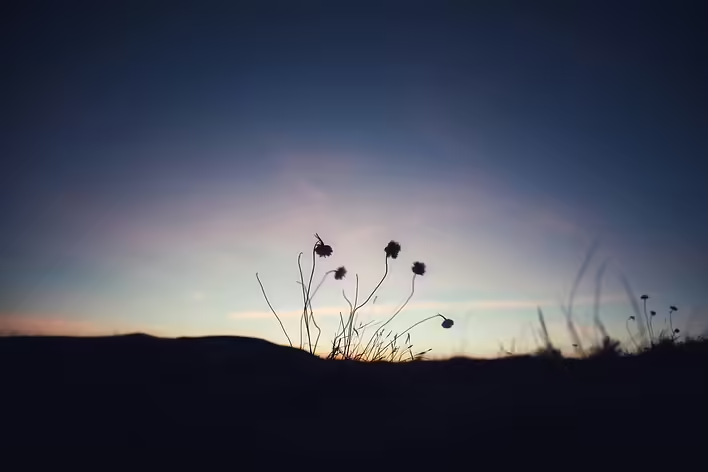
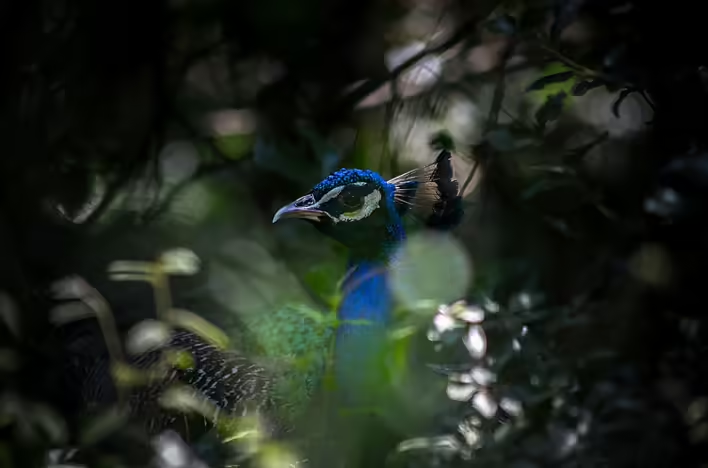
Vignetting is one of the oldest and most recognizable effects in photography, manifested as darkening or lightening of the edges of an image. Once considered a technical flaw, today vignetting is actively used in artistic photography to create an atmosphere of nostalgia, focus attention on the main subject, or simply add a cinematic look to the photo.
Causes of vignetting
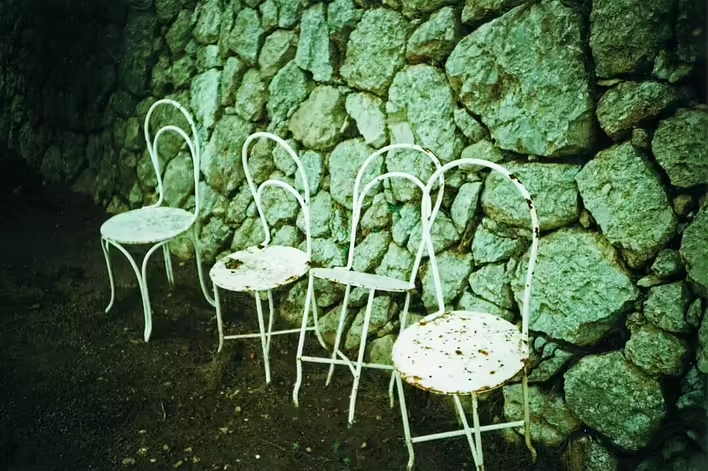
🔹 Optical vignetting – occurs due to the design features of the lens. Light does not evenly reach the edges of the sensor or film, causing darkening. This is typical for wide-angle and cheap lenses.
🔹 Mechanical vignetting – appears when too long a lens hood, filters, or other accessories are placed on the lens, partially blocking the light.
🔹 Software vignetting – added manually in Photoshop or mobile apps to create an old film effect or focus attention on the main subject.
🔹 Natural vignetting – can result from film processing or the characteristics of a digital camera sensor.
How does vignetting affect the perception of photos?
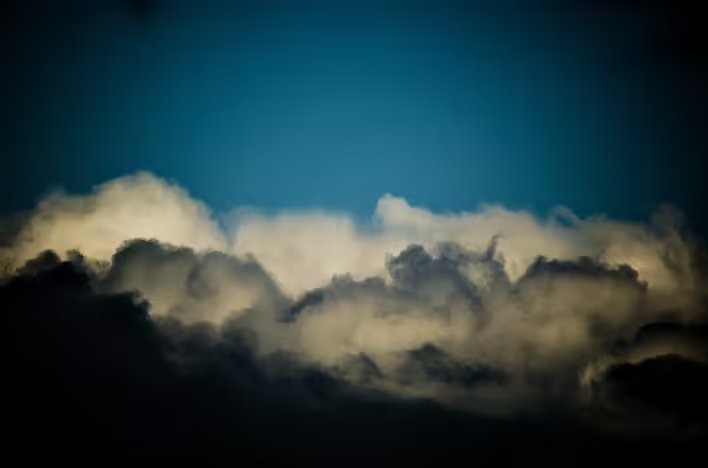
🔸 Focusing attention – darkened edges help to focus the viewer's gaze on the central subject.
🔸 Retro atmosphere – film cameras, especially lomographic models (Lomo LC-A, Holga, Diana), often produce strong vignetting, creating a sense of vintage photography.
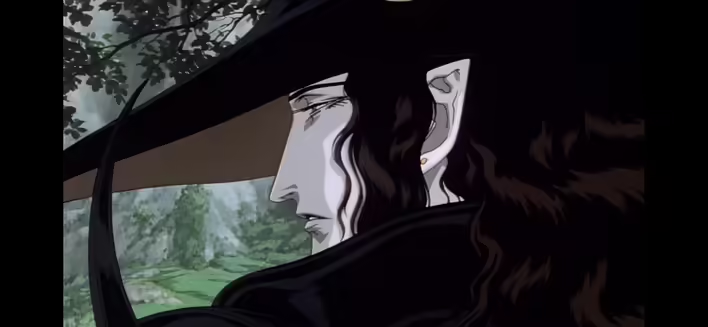
🔸 Softness and drama – the darkening effect adds depth to the frame, creating a sense of intimacy or even mystique.
How to create vignetting in photos?
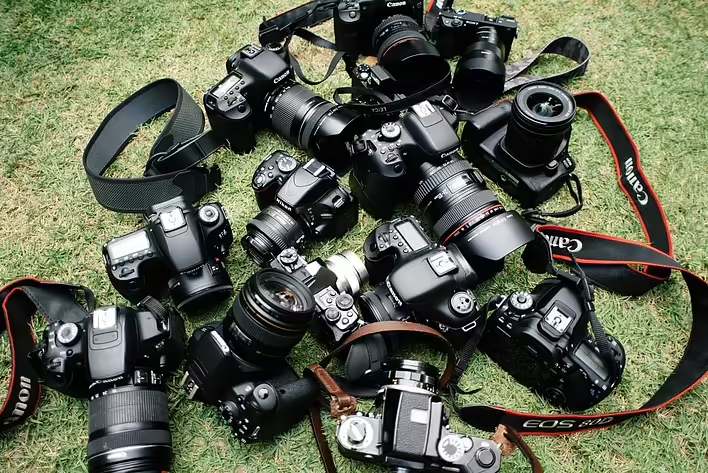
📷 1. Use lomographic or film cameras – many models (Lomo LC-A, Holga 120, Diana F+) automatically create vignetting.
📷 2. Use fast lenses – lenses with a large aperture (f/1.2 – f/2.8) often produce natural darkening of the corners.
📷 3. Add the effect manually – in Photoshop, Lightroom, Snapseed, or VSCO there are special tools for vignetting.
📷 4. Use ND filters or old Soviet lenses – they often have optical features that create soft darkening of the edges of the frame.
📷 5. Experiment with film – color or black-and-white films can add unique texture and uneven vignetting.
Want to try this effect? Just grab your camera, set up a fast lens, or edit the shot in an editor. Perhaps vignetting will make your photos more stylish and atmospheric!
Like it?React
🧵
This post doesn't have any additions from the author yet.