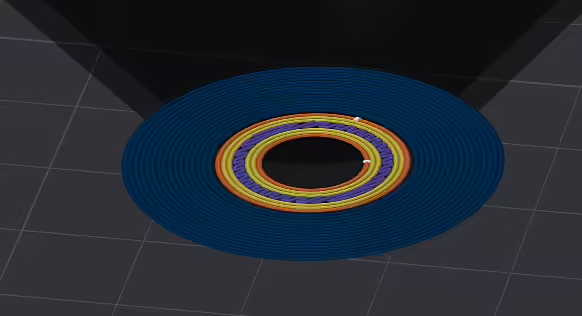
The slicer is a program that prepares a 3D model for printing by slicing it into layers and generating G-code for the printer. Without a slicer, the printer simply won't know what to print and how to do it.
Popular slicers
Ultimaker Cura – free, easy to use, has a large library of profiles for various printers.
PrusaSlicer – designed for Prusa printers but compatible with others, offers flexible settings.
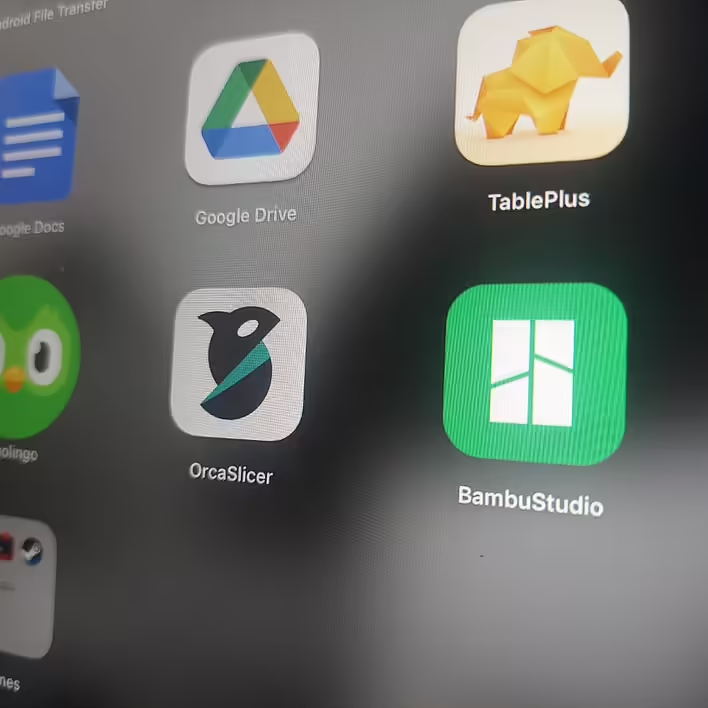
Bambu Studio – optimized for Bambu Lab printers, supports multi-color printing.
OrcaSlicer – a fork of PrusaSlicer with additional enhancements, works with Bambu Lab, Creality, Prusa, and other printers, offers flexible support settings and improved G-code generation.
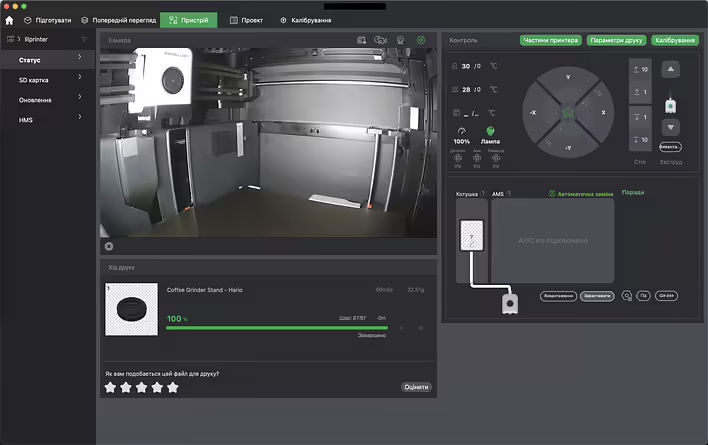
Personally, I use Bambu Studio on a Mac with an Apple Silicon chip (I have a Bambu Lab P1S). I ran OrcaSlicer, which is very similar to Bambu Studio. There is a Ukrainian language option.
What you can do in the slicer
Adjust speed, temperature, cooling, and other printing parameters
Add supports for printing complex models
Optimize infill to save material
Preview the printing process and identify potential errors
For example, I bought a Bambu Lab P1S and didn't know it had a camera. The printer is in a separate building, and it's very convenient to visually monitor what it's doing. If something goes wrong, you can quickly pause it.
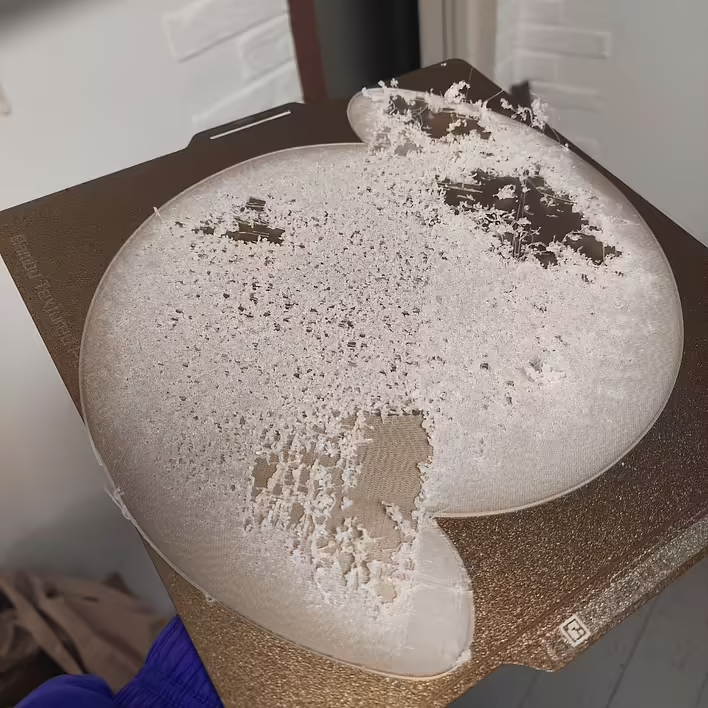
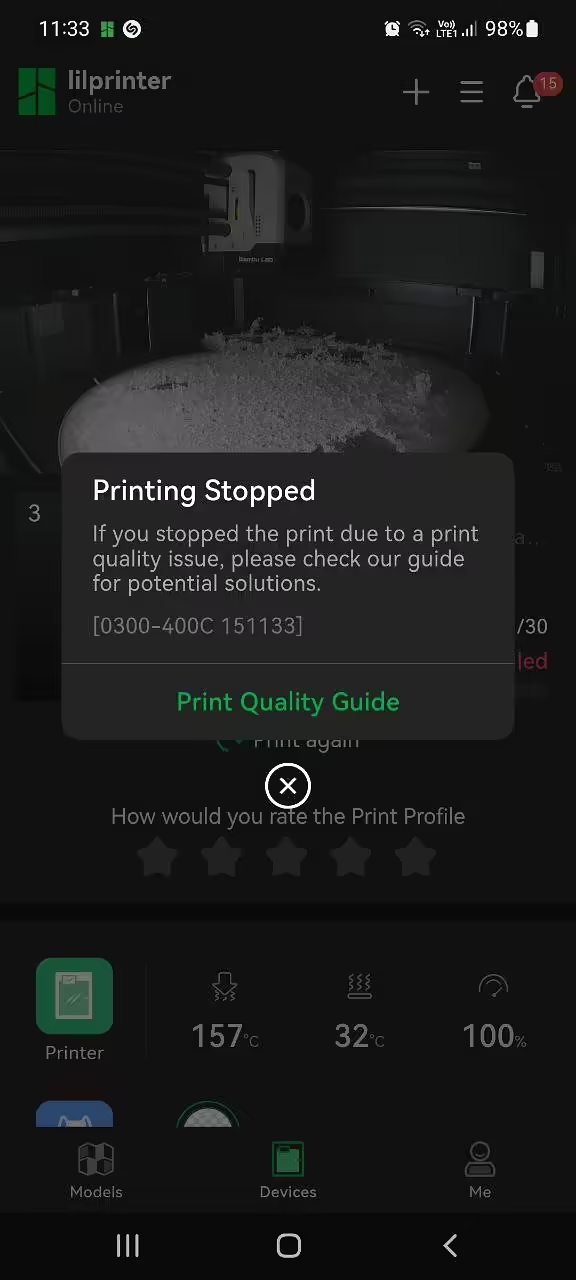
Here's an example when the transparent filament behaved poorly, and the printer started scattering pieces of plastic:
Slicers for smartphones are also available. Personally, I like the synchronization between Bambu applications.