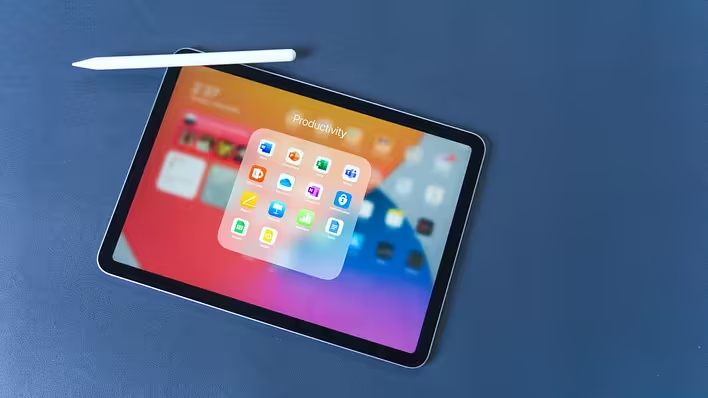
The habit of relying on various gadgets for every task is gradually becoming inconvenient. Instead, there is a demand for universal solutions. We are tired of the multitude of gadgets, cables, chargers, and constant switching between screens. That is why more and more people are turning to the Apple iPad as a universal device that can combine the functions of several devices at once.
Today, the iPad lineup is quite diverse: from basic models for everyday use to more powerful versions for work, study, or creativity. They differ in screen size, performance, accessory support, and use cases — so the choice often depends not on the “best” but on what you specifically need in your daily life. You can view the current models of Apple tablets on the website https://allo.ua/ua/products/internet-planshety/proizvoditel-apple/, where it is easy to navigate the available options and select the right model.
What Can Replace the iPad
In fact, the list is quite broad, and many people do not even use the tablet's potential to the fullest.
1. Laptop (partially or fully) For text, document work, browsing, and even basic work tasks, the iPad is often sufficient. Especially if you add a keyboard. For many, it is no longer a “second screen” but the main tool.
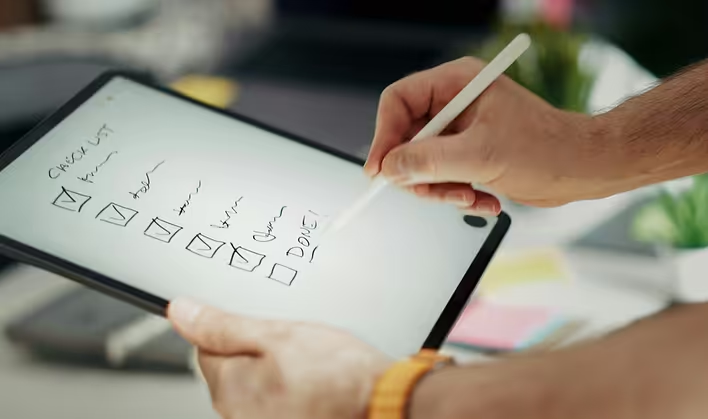
2. Notebook and planner With a stylus like the Apple Pencil, the tablet transforms into a digital notebook. Notes, to-do lists, quick reminders — everything is stored in one place, without paper chaos.
3. E-book Reading on the iPad is a separate ritual: from morning coffee to evening “just one more chapter.” The convenience is that all books are always at hand, and the backlight allows reading without additional lighting.
4. TV or second screen for entertainment Series, YouTube, streaming — the tablet easily meets the need for quick content viewing when you don't want to turn on the big screen.
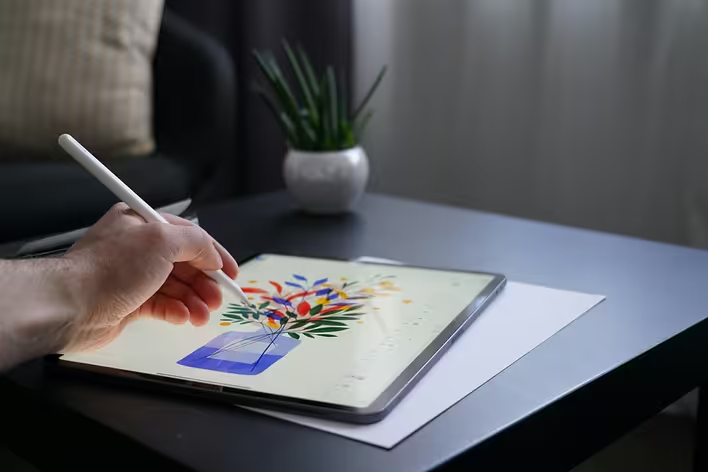
5. Graphic tablet For illustrators and designers, the iPad has long become a full-fledged working tool. Drawing, editing, basic montaging — all of this is possible without additional devices.
Why This Works
Digital minimalism is not just about aesthetics. It is about reducing the load: both physical and mental. One tablet instead of five different gadgets means:
less visual noise at home or on the desk;
lower costs for accessories and maintenance;
a simpler, clearer digital rhythm.
In this context, the iPad looks like a logical center — not too bulky, but powerful enough to meet most everyday needs.
The secret lies not only in functionality but also in the feeling of control. When all tasks are concentrated in one device, the need to constantly “switch” disappears.
The iPad creates a sense of wholeness: one screen for work and relaxation, one space for files and notes. This is especially valuable in an era when attention is the most scarce resource.
How to Get the Most Out of One Device
For the iPad to truly replace several gadgets, it is important to set it up correctly for yourself.
- Optimize work scenarios
Divide tasks: separate apps for work, notes, reading, and relaxation. This helps avoid mixing everything into one chaotic flow and switch between modes faster.
-Use multitasking Features like Split View or Stage Manager allow you to work with several windows simultaneously. This is especially convenient for studying when you need to read and take notes at the same time.
-Choose the right accessories A keyboard and stylus are not just additions; they really change the usage scenario. With them, the iPad becomes a full-fledged working tool.
-Set up cloud services Storing files in the cloud allows you not to worry about memory and have access to everything from anywhere. Moreover, it adds an extra level of security: even if the device is lost or broken, your data will remain safe. This is another step towards minimalism — without flash drives and duplication.