This content has been automatically translated from Ukrainian.
What is double exposure?
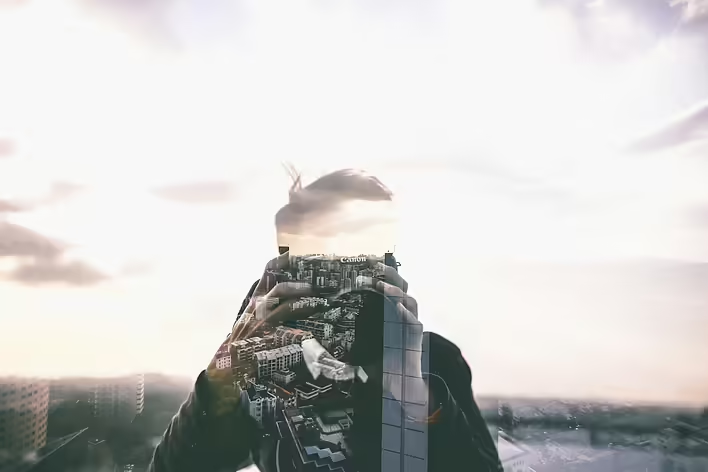
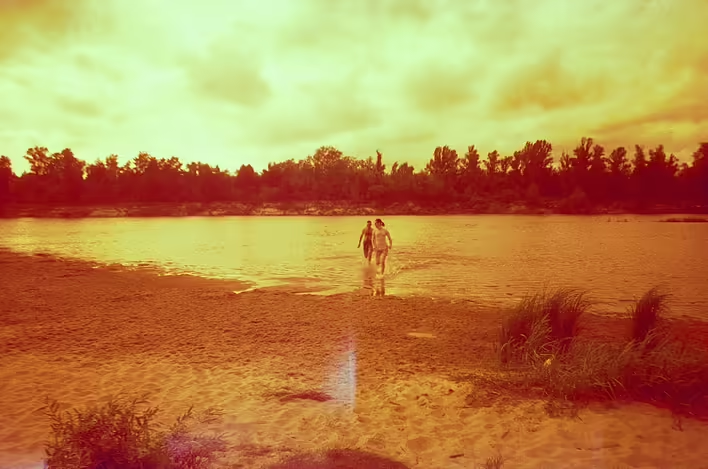
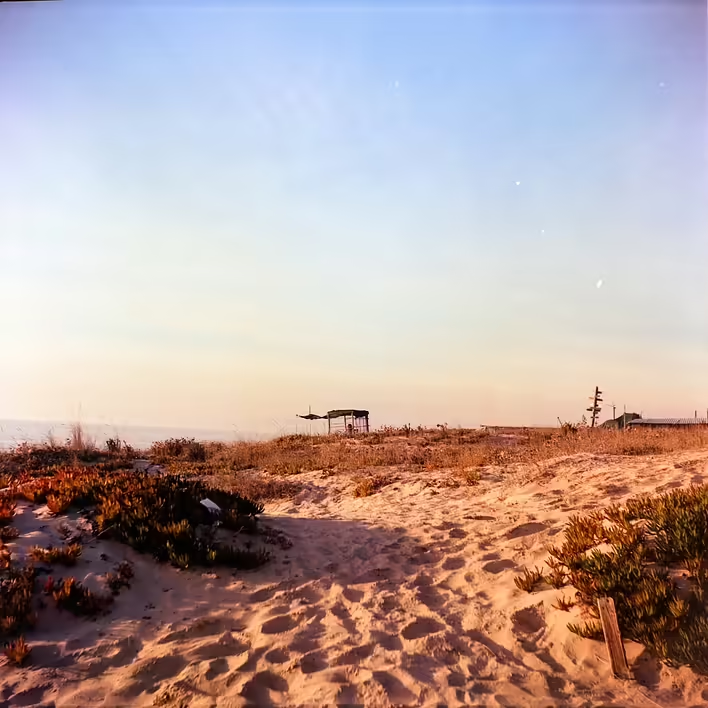
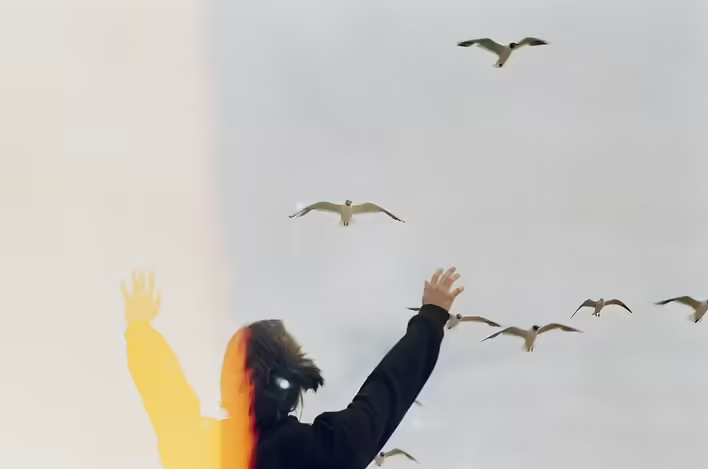
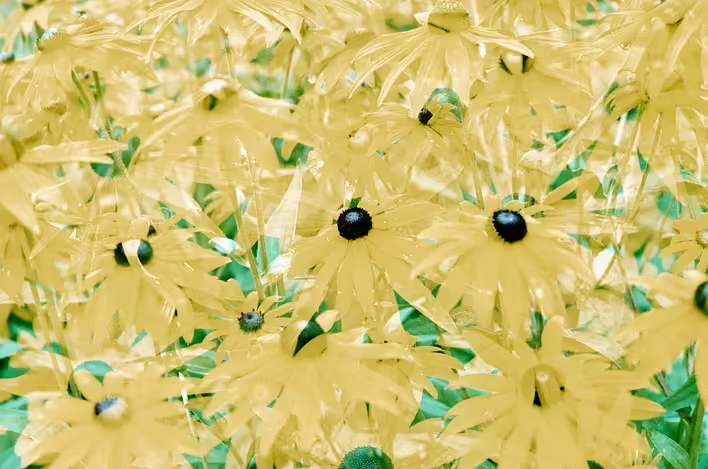
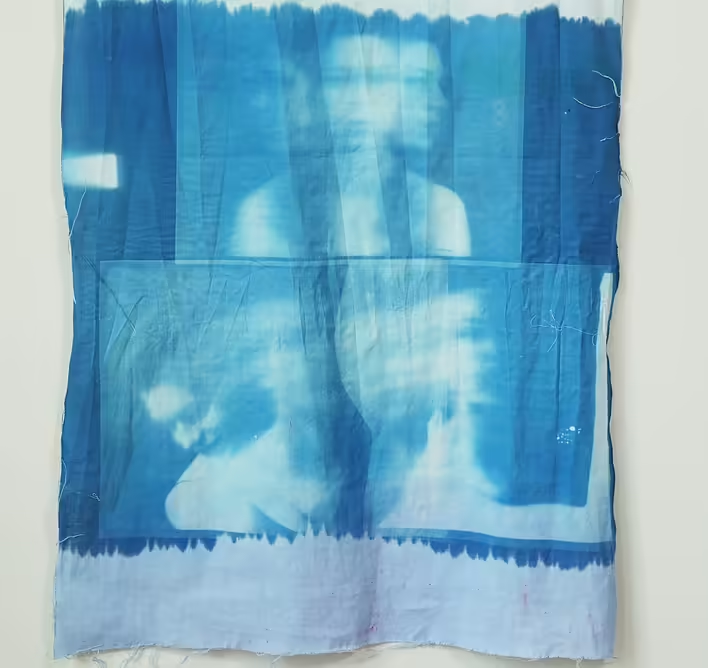
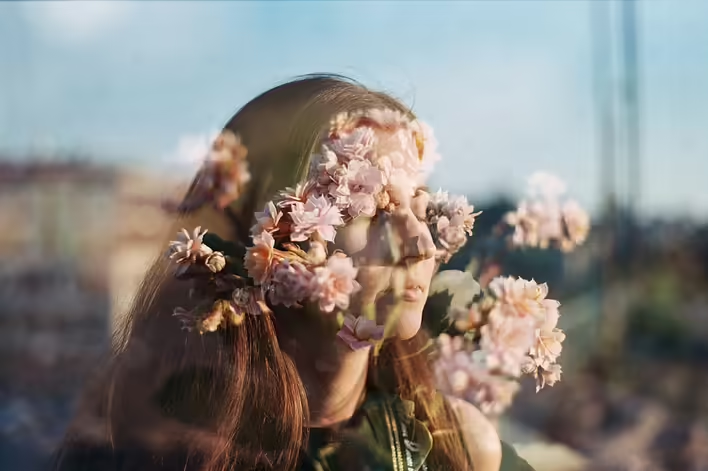
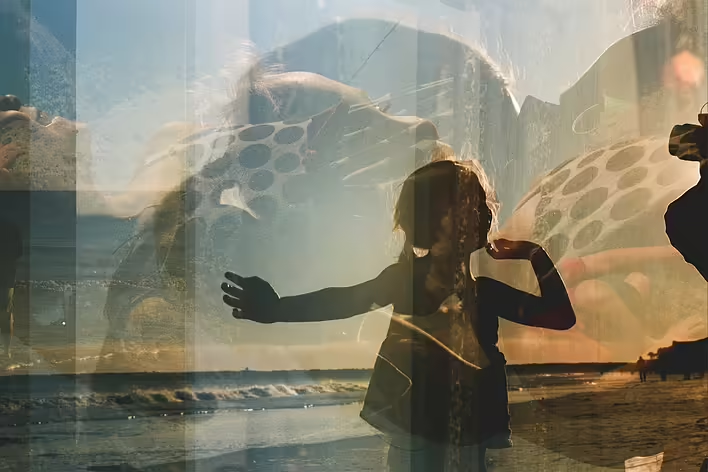
Double exposure is a photography or cinematography technique in which two (or sometimes more) images are superimposed over one another within a single frame. In the classic version on a film camera, this means that the frame is exposed twice without rewinding the film. In digital photography, this effect can be created both in the camera itself (if it has the appropriate function) and using graphic editors like Photoshop.
History. From chance to art
In the film era, double exposure often occurred accidentally when a photographer forgot to rewind the film. However, it quickly became an intentional technique. In the 20th century, some artists and experimental photographers, such as Man Ray, began to use double exposure as a tool of surrealist art.
With the advent of digital photography, this technique has become more accessible and lost its element of chance – now photographers can consciously create such images by combining frames in post-processing or using built-in camera functions.
How does double exposure work?
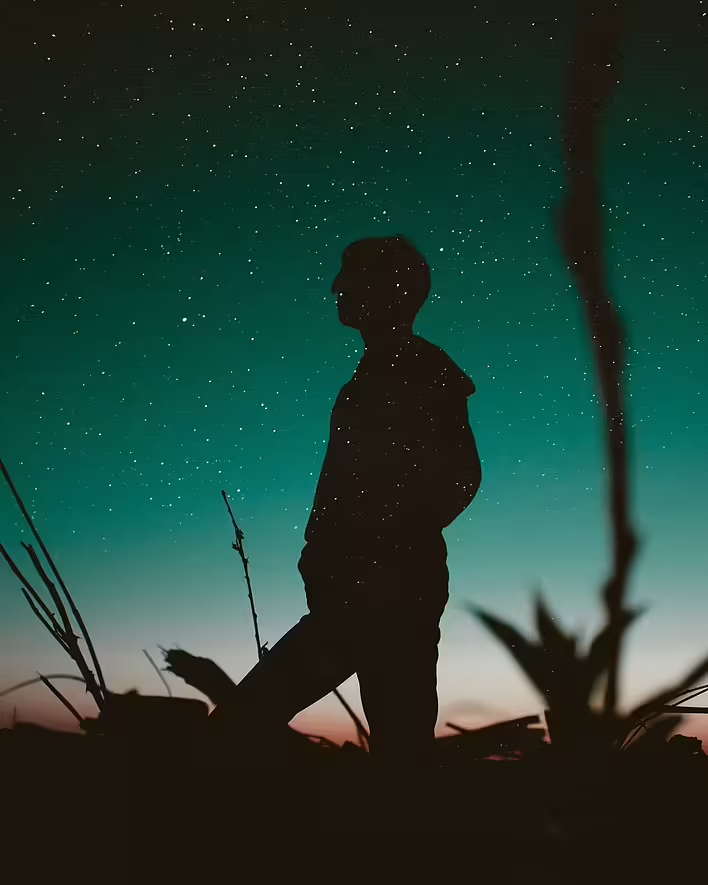
Traditionally, the technique works by superimposing two images with different exposure levels. Important roles are played by contrasts and shapes: the light areas of one frame are often replaced by the dark areas of another. This allows for unique combinations, such as:
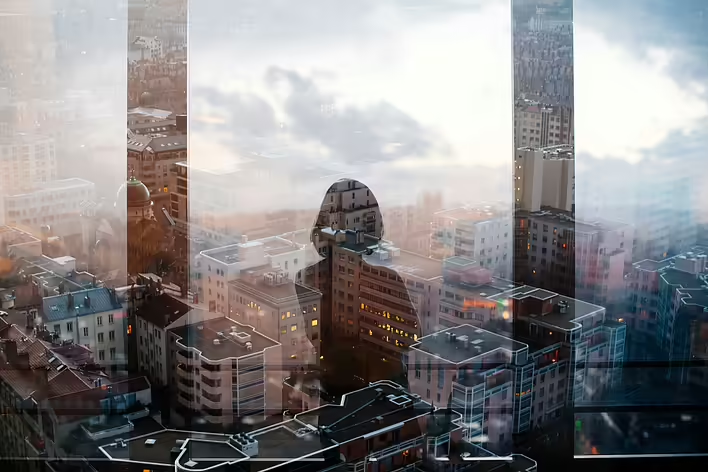
- A silhouette of a person filled with the texture of a forest or city lights
- Two overlapping portraits creating a ghostly effect
- Combining objects that convey a deeper meaning or emotion
How to create a double exposure?
On a film camera:
- Take the first shot, usually with a dark silhouette or contrasting background.
- Without rewinding the film, take the second shot.
- As a result, both images will overlap.
On a digital camera:
- Some cameras (e.g., Canon, Nikon, Sony) have a double exposure mode. In it, you can select the first frame and overlay the second directly in the camera.
- If the function is not available, you can take two separate shots and combine them in Photoshop using layers and blending modes.
In Photoshop:
- Open both images as layers.
- Select the top layer and set the blending mode (either Screen or Multiply – depending on the desired effect).
- Adjust the opacity, add a mask for precise detail adjustments.
Where is double exposure used?
📷 In photography – to create artistic portraits, surreal shots, advertising campaigns.🎞️ In cinematography – for example, the series True Detective (2014) actively used this technique in its opening credits.🖌️ In design and advertising – posters, album covers, magazines often use double exposure for a striking visual effect.
If you haven't tried creating a double exposure yet – give it a shot! It's not just a technique, but a true magic of layering worlds. ✨
Like it?React
🧵
This post doesn't have any additions from the author yet.