This post is about PrintArmy and my first experience with 3D printing (currently 10+ kg).
What is PrintArmy?
PrintArmy is a volunteer community that has united to help the Armed Forces of Ukraine by utilizing the capabilities of 3D printing. Community members print various useful items for the front line on 3D printers — from components to engineering solutions that assist our defenders on the battlefield.
It is a kind of technological army in the rear, where anyone with a 3D printer or the desire to join can become part of a great cause.
How does PrintArmy work?
In simple terms, the process looks something like this:
Military personnel make requests for the necessary nomenclature.
New tasks are added to the system (by admins, curators).
Printers take on tasks.
Printers send the products to curators or military personnel.
We repeat.
All the nuances are detailed on the PrintArmy website. Currently, military personnel, printers, manufacturers, and donors can interact with the community.
PrintArmy does not sell anything. All expenses are covered by the printers, donors, and volunteers.
This means that printers contribute financially (printer, maintenance, filament (plastic), etc.) and with their time.
What products does PrintArmy print?
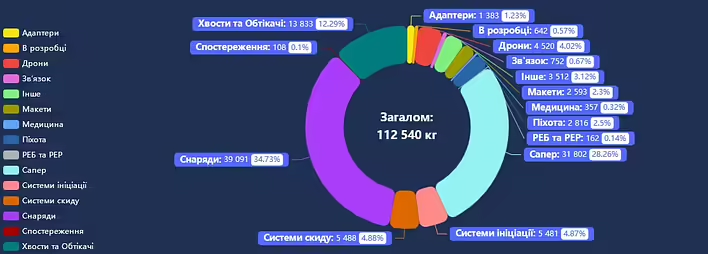
Everything that our defenders need and even more. But it's better to refer to the official statistics (taken from the official TG channel). Statistics for the period from the beginning of 2025 to April 18.
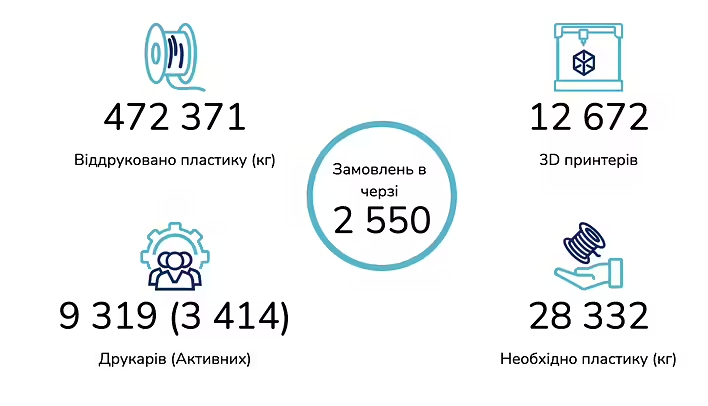
Статистика ДрукАрмії 01.01.2025 - 18.04.2025 (джерело - ТГ канал ДрукАрмія)
A bit of PrintArmy statistics
As of April 18, 2025, the main page of the community's website displays the following figures:
472,371 - Plastic printed (kg)
12,672 - 3D printers
9,319 (3,414) Printers (Active)
18 квітня 2025 | Статистика ДрукАрмія з головної сторінки
It's truly impressive. Somewhere in this statistic is my 11.9 kgAs they say in memes:
Where to start (personal experience)?
Conceptually, everything is clear. You buy a printer, plastic, and off you go. But it's not that simple.
How to choose a printer? I'm not an expert here. It all depends on the budget, needs, etc. But what needs do you have if you know nothing about 3D printing ^_^
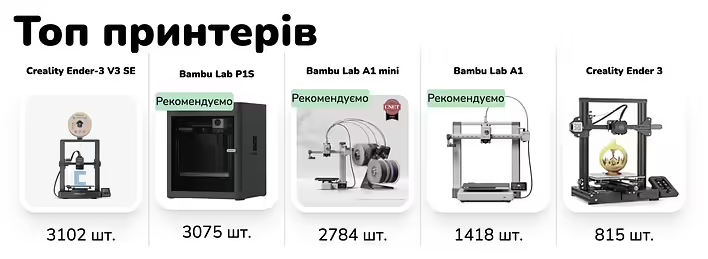
Here is an interesting list of top printers from the PrintArmy landing page:
Creality Ender-3
Bambu Lab P1S
Bambu Lab A1 mini
Bambu Lab A1
Creality Ender 3
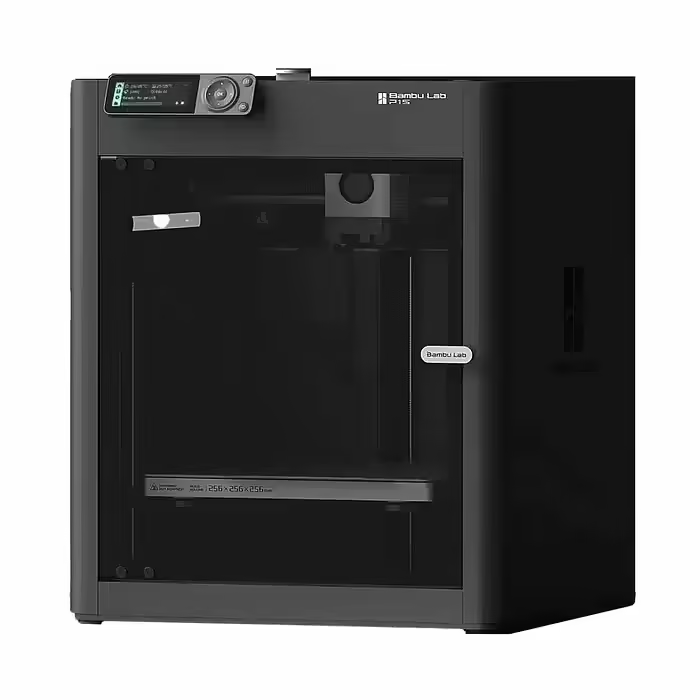
For some time, I watched reviews on YouTube. Nothing was clear, but it was interesting. I don't remember how, but I decided to buy Bambu Lab P1S. Most likely, I chose a closed model. There are cats in the house, and I wouldn't want the printed products to get ruined by fur and dust.
Besides YouTube, I read posts from the School section on the PrintArmy website. It was there that I realized that besides the printer and plastic, I needed a lot of other things.
Buying a printer
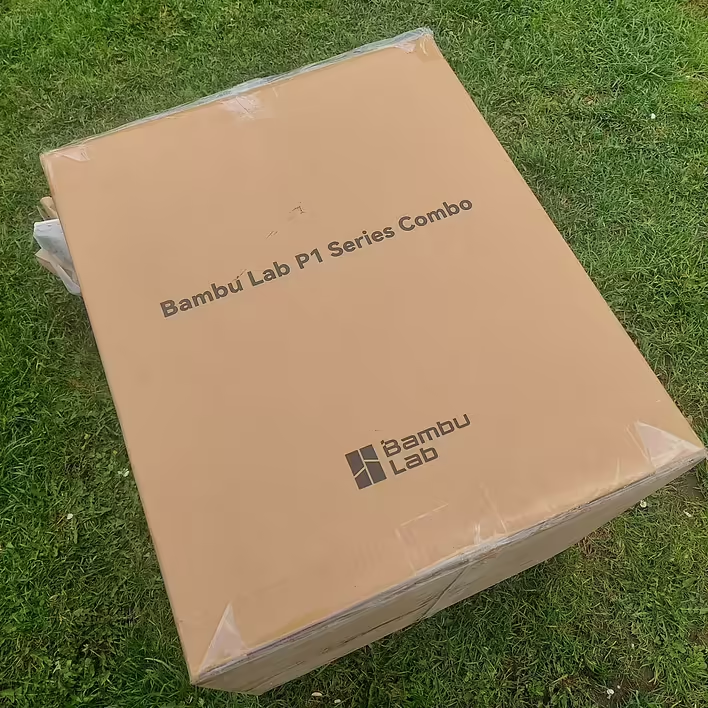
Bambu Lab P1S box
In the school posts, there are contacts of verified sellers who will sell the printer at a reasonable price. Payment by individual entrepreneur and cash on delivery is available. It was shipped a few days after the order.
Bambu Lab P1S
Buying filament (plastic)
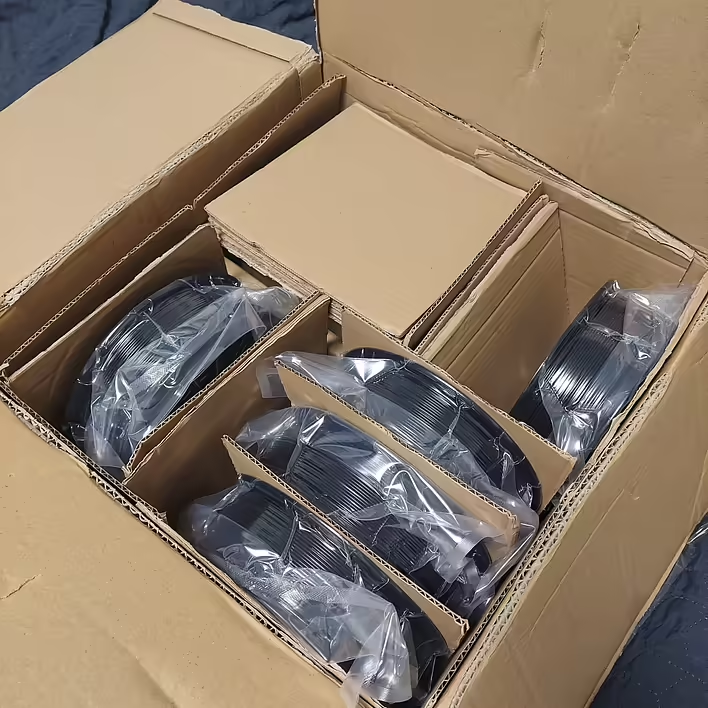
Following recommendations from the school posts, I bought 15 kg of filament right away. The website has a list of verified sellers. I chose PETG (Military Edge) plastic to start with. But I rushed into this (read further; currently, I would recommend 1 kg spools + a dryer to start).
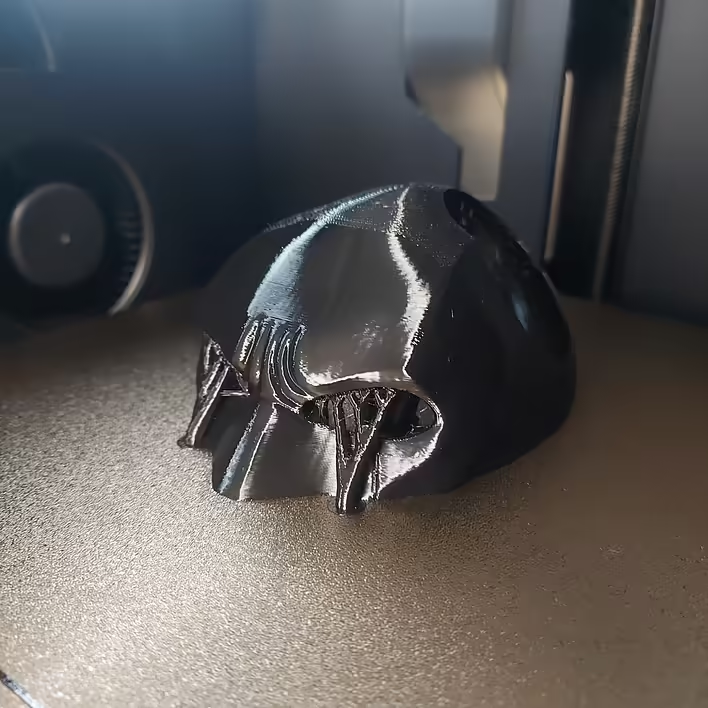
Котяча маска бетмена надрукована з підтримками
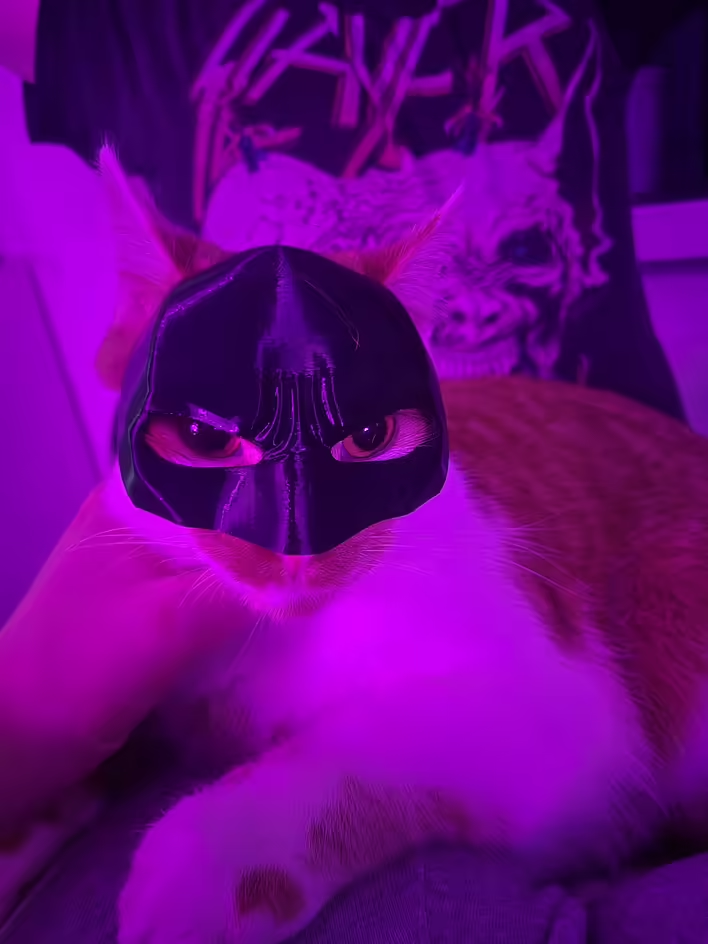
Included with Bambu Lab P1S is a spool of PLA plastic, which is enough to print a couple of test models. Through the mobile app, you can select a model and send it to print. This is the time when you can print all sorts of fun things like Batman helmets for cats.
З'явився новий герой на вулицях
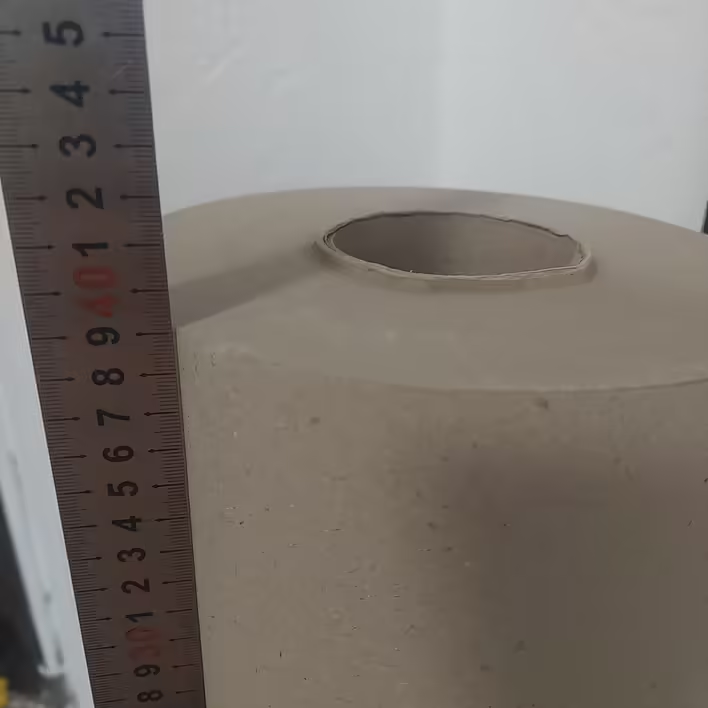
PETG from Military Edge comes in 3 kg spools. Here we learn that we need to make some stand for such a spool. Initially, I crafted from what was at hand. Then I realized that I could print accessories for the printer on the printer itself. So I printed myself an spool holder for 3 kg, but not without nuances (I had to slightly increase the model).
VVM філамент по 1кг
Buying lacquer
I took a simple task in PrintArmy, which was not urgent, to try printing without stressing too much about deadlines, etc.
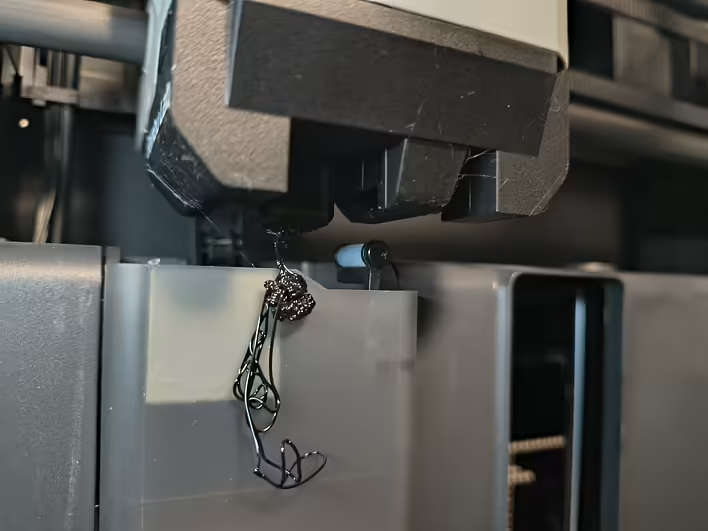
And the very first print went wrong. The model detached from the plate (on which the model stands during printing) and stuck to the nozzle.
3DLAC
The problem was that I wiped the plate before printing (with a damp cloth, and then dry). Perhaps there was already some substance on the plate (from the box) and I simply washed it off.
So at this stage, we learn about the importance of adhesion and ways to enhance it. Personally, I bought a can of 3DLAC (400mm). There are many other means. Currently, this can is almost empty. So I ordered a few more cans in reserve (so as not to overpay for shipping for each unit).
Buying a filament dryer
3 kg spools of plastic run out quite quickly when all parameters are set correctly in the slicer, and you need to print a batch of identical parts. After a pause in printing of several days, the new printed products started to significantly drop in quality. At this stage, we realize that humidity level is very important and the filament needs to be dried.
The plastic absorbed moisture over a few days. This immediately affected the quality: bubbles appeared, layers were laid unevenly, and the final products lost clarity and strength.
To maintain stable humidity for PETG plastic at around ~20%, it was decided to buy a dryer.
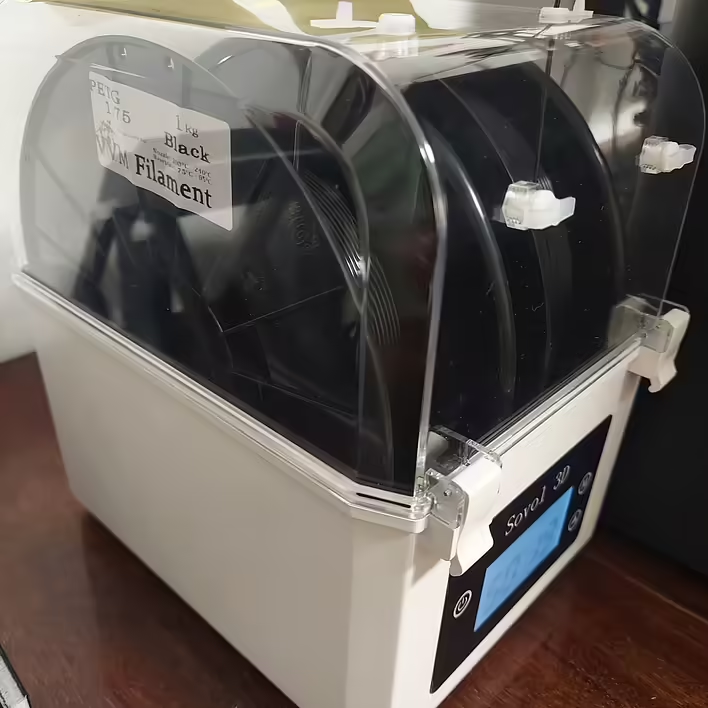
Not without nuances. More budget-friendly dryers do not accommodate 3 kg spools. So after buying the Sovol 3D dryer (a dehydrator for two spools of ~1 kg), it was decided to switch to plastic that comes in 1 kg spools.
Currently, I print directly from the dryer with VVM Filament (PETG). This is convenient as the dryer also serves as a holder for the filament and maintains the required humidity.
Sovol 3D + дві котушки VVM Filament (PETG)
Of course, changing spools every ~1 kg of products may not be very convenient. But for now, this suits me completely.
Printing and blackouts
Currently, my electricity situation is more or less stable. But keep in mind that power outages can ruin a batch of products. In addition to plastic, time will also be lost. In the PrintArmy Telegram, there is a separate thread where various configurations of charging stations, UPS, etc. are discussed.
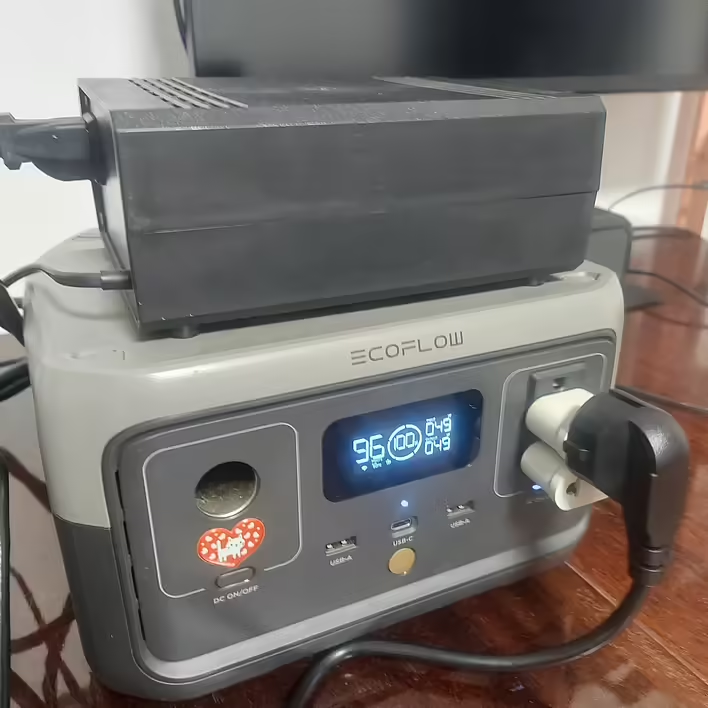
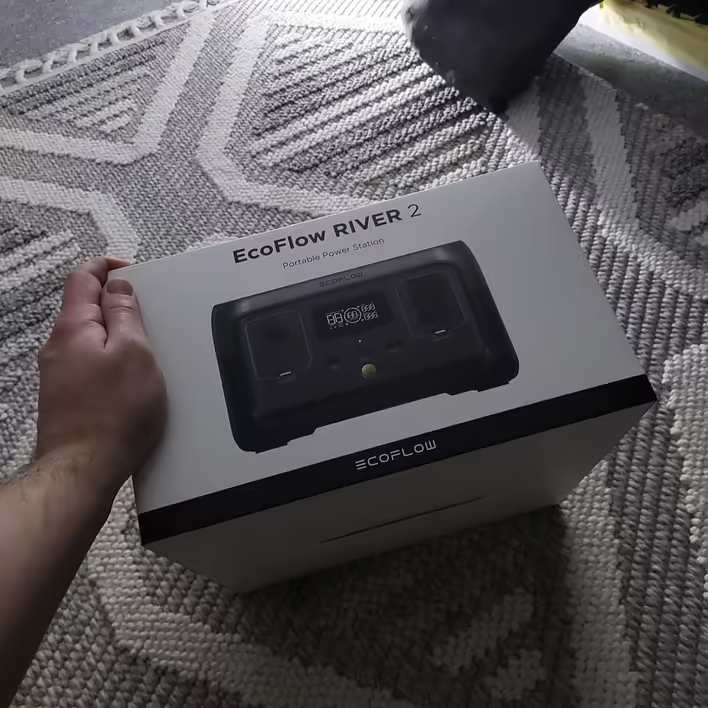
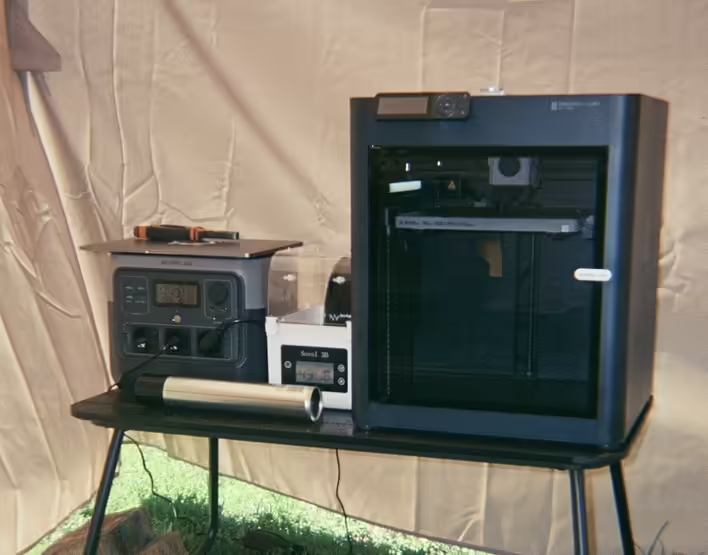
Personally, I have the printer connected to a small American EcoFlow River 2 + a step-down transformer from 220V to 110V.
The Bambu Lab P1S operates in the range of 110-220V. So it is connected to the EcoFlow River 2 (110). And the EcoFlow is connected to the step-down transformer, and the transformer to the 220V network.
EcoFlow River 2 (USA) + понижувач 220 - 110
It's a kind of UPS, which is enough for a short period when ZUBR triggers and cuts off power for a couple of minutes.
Ideally, you should have a charging station that could power the printer for a certain number of hours. This is very important for farms (when there are many printers).
Room
The printer doesn't take up much space, but everything else does. Boxes, spools, finished products, defects, tools, etc. So a separate room is ideal for 3D printing.
The table on which the printer will stand must be level and not wobble. The printer has moving parts that will create vibrations. So if the table shakes, it will affect the print. If the table is not level, it will also affect the print.
The printer makes noise, so this should also be taken into account. Humidity and temperature in the room should also be considered.
Packaging and shipping
Here everything is more or less clear. Printed products are packed and sent to curators or directly to military personnel.
Watch the video on how to do it and how not to do it:
Somehow, it turned out that I always have boxes available. From additional expenses:
tape
packaging material (paper or bubble wrap)
The sender pays for shipping. This is your donation to the cause. Imagine the financial burden on one curator or military personnel if they have to pay for dozens of packages themselves.
As a bonus, you can put treats in the package. But be careful not to spoil the products with these treats (see the video above).
Description of the Printing Process
Once we have the printer, filament, and have printed a bit for ourselves (calibrated the printer and printed a few products) - we can take tasks from PrintArmy to work.
Take a simple task (for your type and color of plastic).
Read the settings for the model.
Download the *.stl file, import it into the slicer. Change the settings according to the specifications on the website.
Print a test product.
Check the quality (this information should be on the task page either as text or in video format).
If everything is okay - take a photo/video of the test product and send it for verification. The verification may take some time. You will receive an email (don't miss it).
If the quality check is not passed - look for what needs to be calibrated and start again from point 4. Here you can read all messages on the website in the "Discussion" section. There may be a thread for this product in TG (use search before sending a message; most likely a similar problem has already been solved).
When the quality check is passed - launch the batch for printing. Keep in mind that placing several products on one plate may require recalibrating the parameters (for example, print speed, etc.).
After printing the batch, take a photo, pack it, and send it (add the shipping document to the current task and upload the photo).
That's it. We can take a new task. After some time, your batch of products will be rated (or maybe not; you need to understand that people may have more important matters).
PrintArmy Rating
Regarding the rating. You must print products of good quality. This depends on a lot of things (sometimes, literally life). Therefore, your products will receive a rating. I would rather quote the information directly from the website:
RatingThe rating is formed based on the evaluations of your previous shipments and is calculated as an average value.
What is it for?Some tasks are sent directly to the military without verification by a curator. Therefore, it is important that they are seen only by printers who consistently produce high-quality products.
How does it work?The rating only affects the availability of tasks for printing:— Tasks for curators are available almost without restrictions (in 95% of cases).— Tasks directly to the military often have restrictions — usually a minimum rating of 4.
If your rating is 4.5+, you see all tasks, as this is the maximum threshold for restrictions.The goal of the rating is not to determine 'who is better', but to reduce the amount of defects in products sent directly to the military.
Defects and spools
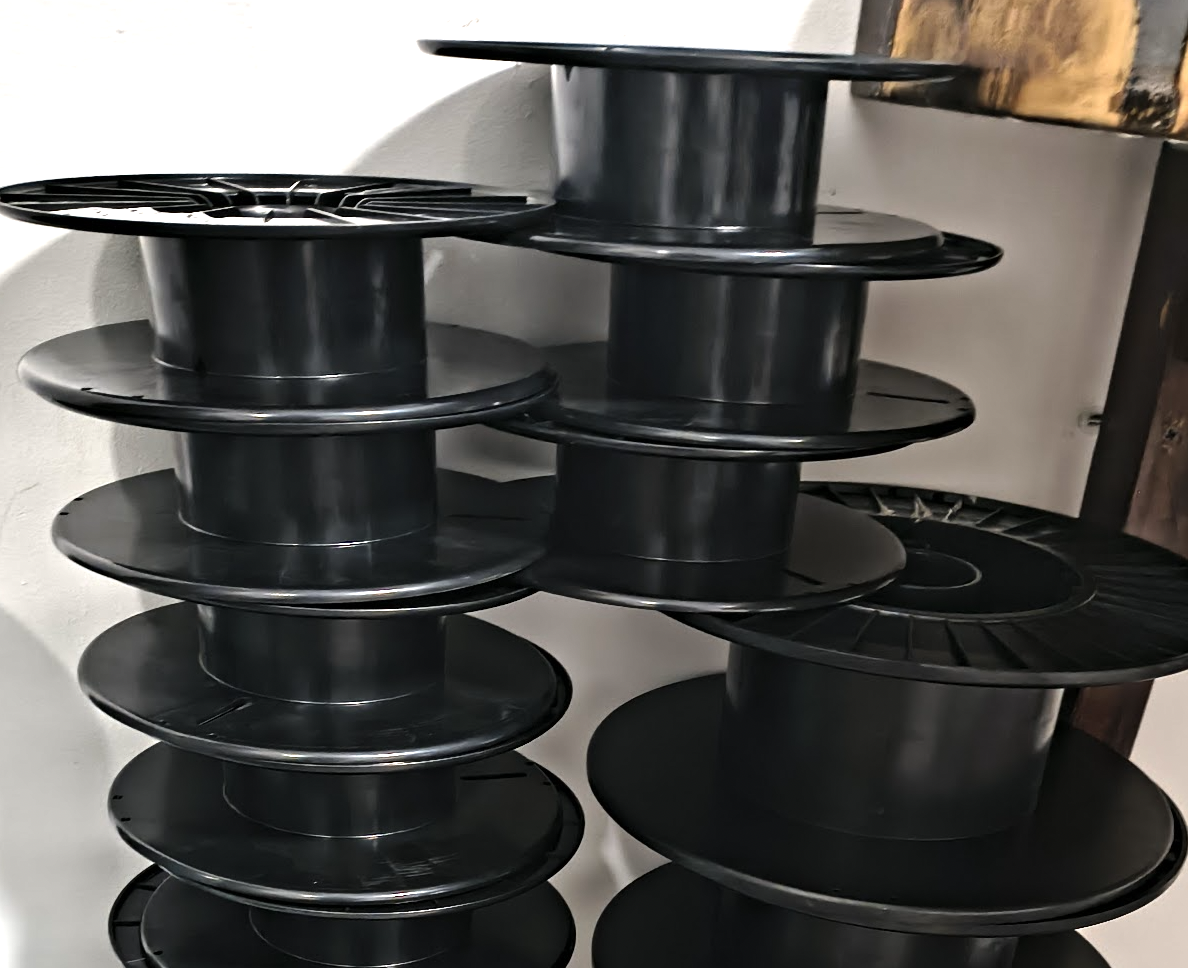
You will accumulate a lot of filament spools. They can be sent to filament sellers for cashback. But this makes sense when there are many spools and the shipping cost will be lower than the cashback.
You can also send spools (if requested) to military personnel or volunteers. Spools of certain sizes are put to use.
There will be quite a lot of defects. I have already accumulated several kilograms. In the PrintArmy community, there are contacts to whom you can send plastic for recycling. So collect plastic (sort by color and type). I will write a separate post about this.
My current stack
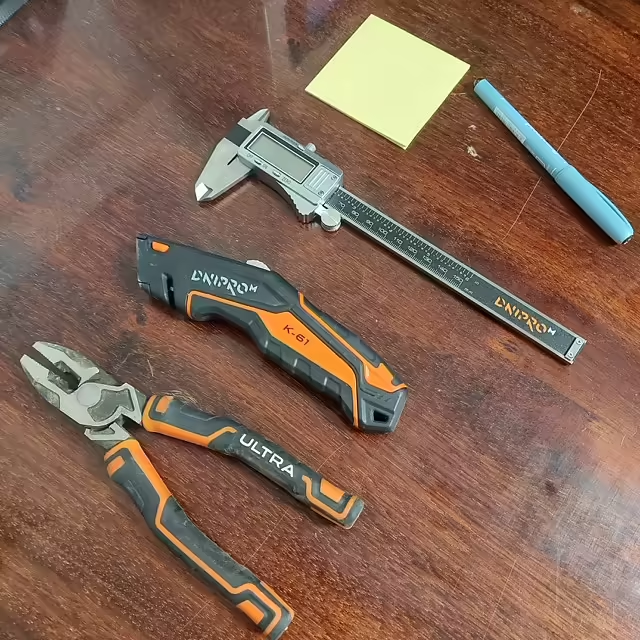
Currently, I have been printing for about 2 months. I have accumulated the following combination:
Utility knife (for packaging, removing brim or supports)
Stickers and pen (to write how much filament has been used on the spool)
Room hygrometer (no longer needed, as the printer chamber is closed and the filament is in the dryer)
Kitchen scales (up to 5kg) (sometimes weighed filament spools, as I forgot to write how much was used)
2 cloths (microfiber) for wiping the plate
Computer to run the slicer (minimum 4gb of RAM)
Не реклама ^_^
Conclusions
The 3D printing process is somewhat unstable, where you need to pay attention to many nuances. Each time there may be a different problem to deal with.
But it is an interesting hobby that can be used for a common goal. A large and active community that helps to understand the nuances is very cool.
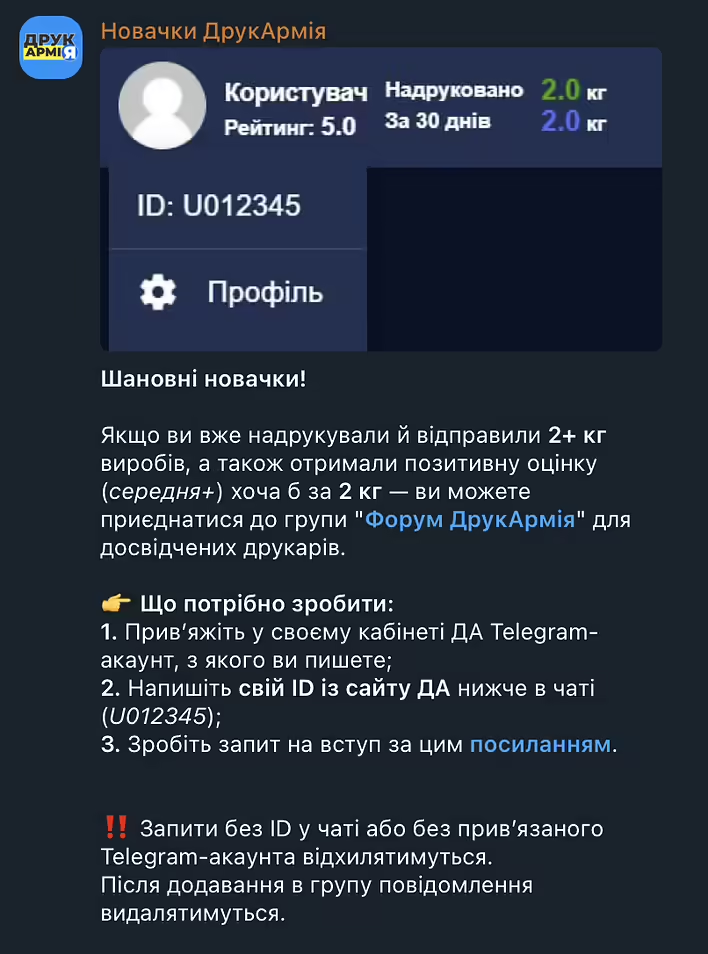
When you print 2 kg of products, you can gain access to the PrintArmy forum.
Умови доступу до форуму ДрукАрмії
You can and should join the "Novice PrintArmy" community right now. There you can learn a lot of interesting things from practice. To start, you can read the threads - "Which printer to buy" and "Pets".
Discounts on filament are offered to printers (after 25 kg successfully printed and sent).
XLINKSTARTX9X>>> Registration <<