A dot at the beginning of a file or folder name in Unix-like operating systems, such as macOS or Linux, indicates that this file or folder is hidden. This is a system convention used to mark files that are typically not meant to be visible to the user during standard browsing in a file manager or command line.
Hidden files are often used to store settings and configurations, such as:
.bashrc — configuration file for the Bash shell (terminal)
.zshrc — configuration file for the Zsh shell (also terminal)
.gitignore — file that tells Git which files or folders to ignore
.profile — configuration file for the user shell
.DS_Store — hidden system file created and used by the macOS operating system to store metadata about the arrangement of icons and other properties in Finder windows.
Hidden files can be viewed using certain options in the command line or by enabling the appropriate option in the file manager. For example, in the terminal command line, the command ls -a can be used to display hidden files.
How to show hidden files in the terminal (macOS and Linux)?
What does ls -a mean?
ls - comes from list
-a - comes from all
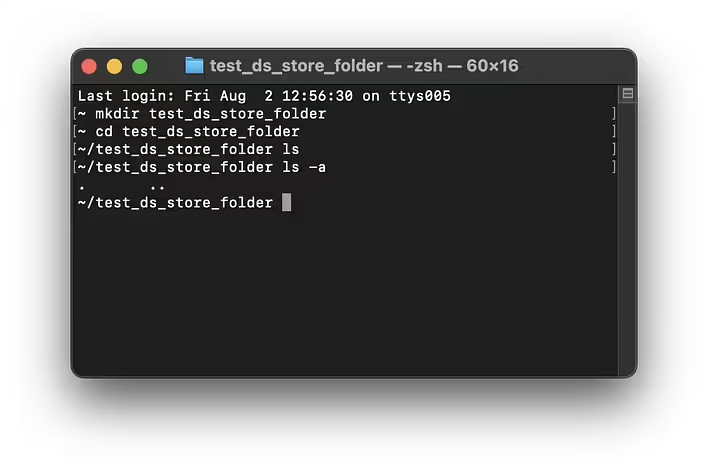
That is, with the command ls -a, we can see all files. The command ls (without the -a flag) will show all non-hidden files. Let's check in the terminal (macOS):
We will create a new folder using the terminal to ensure there is no .DS_Store file created by Finder.
mkdir test_ds_store_folder
cd test_ds_store_folder
Let's check the contents of the folder:
~/test_ds_store_folder ls
The ls command shows nothing. Because it is indeed empty. And here is ls -a:
~/test_ds_store_folder ls -a
.	..
What are these dots? Are they files? No. They are special things needed for navigation :)
When you use the ls -a command, it displays all files and directories, including hidden files. Among the displayed items, there are always two special items:
. (dot) — this is a reference to the current directory. It points to the directory you are currently in. For example, if you are in /home/user, then . points to it.
.. (two dots) — this is a reference to the parent directory. It points to the directory that is one level above the current one. For example, if you are in /home/user, then .. points to the /home directory.
. and .. are part of the file system of Unix-like operating systems and serve for navigation.
Тестуємо ls та ls -a
Okay. So how will hidden files look in the terminal?
Прихований .DS_Store
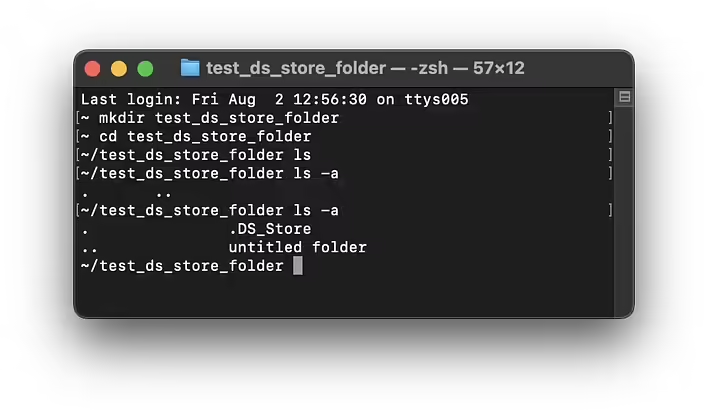
I create a new folder (untitled folder) in our existing folder (test_ds_store_folder) using the Finder interface. At this moment, Finder will create the .DS_Store file.To see it in the terminal, you can run ls -a:
~/test_ds_store_folder ls -a
.		.DS_Store
..		untitled folder
As you can see, our new folder and the hidden .DS_Store have been added to the list along with the system dots. Running ls without the -a flag will show only the folder:
~/test_ds_store_folder ls

untitled folder
How to show hidden files in macOS (Finder)?
Open Finder.
Select any folder you want to view.
Press Command + Shift + . (dot) simultaneously to show or hide files.
Exception! The .DS_Store files are settings files for the Finder application, so with the key combination (Command + Shift + .), you will activate the display of all hidden files except .DS_Store.
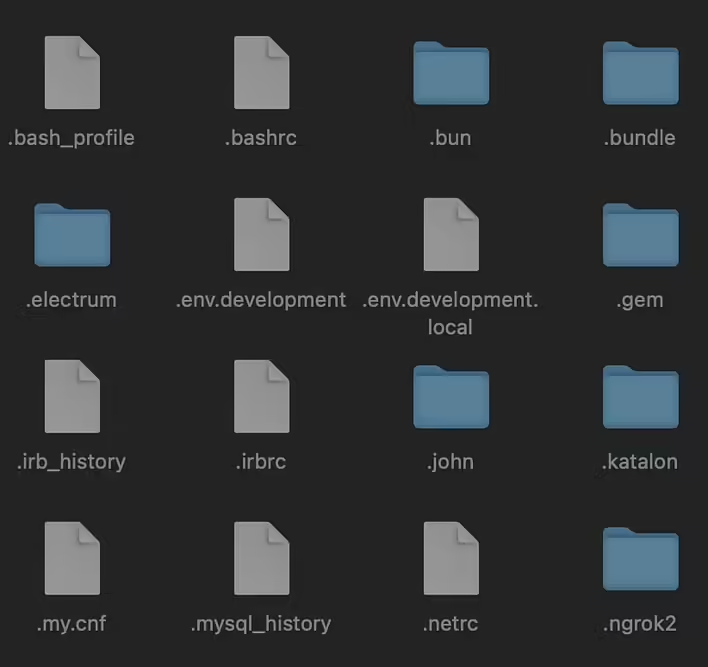
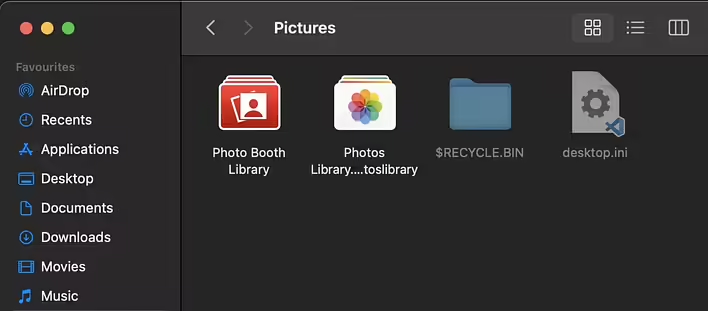
If there are hidden files in the folder - you will see them. The icons of such files are semi-transparent, like ghosts:
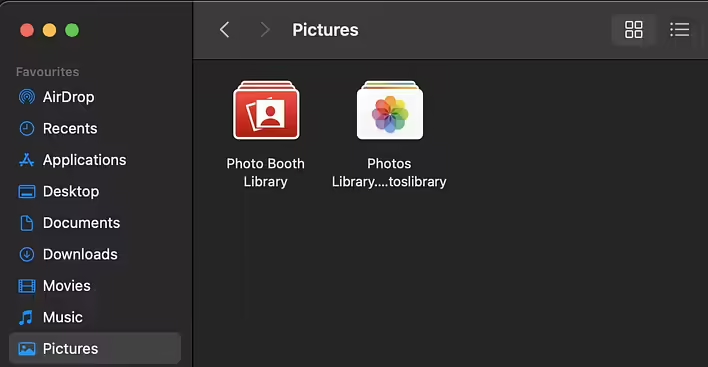
Тут ми не бачимо приховані файли
А тут можна їх побачити (після) натискання Command + Shift + . (крапка) одночасно
I currently do not have a computer with Linux or Windows to show more examples. But I hope I have covered the topic of the post. Hidden files are needed to store settings, etc. So for the end user - it's magic that allows the file structure to look nice and not confuse with additional files that are undesirable to accidentally delete.