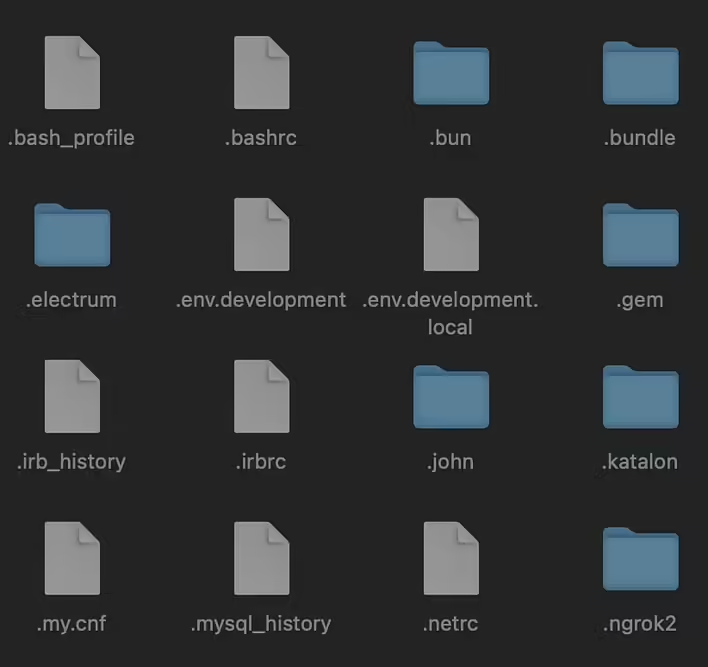
In this post, we will discuss how to add .DS_Store to the .gitignore file and remove already added files from our repository. But first, we need to understand what .DS_Store is, what it is for, why it ends up in Git, and how to remove it.
What is .DS_Store?
.DS_Store (Desktop Services Store) is a hidden system file created by macOS to store information about the display of folders in Finder, such as icon positions, window sizes, background colors, etc.
If you open a folder in Finder and change the position of an icon, Finder will save the position information in .DS_Store. By default, this file is hidden, but it can be seen in the terminal. Even if you enable the display of hidden files in Finder, .DS_Store will remain hidden from you. Read more about hidden files in the previous post - What does the dot at the beginning of a file mean (.gitignore, .DS_Store, .bashrc, etc.)?
Why does .DS_Store end up in Git?
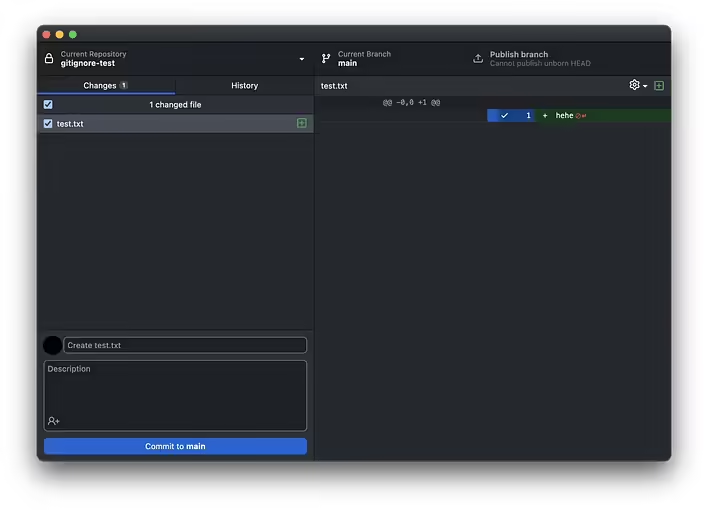
When you are working on a project on macOS and using Git for version control, .DS_Store files can end up in your repository along with other files quite accidentally. This happens because, by default, Git does not ignore these files, and they can be accidentally added to the index. Let's consider an example. I use GitHub Desktop to work with Git and clone a new repository to my local machine. The first thing I do is create a file test.txt:
Додав test.txt
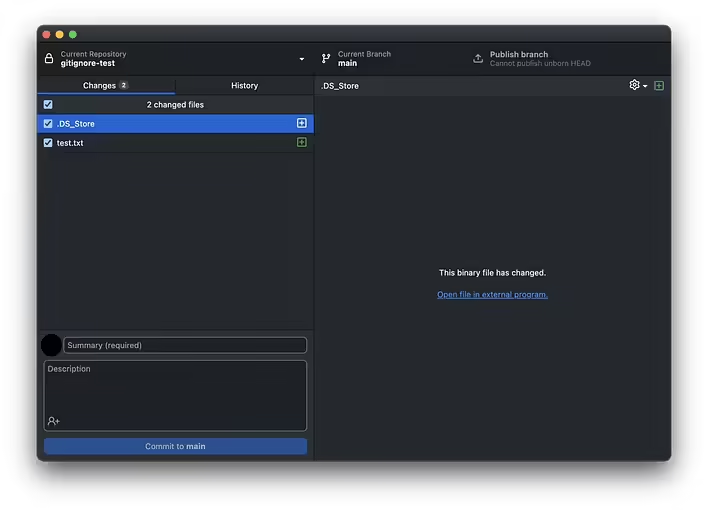
Note that Git only sees the changes of the new file (created using VSCode and saved in this repo's folder). This is because Finder currently has no custom settings for this file and folder in general. Let's open the folder in Finder, change the position of the file (icons) in tile view, and see that a new .DS_Store has been added to the list of changes in Git:
Додався .DS_Store
Imagine that you made a commit, adding .DS_Store to the repository of a project that many people are working on. First, no one needs your Finder configurations in the project repo. Second, these files clutter the commit history and the repo as a whole.
How to prevent .DS_Store from being added to the repo?
It's simple - ignore it. I mean - add it to the .gitignore file.
Just add this line:
.DS_Store
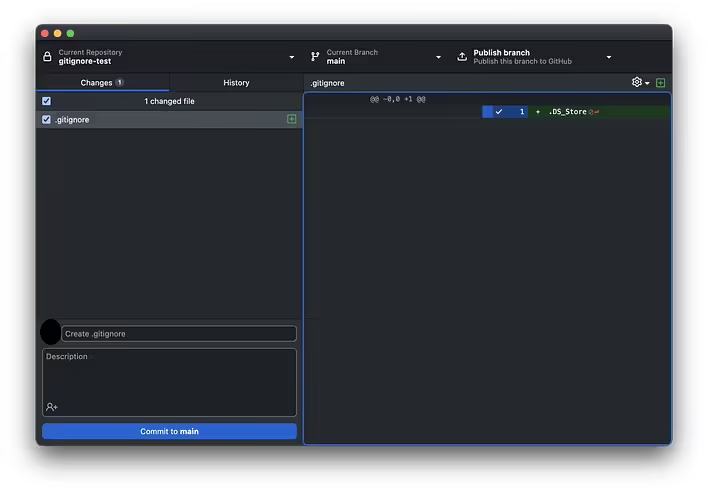
If the .gitignore file does not exist yet - create it (using a code editor or through the terminal).
You can create this file via the terminal using touch:
touch .gitignore
And you can add the text '.DS_Store' to the .gitignore file using echo:
echo .DS_Store >> .gitignore
Створений .gitignore
After this step, people usually try to create a new folder, add a new file there, and change the file's position in Finder to check if .DS_Store is really being ignored.
And most likely, new .DS_Store files will appear and will not be ignored. But why?
Why doesn't .gitignore work and doesn't ignore .DS_Store?
Let's run the following commands in the terminal to get the desired result (ignoring .DS_Store):
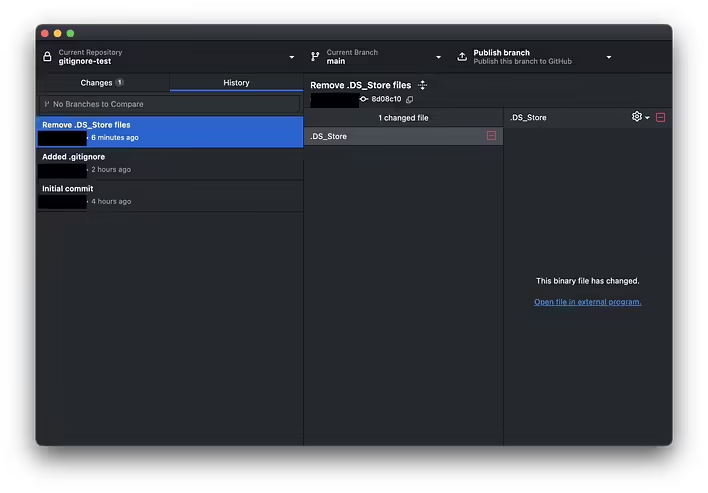
After this, we will get a new commit with the removed .DS_Store files, and new ones will be ignored and not added to the file index.
Коміт з видаленим .DS_Store
But let's break down what we ran in the terminal:
First, you delete all .DS_Store files from the file system using the find ... -delete command.
Then you remove all files from the Git index (not from the file system) using the git rm --cached command.
You add all files to the index again to ensure that .DS_Store files do not end up in the new commit because they are now ignored by .gitignore.
You create a new commit with a message describing the changes made.
In fact, it all comes down to the cache. So we cleared it. Of course, you can selectively clear the cache for a single file:
git rm --cached `.DS_Store`
But I prefer a recursive clean of the entire cache (this is a more universal way):