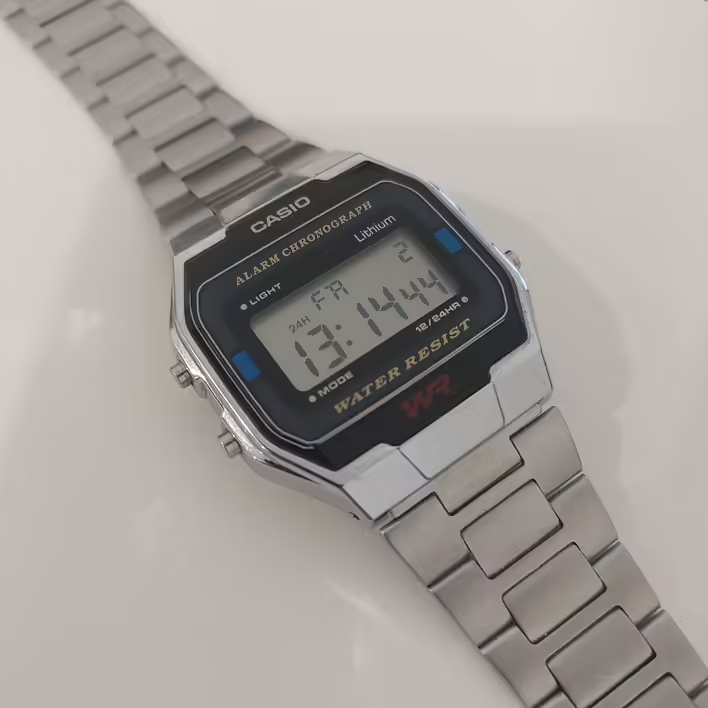
Casio A163W
I received a Casio A163W as a gift. However, the instructions did not include anything about how to change the length of the bracelet. I couldn't find this information online either. It seems everyone except me knows how to do this. After being asked how to do it, I decided to make a note.
So, to change the length of the bracelet on the Casio A163W watch, you need a thin metal object. In my case, it was a SIM card ejector tool.
Step #1. Open the clasp element.
Регулюючий затискний елемент (Casio A163W)
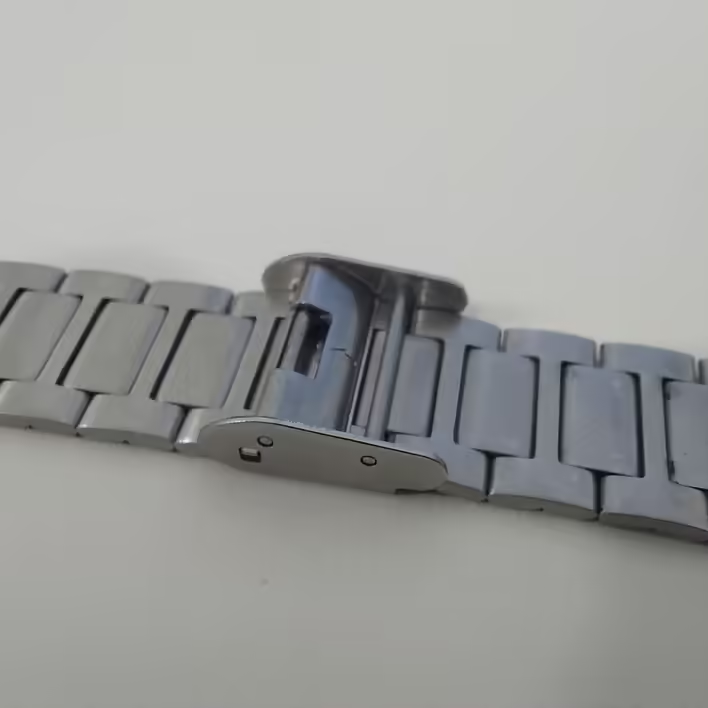
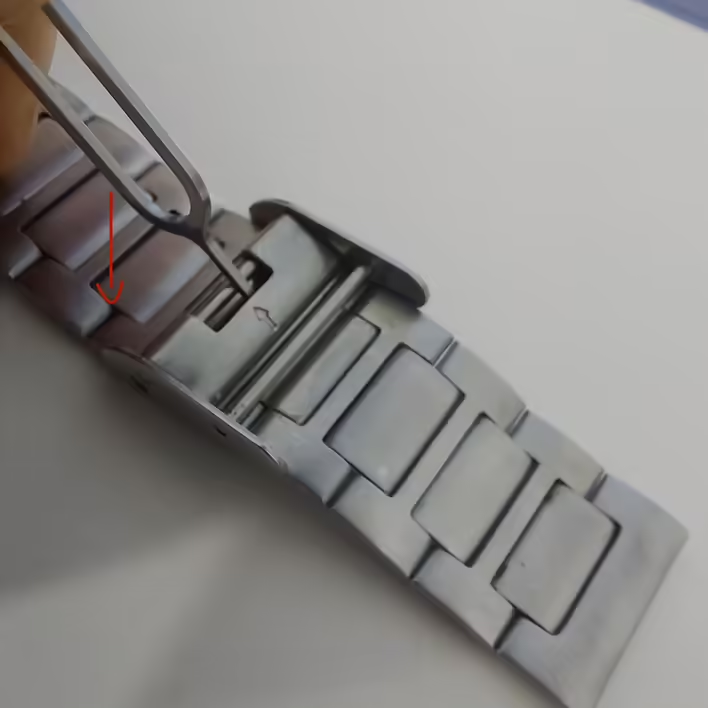
The photo shows the element that regulates how tightly the watch's chain (bracelet) will fit on the wrist. I don't know the name of this thing, so I will call it the adjustable clasp element. Pay attention to the arrow indicating where we will insert the paperclip to release/open this element.
Відкриваємо затискний елемент
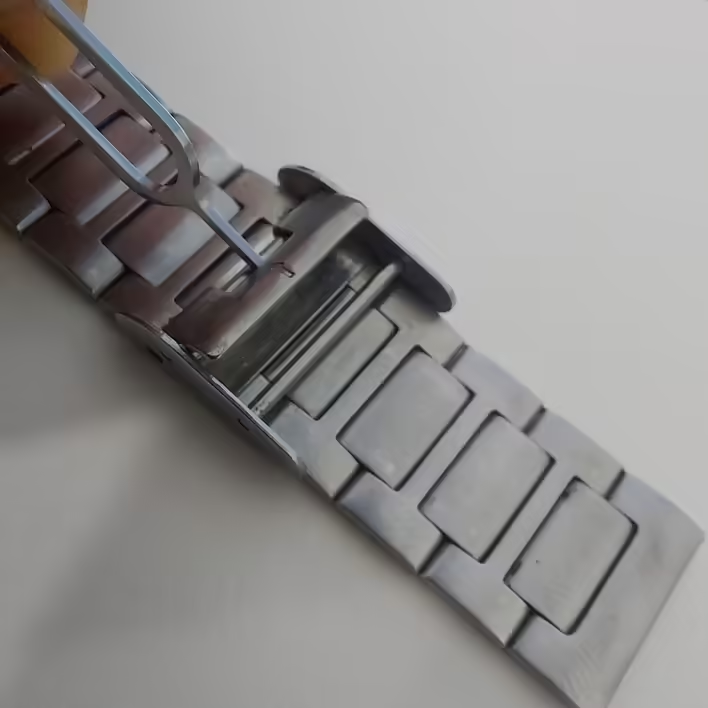
In the photograph, I indicated with a red arrow the direction in which to push the paperclip. It acts as a lever that will open the clasp element.
Відкритий затискний елемент
Step #2. Adjust
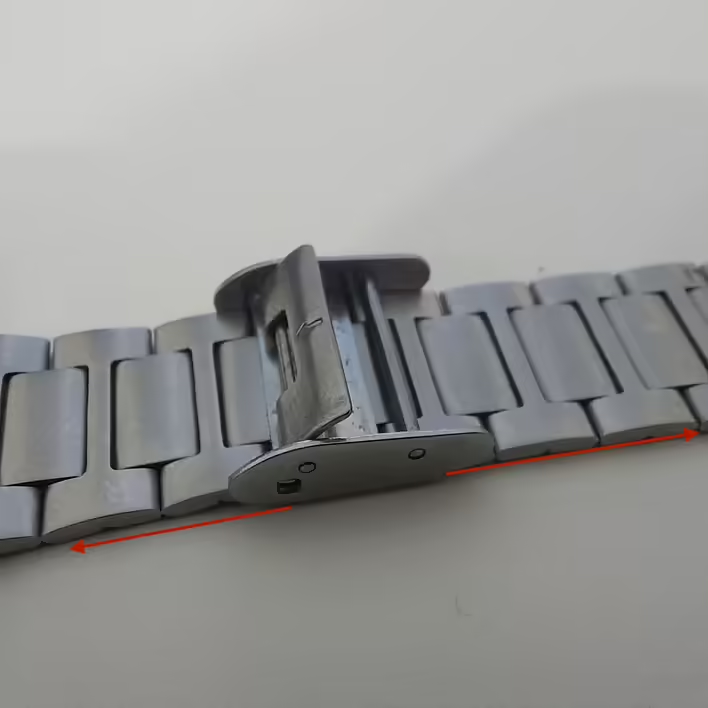
The open element can move in both directions. So we need to slide it to the desired position and close it again by simply pressing on the element with the arrow (returning to the original position / locking it).
Регулюємо браслет Casio A163W
Step #3. Secure
Note! The securing should be done with a light press. If the element does not secure, slightly move it left or right. This thing secures at certain points on the bracelet. So do not break it while trying to push the clasp element in.


![[Personal experience] How to hang a swing on a metal pull-up bar?](https://cdn.tseivo.com/e76ifnqj90sapho8adacvm65sp43)