This content has been automatically translated from Ukrainian.
Samsung smartphones pose a significant competition to gadgets from the "apple" brand. They are distinguished by a good combination of quality and efficiency, and with careful use, they rarely fail. However, various incidents can occur during use: smartphones often "dive" into baths, fall onto hard surfaces, such as ceramic tiles or asphalt. Such mechanical damage can lead to the phone not turning on. Moreover, sometimes smartphones turn off for unclear reasons. Let's figure out how to fix the device in such a situation.
Why the smartphone won't turn on
Modern Samsung phones, regardless of the line and generation, may not turn on for the same reasons. Most often, these are:
- Software failure — when you are synchronously launching dozens of apps, downloading questionable files, and also keeping a conversation going, the system may not respond very positively. In this case, it is not surprising if the smartphone freezes or even turns off.
- Mechanical damage and moisture ingress — accidental hits and falls can lead to contact breaks, while water can cause corrosion. As a result of both types of damage, the smartphone may stop turning on. In any case, if the gadget has undergone such trials, it is better to promptly contact a service center that specializes in repairing Samsung phones. Professionals will rule out possible damages, and if necessary, quickly repair the smartphone, thus avoiding worse scenarios.
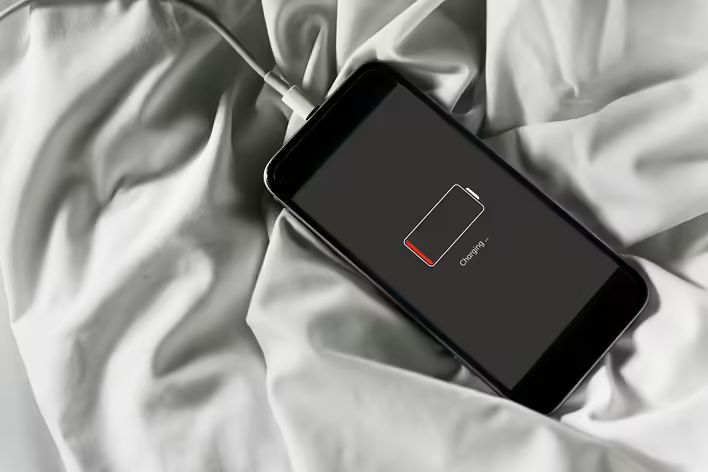
- Battery issues — a completely drained battery can pose a threat to the entire smartphone. That is why professionals recommend never letting your device discharge completely. If the battery has fully drained and has been in that state for a long time, wait a few minutes. In most cases, after some time, the smartphone will start to respond.
- Locking — modern smartphone models include a device locking feature after multiple incorrect password entries.
What you can do yourself to turn on the smartphone
Of course, the best option in any threat to the components and the functioning of your device is to contact a service center, where they will perform professional diagnostics and repairs. For example, you can leave a request on the workshop's website https://smartphones.2mac.ua, and in just a short time, return the smartphone in fully working condition.
However, even before contacting the service center, you can do something on your own. For instance, if the phone, connected to charging, does not turn on for 10-15 minutes, try restarting it. If the smartphone turns on but does not load past the logo screen, the problem is likely due to a conflict between the system and the software. In this case, if restarting and connecting the smartphone to the charger did not help, try removing the SIM cards and the microSD card. As a last resort, perform a factory reset of the gadget using the buttons in the Recovery menu.
Like it?React
🧵
This post doesn't have any additions from the author yet.