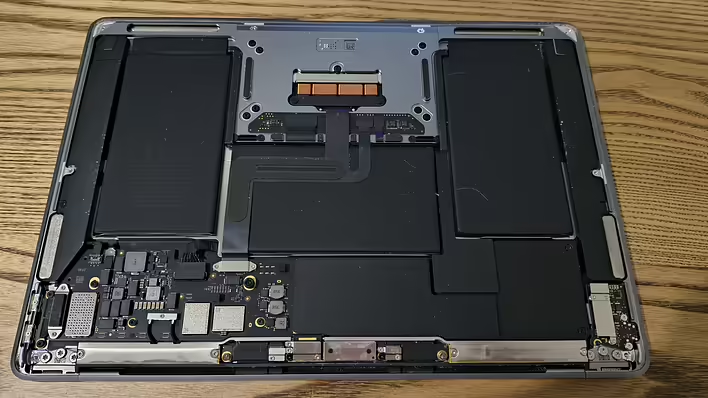
The speakers were crackling on the MacBook Air M1 A2337. I decided to replace the speakers myself. I ordered them from Ali (~$12 for a pair). They will arrive in two weeks.
Before ordering, I googled whether it is difficult to change the speakers on this model. Otherwise, I would have to take it to a service center (since I don't have much experience).
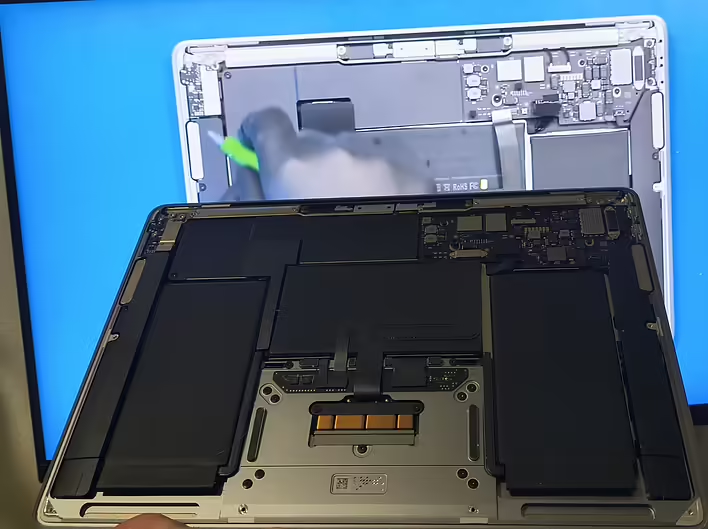
The video showed that the replacement is very simple. So, I will buy the necessary screwdrivers and replace them.
What screwdrivers and tools are needed
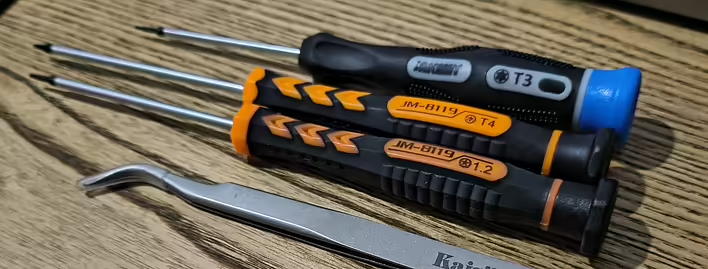
To replace the speakers (and open the case), a set of precision screwdrivers is needed, which includes at least:
P5 Pentalobe (1.2) - for unscrewing the bottom cover of the case (external screws).
Torx T3, Torx T4 - for securing the speakers and some internal screws.
Spudger / plastic picks - to disconnect cables and carefully pry connectors without damage. (I did this with my nails, sigh...)
Tweezers - for working with small components
Most of these screwdrivers are sold in kits for disassembling laptops and phones - it's worth getting a set with Pentalobe + Torx + plastic picks. The cheapest option is to buy a set from Ali (but I messed up). I bought the screwdrivers and tweezers separately.
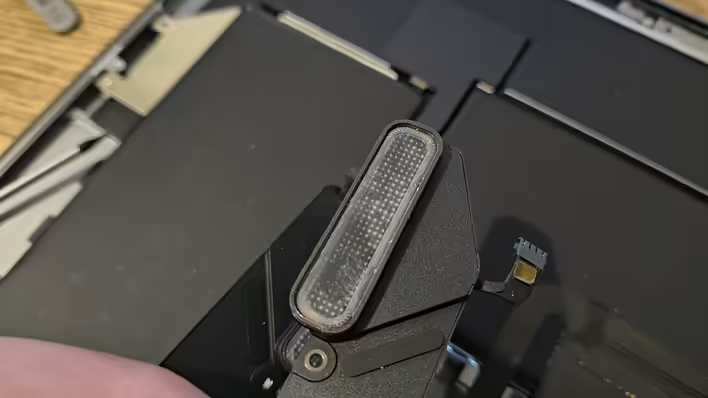
старий динамік
Tips
Completely turn off the MacBook.
Keep the screws separate by location - they are very small and vary in length.
If you have no experience - take a few pictures during disassembly to make it easier to put everything back together. Although there isn’t much to it, be careful. I watched the video I attached above.
The sound from the speakers from Ali is not very good. You can't listen to music. But watching videos is fine overall. Later, I can look for original ones.
![Post cover: [Personal experience] Replaced the speakers on macbook a2337 (speaker from Ali)](https://cdn.tseivo.com/uf686v8beaqlorcqcoybp2hxbgxp)