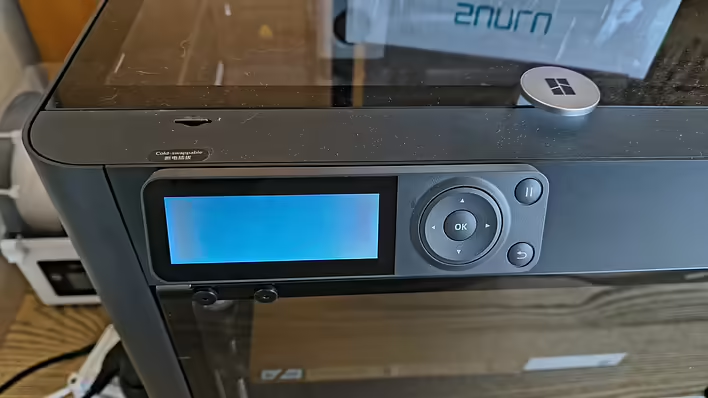
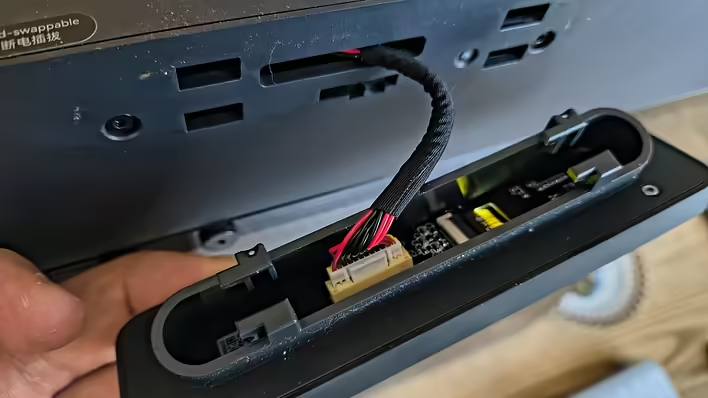
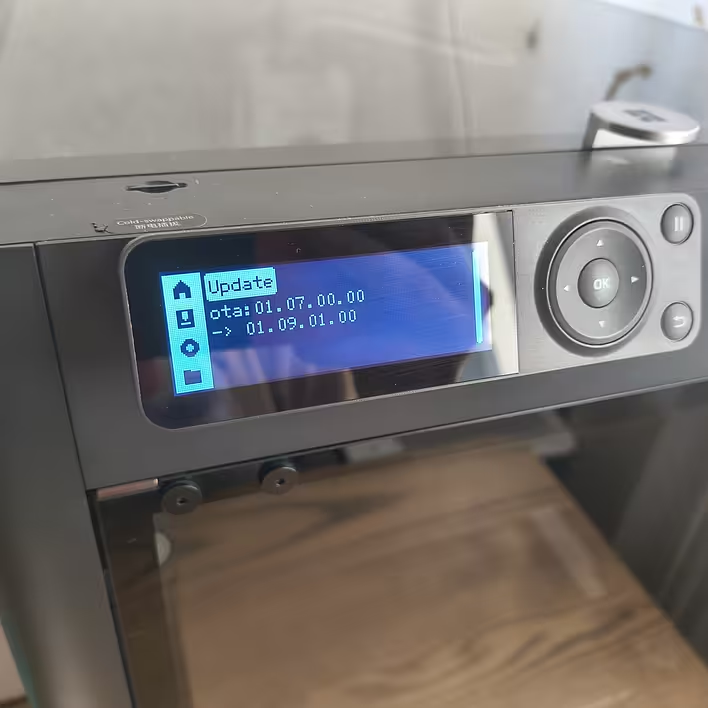
After transporting the Bambu Lab P1S printer - its screen does not work. The reason is quite simple - the ribbon cable has come loose. But how do you remove this screen? I watched a video on how to install it, and the steps in reverse order did not work. It is sitting tight.
But you needed to press on the plastic from below. A bit of searching online and we have an official video.
Don't forget to turn off the printer before doing this.
How to remove the display from Bambu Lab P1S
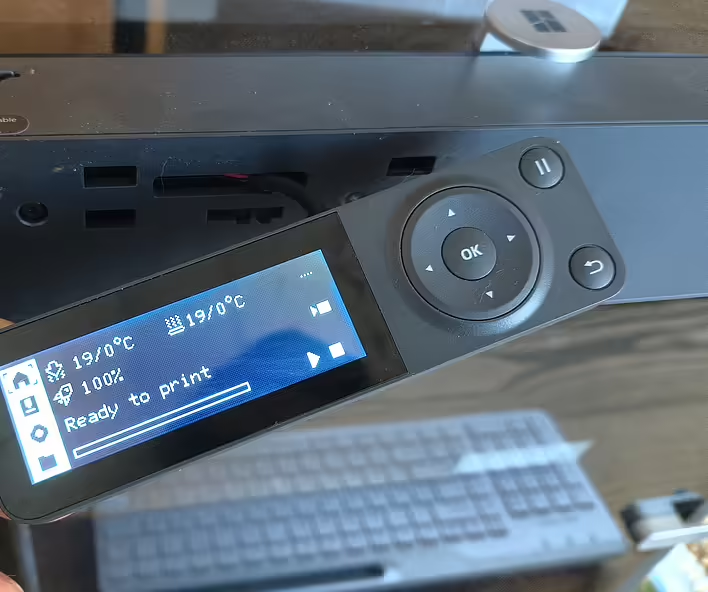
After I fixed the ribbon cable - everything started working:
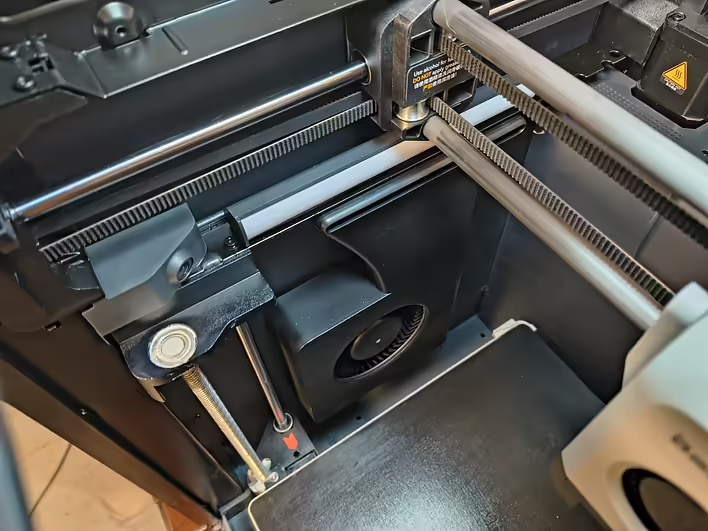
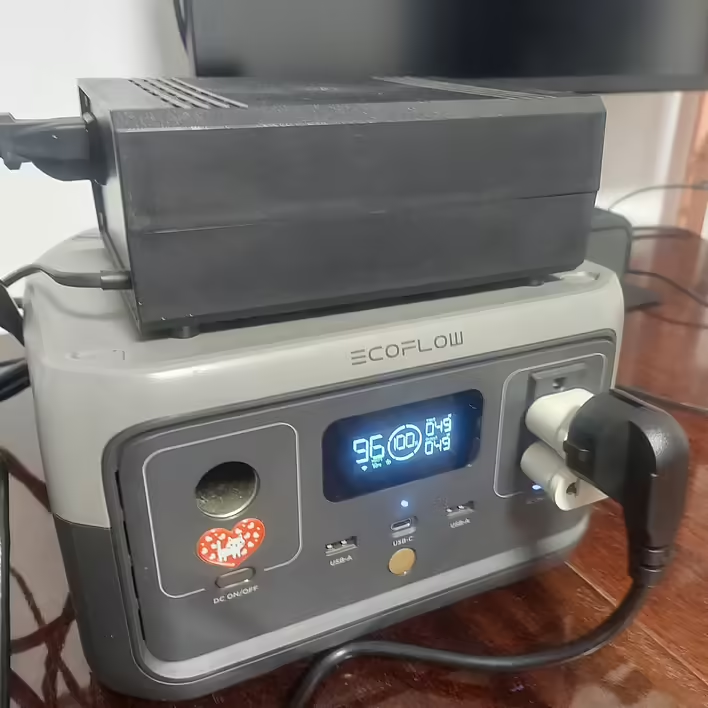
![[P1S] Message on the screen - Z-axis lead screw needs lubrication](https://cdn.tseivo.com/n2484aszggdtb76vwovcelpt4vag)
![[Bambu P1S] Electricity consumption for ~15 hours of printing](https://cdn.tseivo.com/1gmes1a8hnxxq1fi2xzihjbf31zn)
![[Fixed] Error 0300-8010 2003191 and 0300-0300-0001-0001 on P1S](https://cdn.tseivo.com/8doj09ufk2fmqvytnih0al9dypgf)
![HMS error: 0300-0d00-0002-0001 what does it mean and how to fix it? [P1S]](https://cdn.tseivo.com/0wi0y60gycmr9yktq6uss8vyao12)
![[PrintArmy] The first 50kg of printed products for the military](https://cdn.tseivo.com/ud1y2vcjnjrg51pw18ljubptwmgd)