![Post cover: [P1S] Message on the screen - Z-axis lead screw needs lubrication](https://cdn.tseivo.com/n2484aszggdtb76vwovcelpt4vag)
This content has been automatically translated from Ukrainian.
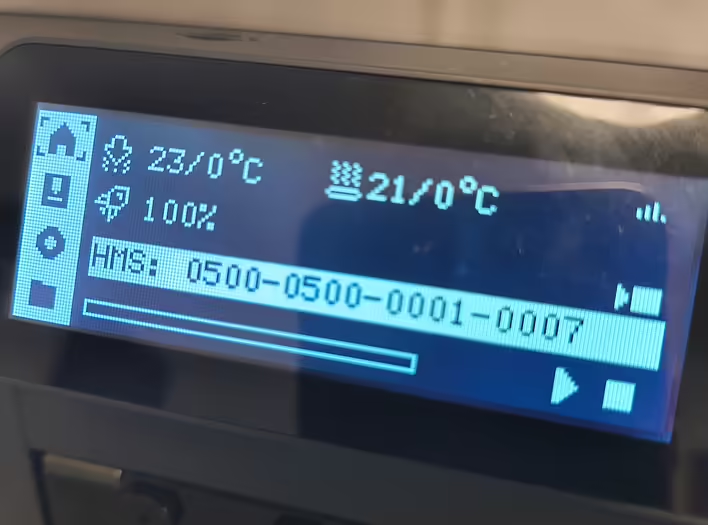
I have already written about the first maintenance of the P1S printer. Almost a month into operation, I saw a message on the screen "Z-axis lead screw needs lubrication".
If your Bambu Lab P1S showed such a message, it means that the screw (or all 3 screws) of the Z axis (the one that raises and lowers the platform) needs attention. Without lubrication, it can operate noisily, with increased wear, and even cause errors during printing.
What you need:
- Grease (for example, Super Lube or a similar one, without aggressive solvents). A few sticks of Grease come with the printer, so use that for now. Later, you need to buy Super Lube.
- Lint-free cloth.
- Disposable glove (optional, to avoid getting dirty).
Step-by-step instructions:
- Turn off the printer and wait for the platform to come to a complete stop.
- Clean the Z screw from dust and old grease with a soft lint-free cloth. You will need to throw it away.
- Apply new grease - a few drops or a thin layer along the entire length of the thread. Do not apply as shown on YouTube - they just wipe off a lot of excess grease and throw it away.
- Turn on the printer and raise/lower the platform a few times through the menu or manually, so that the grease is evenly distributed.
- Check the result — the movement of the platform should be smooth and without squeaks.
Tip: lubricate the Z screw approximately every 200–300 hours of printing or when the corresponding message appears.
Here is a link to the official Bambu Lab documentation:
https://wiki.bambulab.com/en/general/lead-screws-lubrication
And I also described this step in the post about the first maintenance.
Like it?React
🧵
This post doesn't have any additions from the author yet.

![HMS error: 0300-0d00-0002-0001 what does it mean and how to fix it? [P1S]](https://cdn.tseivo.com/0wi0y60gycmr9yktq6uss8vyao12)
![[PrintArmy] The first 50kg of printed products for the military](https://cdn.tseivo.com/ud1y2vcjnjrg51pw18ljubptwmgd)
![[What to print] Tube squeezer](https://cdn.tseivo.com/1n2nj9awamp0cal358blvpihswju)