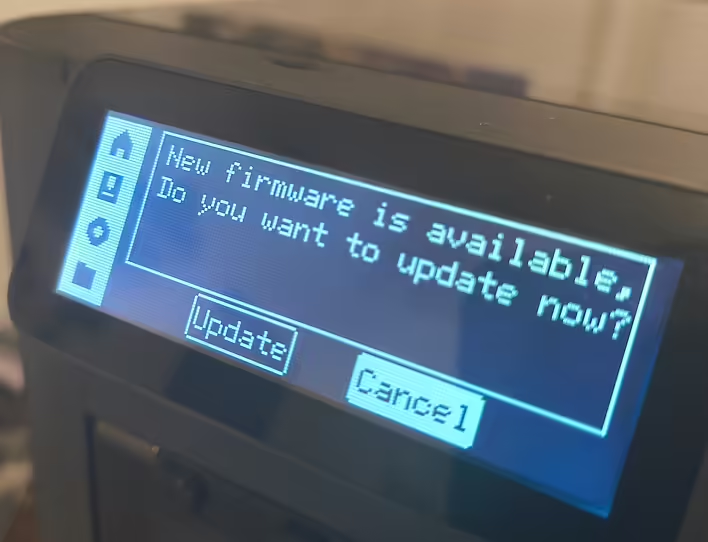
I had been ignoring the software update notifications on my P1S for over a week. I kept pressing Cancel because I needed to finish printing the current order for DruкАрмія. I saw somewhere in the chats that the new version of the software blocks access to open-source slicers, etc. I was too lazy to figure it out.
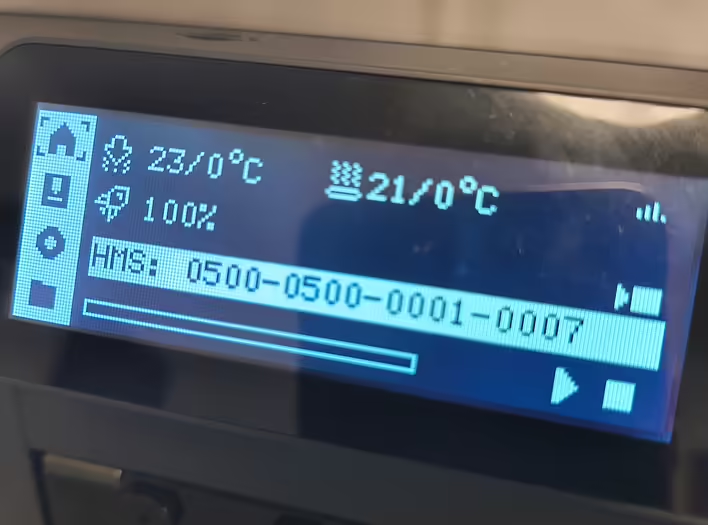
Now, before launching a new batch into production - I updated the printer and received Error HMS-0500-0500-0001-0007 when trying to start printing.
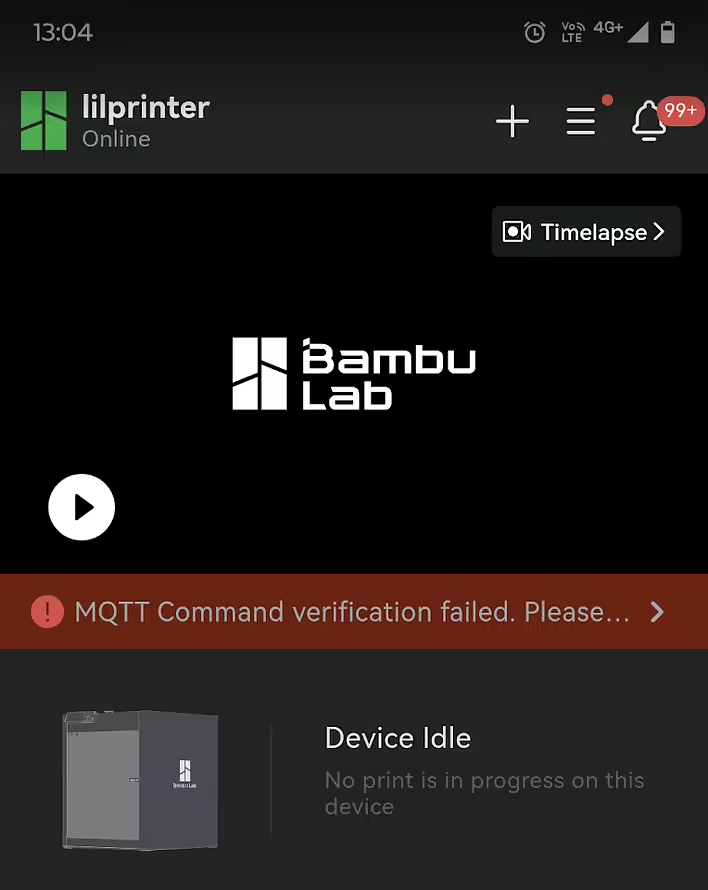
MQTT Command Verification Failed
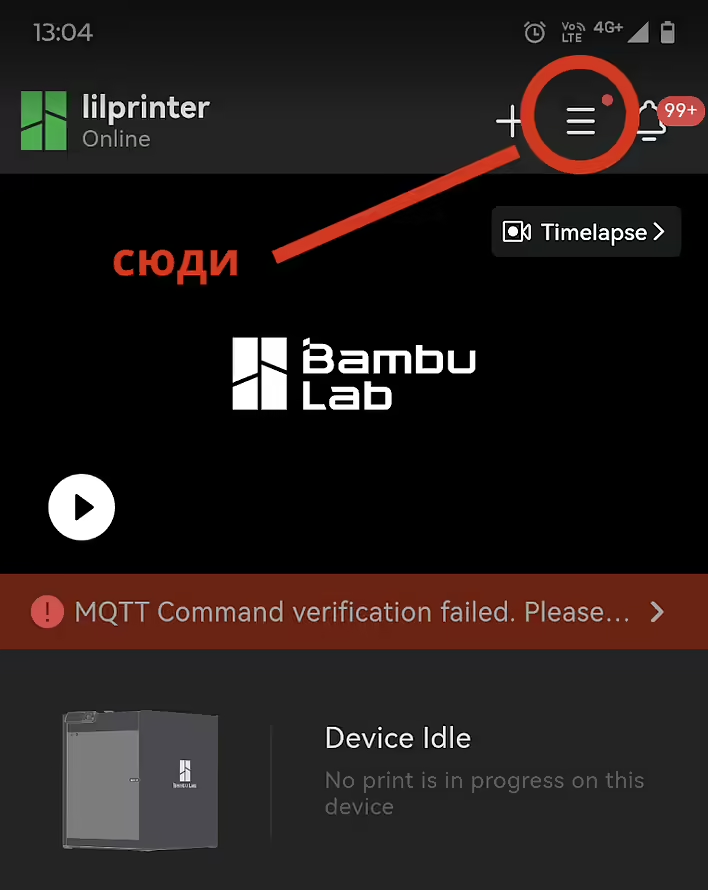
Applications (Orca slicer, and even BambuLab (mobile app)) started showing MQTT Command Verification Failed.
HMS-0500-0500-0001-0007
Searching online showed that the easiest solution is to roll back to the previous version of the firmware. And fortunately, it's not that difficult to do.
Install Previous Version of BambuLab Firmware
Rolling back to the previous version turned out to be not difficult (I hope it stays that way in the future).Let's go to the menu:
Меню BambuLab
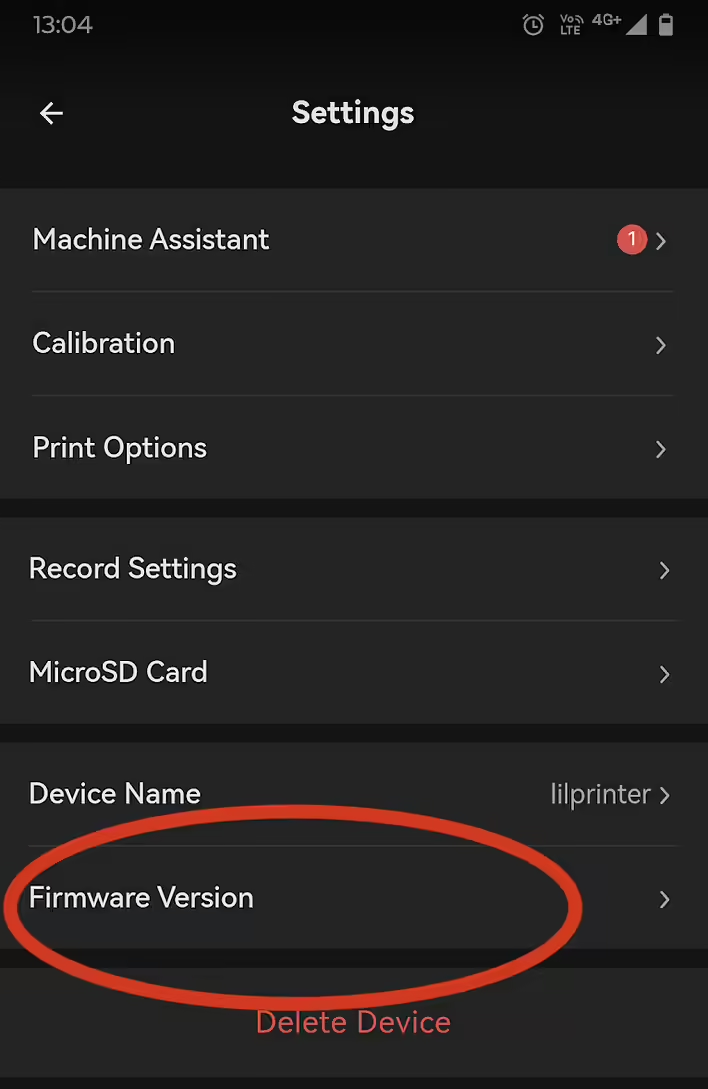
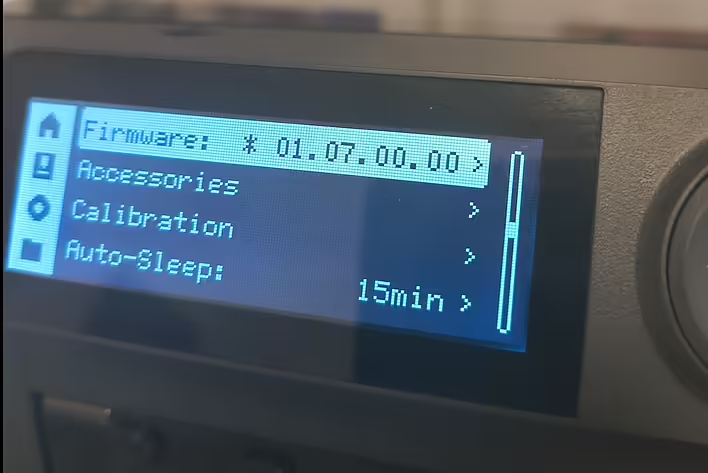
Next - Firmware version:
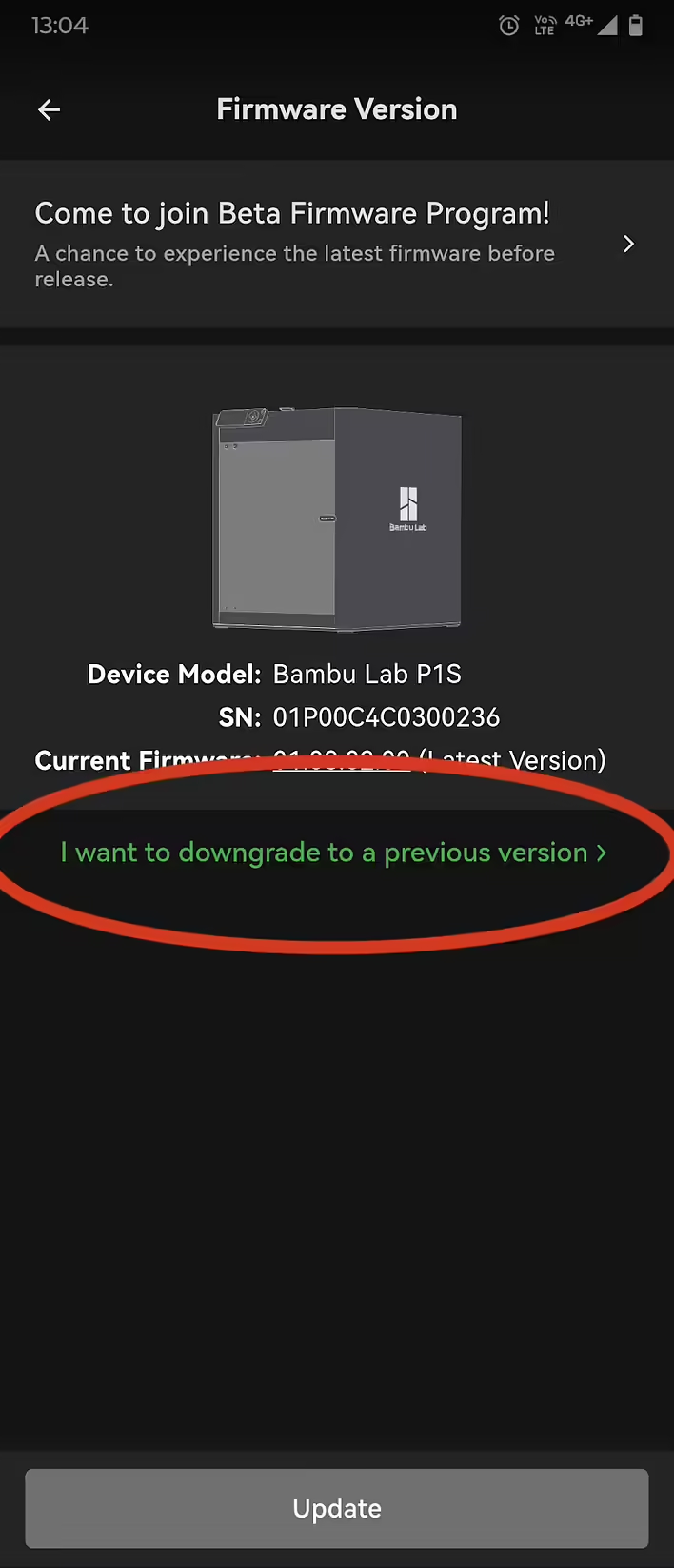
Select - "I want to downgrade to a previous version":
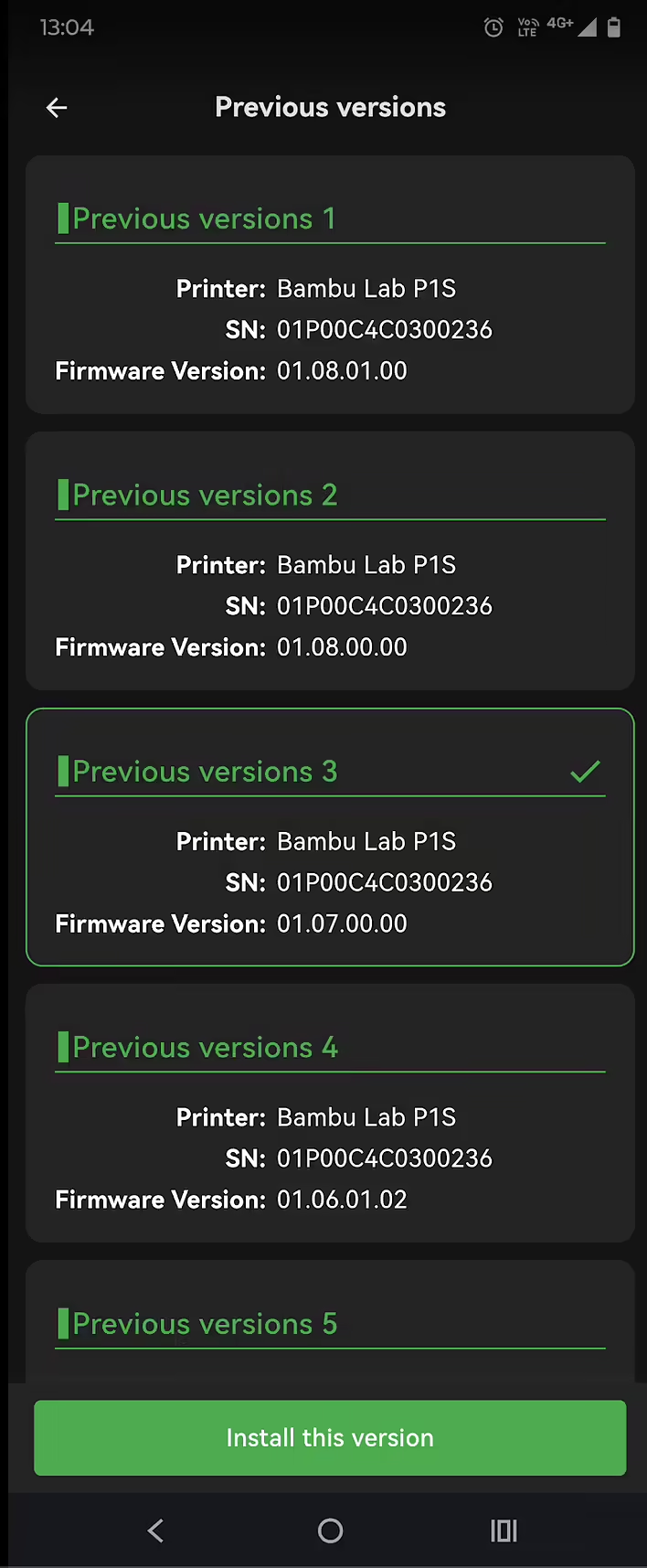
Select the previous version of the firmware and press Install this version:
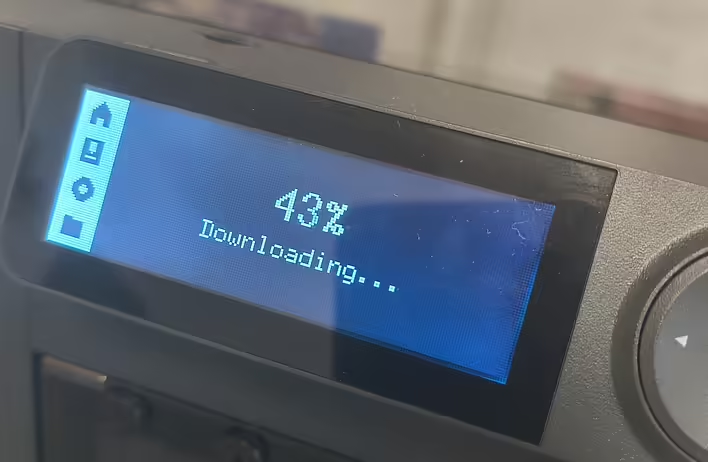
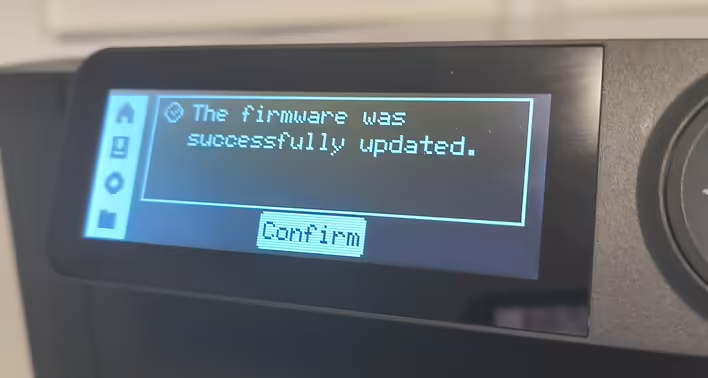
I chose version "01.07...". Because the problem started on "01.08". The installation will take a couple of minutes.
After that, I restarted Orca Slicer and started printing as usual, everything is fine. But the update warning on the printer screen keeps appearing constantly again. But that's that. For now, the main thing is that the plastic is spinning, and the part is being printed.
![HMS error: 0300-0d00-0002-0001 what does it mean and how to fix it? [P1S]](https://cdn.tseivo.com/0wi0y60gycmr9yktq6uss8vyao12)
![[What to print] Tube squeezer](https://cdn.tseivo.com/1n2nj9awamp0cal358blvpihswju)
![[P1S] Message on the screen - Z-axis lead screw needs lubrication](https://cdn.tseivo.com/n2484aszggdtb76vwovcelpt4vag)