Having installed solar panels, the question of monitoring and configuration immediately arises. With the KS5200PS, it's not so simple. I have already written about the struggle with the E03 error and how difficult it is with the software.
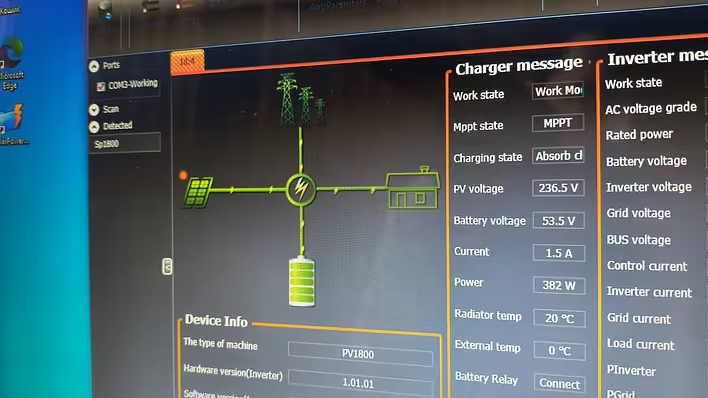
I will write about the installation of solar panels later. But it is worth mentioning that the first launch of the panels reset the inverter settings to some that do not deliver electricity from the battery. So I had to dig around in the wires a bit at first. Then I had to go get an old laptop with Windows to run the software that allows changing the inverter settings.
Well, to cut a long story short - the inverter works, the sun shines. I need a logger.
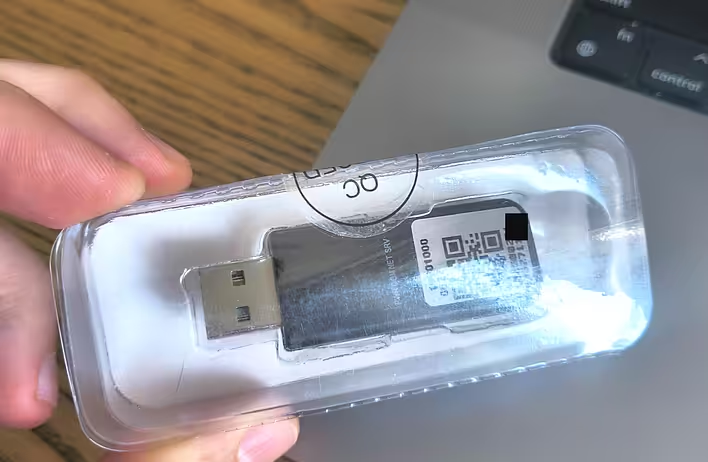
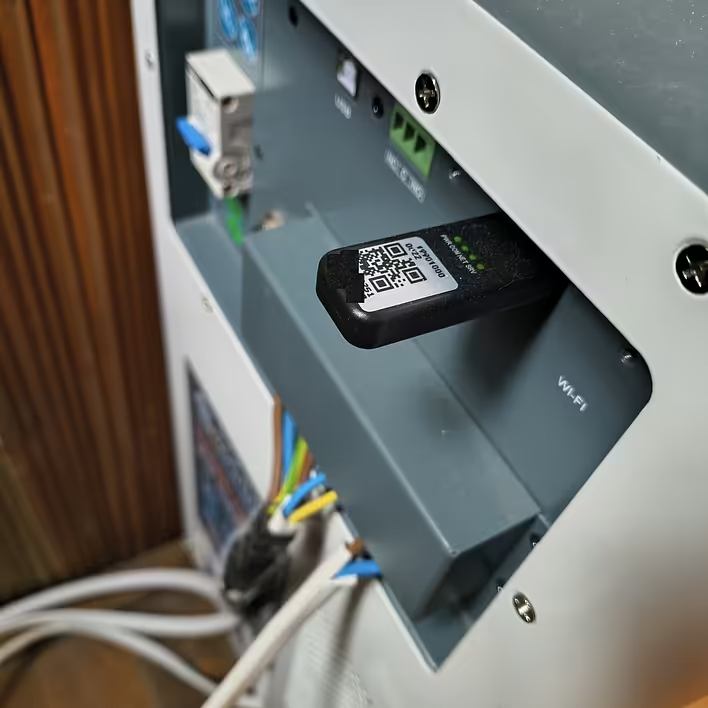
I took a logger in the form of a USB flash drive. Found it at a local store for the same price as on Ali. So I decided to order locally because it’s faster.
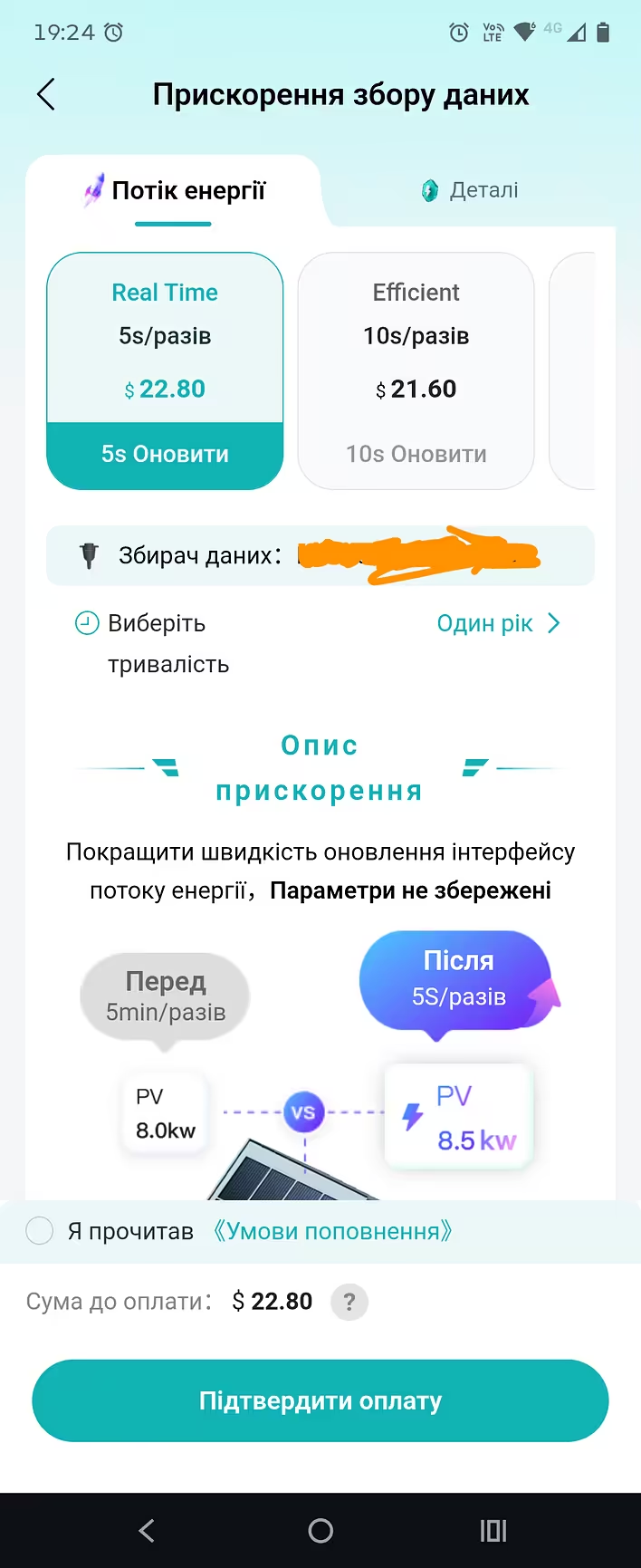
But it turned out that the update frequency in the free plan is ~5 minutes. And the paid plans have some astronomical prices. Well, it is what it is. A couple of times a day to check out of curiosity and that’s it. But the interface in Ukrainian is very poor. It seems modern AI does auto-translation much better. Why not make it decent for such a subscription price...
For the last few days, I have been using the English interface. And I decided to look for an alternative. It seems I stumbled upon solcloudy in the DruкАрмії chat. I thought about it for about a week and decided to get it. It cost 800 UAH + delivery + cloud subscription.
Here is the official description of the logger at the moment:
A little about the product:The logger works with Volttronics clones and MUST inverters. Different types of loggers are required for different equipment, so by answering the following questions, we will select a logger for you.
Disclaimer:By purchasing the logger, you receive an electronic device programmed to work with specific equipment (see above) and with the cloud service solcloudy.com, which allows remote control, monitoring of connected equipment, and storage of statistical data.When purchasing a logger, a trial period of 30 days is provided for testing the cloud service to determine the need for this service.Accordingly, all logger functionality, except for cloud-dependent features, is retained for local use in a home network.
Network tariffs in currency units:month - 1 currency unit;6 months - 3 currency units;year - 5 currency units;3 years - 10 currency units;indefinitely - 20 currency units.
The exchange rate is set by the bank/seller on the date of purchasing the cloud subscription.
The subscription is tied to the physical ID of the logger.
The advantages of the logger include:- fast data updates 2-5s- compatibility with a wide range of equipment- ability to execute automation scripts- operation with external devices via the Tasmota protocol- active communication channel with the service developer in Telegram- technical support from the logger manufacturer
To select and purchase a logger, please provide the following information:- full name of your inverter (photo of the manufacturer's label with specifications)- battery data (type of chemistry, number of cells, capacity in amp-hours)- is the battery connected via CAN?
Attention! The logger does not always correctly receive data when connecting the battery to the inverter via a communication cable, so calculated data may be used for SOC readings.
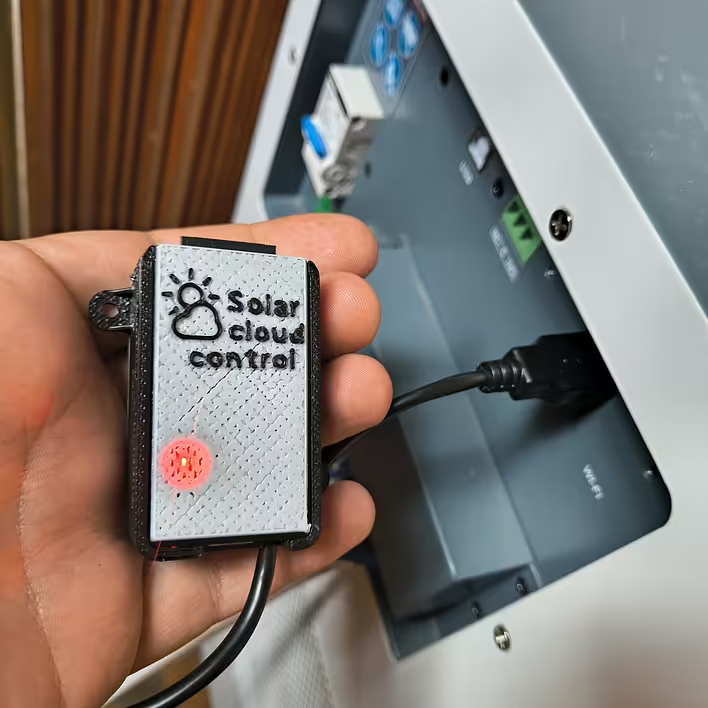
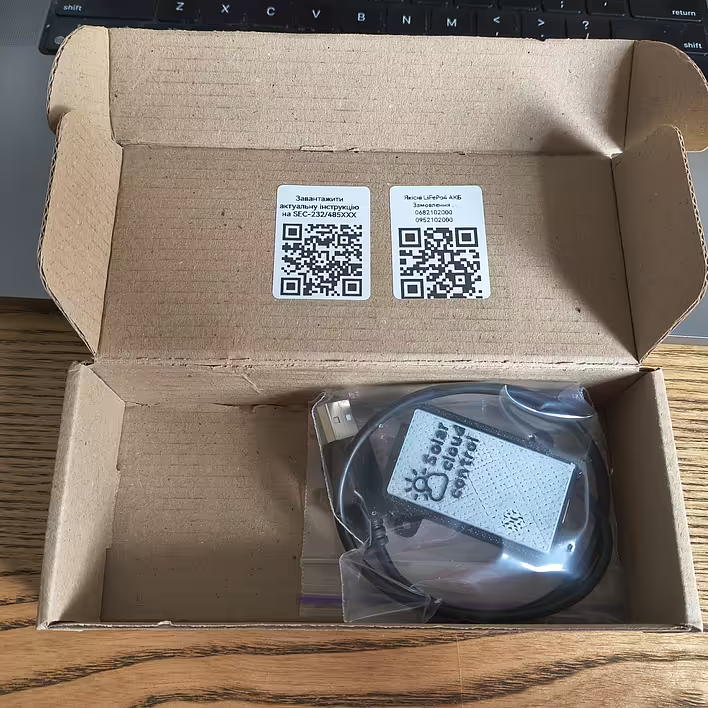
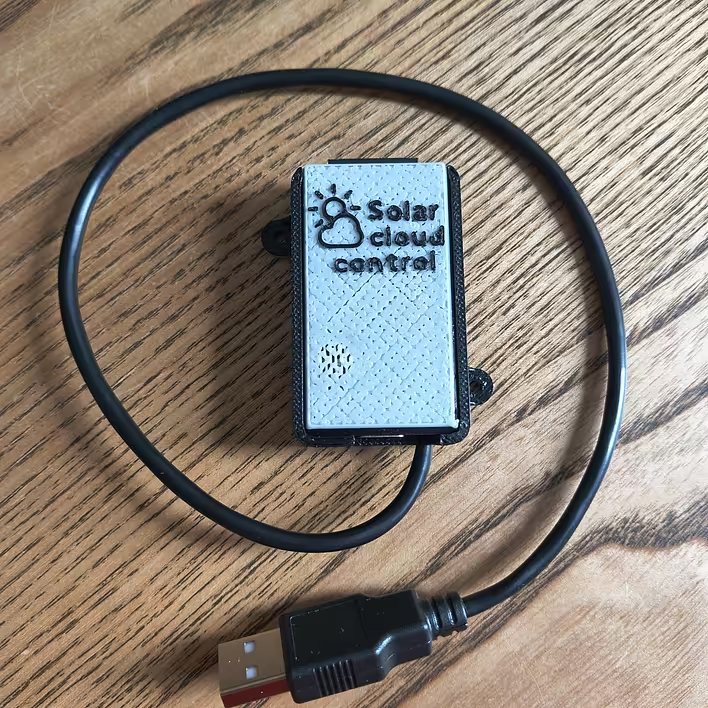
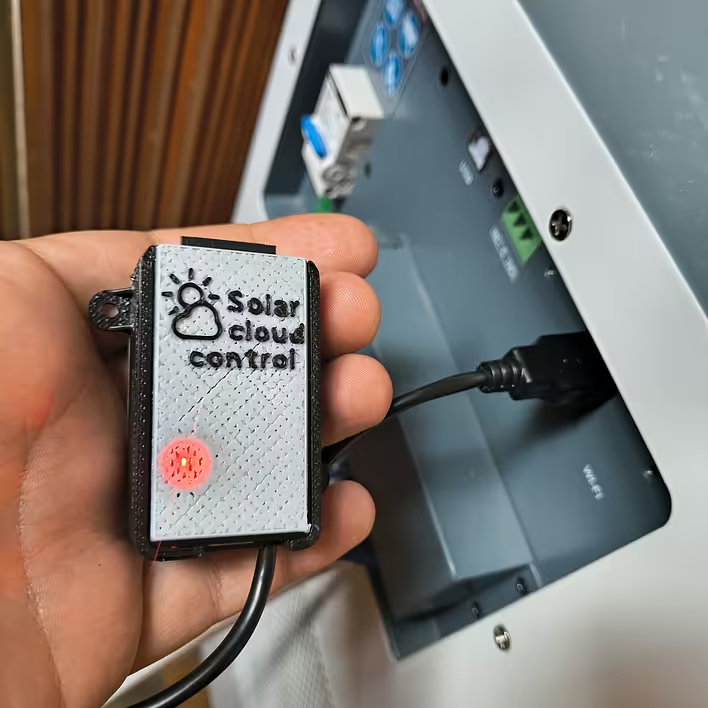
The seller (developer?) contacts quickly, selects the necessary setup, and sends the logger. So already in a day or two, I replaced my logger with a new one:
To briefly describe the product - it is ESP32 + some other components in a 3D-printed case + cloud service. I can say that for this money - it’s a very good option.
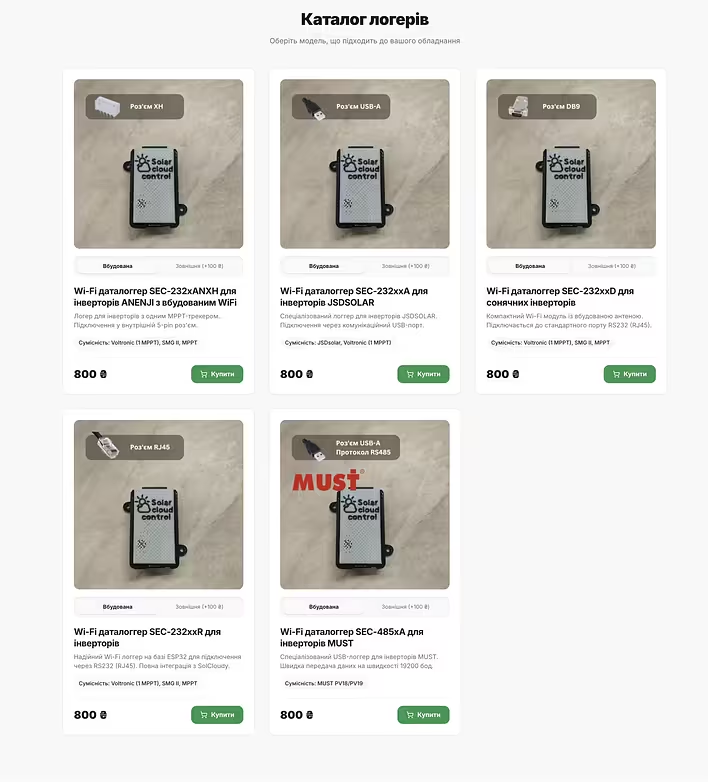
I needed a USB cable + built-in antenna. Here are some options on the site:
Сайт - https://sec.setsuna.pp.ua
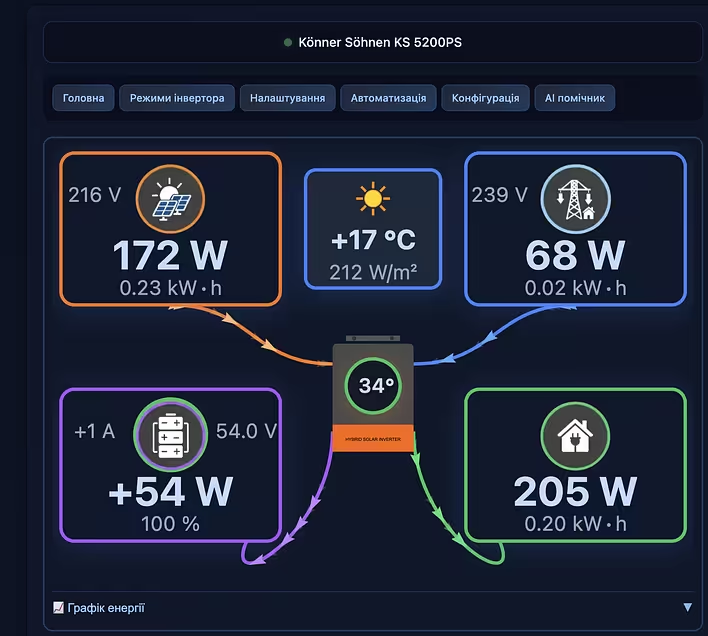
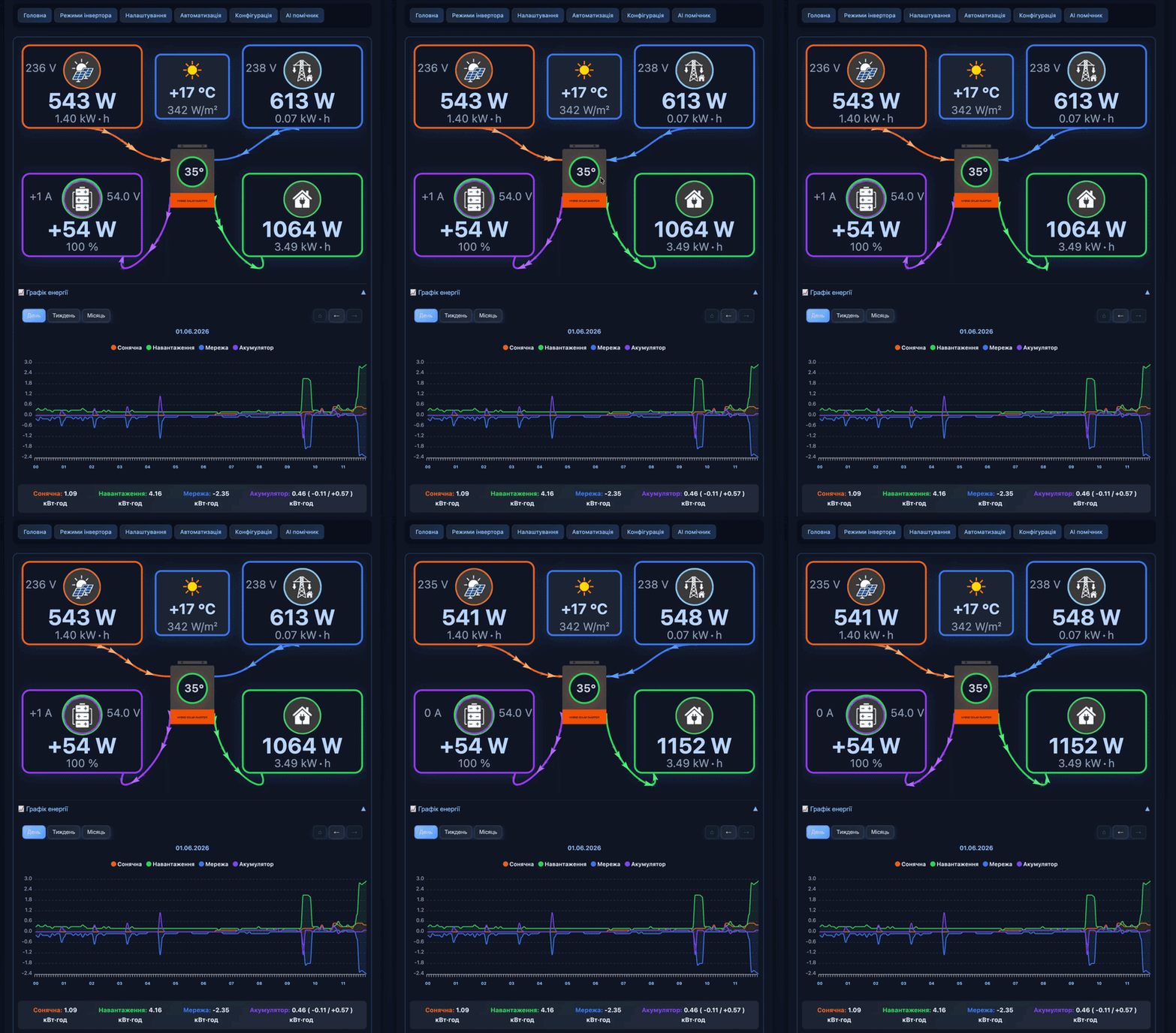
Personally, I was expecting a simple logger. But in reality, it provides the ability to switch modes, create automations/notifications. There is also a JSON endpoint for the data.
Previously, I needed a laptop with Windows and software, which is quite difficult to find, to switch the inverter's operating mode (and sit somewhere near the inverter because the cable is short)... With this device, everything becomes easier.
I gladly paid for the subscription. Let's see how it works. The setup is quite simple. All instructions are provided.
Here someone made a video working with solcloudy:

![[Personal Experience] How I Dealt with the E03 Error on KS 5200PS](https://cdn.tseivo.com/qbmx9gef6wz0p8kf2q49chgeyyyu)
![[Personal experience] Replaced the speakers on macbook a2337 (speaker from Ali)](https://cdn.tseivo.com/uf686v8beaqlorcqcoybp2hxbgxp)