balenaEtcher is a free software product used for creating bootable USB drives or SD cards from operating system images. It allows you to easily write ISO or IMG images to flash drives for the purpose of installing an operating system on computers or other devices.
balenaEtcher has a simple and intuitive interface that allows even inexperienced users to easily create bootable media. The program is available for various platforms, including Windows, macOS, and Linux.
Using balenaEtcher can be helpful in the following cases:
Installing an operating system on a new computer or laptop.
Creating a bootable media for recovery or repair of a damaged computer.
Installing various operating systems (for example installing Ubuntu) on a computer.
Flashing microcontrollers or devices using special images.
balenaEtcher is one of the most popular programs for creating bootable media, thanks to its ease of use and reliability.
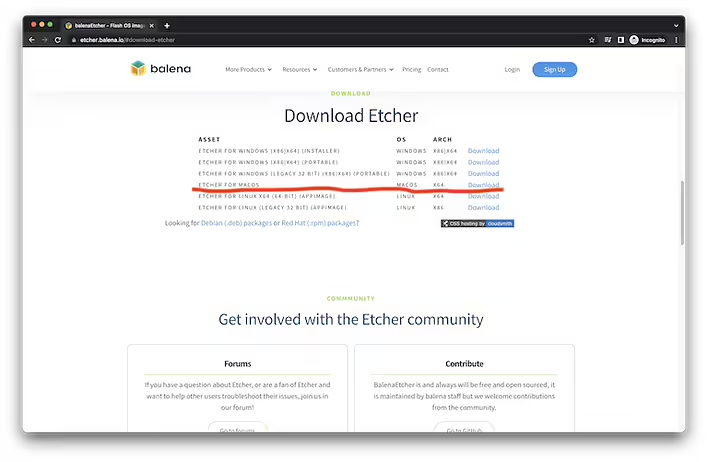
Installing balenaEtcher on mac.#1 Step. Download balenaEtcher from the official website.
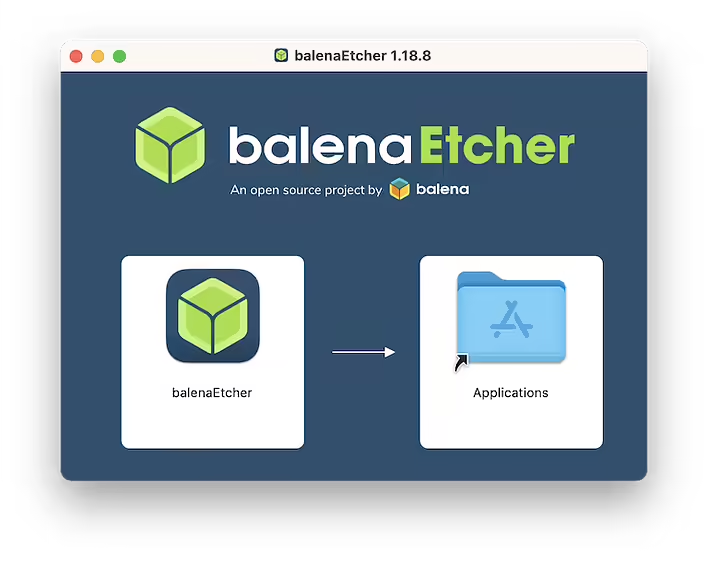
The official website of this software is etcher.balena.io. We download Etcher for macOS (X64). After we have downloaded the file balenaEtcher-1.18.8.dmg - we open it and drag the balenaEtcher icon to Applications
#2 Step. Installing balenaEtcher on macOS.After that, balenaEtcher can be launched from Applications (the location of all applications) on our Mac.
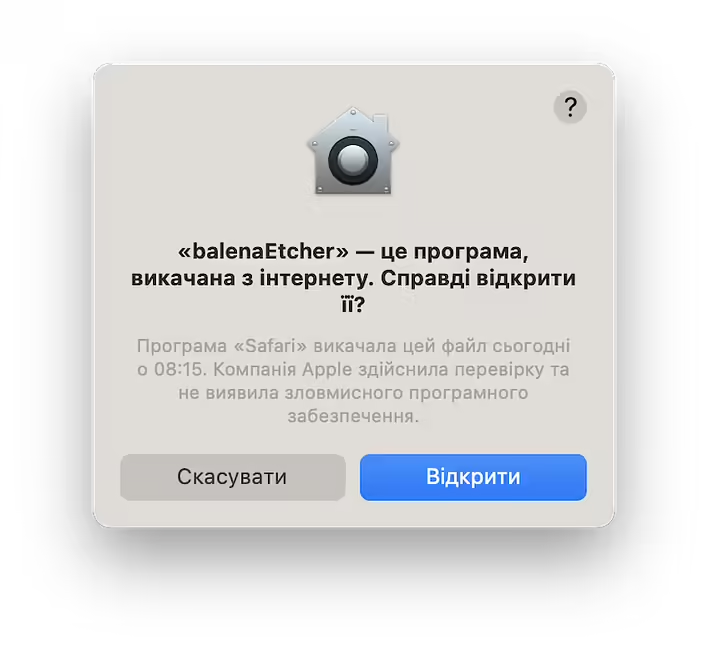
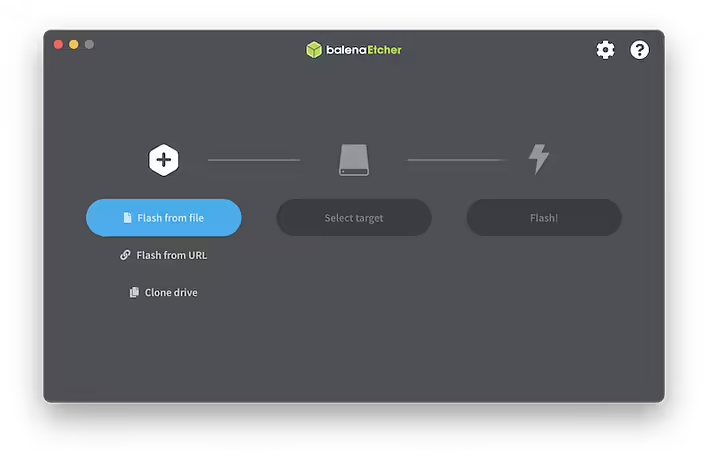
#3 Step. Running balenaEtcher on macOS.Most likely, Mac will ask if we really want to run this software.Click 'Open' and we are ready to start working with balenaEtcher.
That's it. It's quite simple. We download the dmg file, run it, drag the application icon to Applications, and launch balenaEtcher. In fact, this is the standard method of installing software on macOS from third-party sources.