Steam is a digital distribution platform for video games developed by Valve. It was first launched in 2003 to simplify the process of updating Valve's internal games, but has since significantly expanded. On Steam, you can purchase games, play, and communicate with friends online. All purchases are tied to your account.
After installing Ubuntu on the Acer Nitro 5, the first thought is to try to install Steam and play Counter-Strike GO.
Step-by-step installation of Steam on Ubuntu (screenshots)
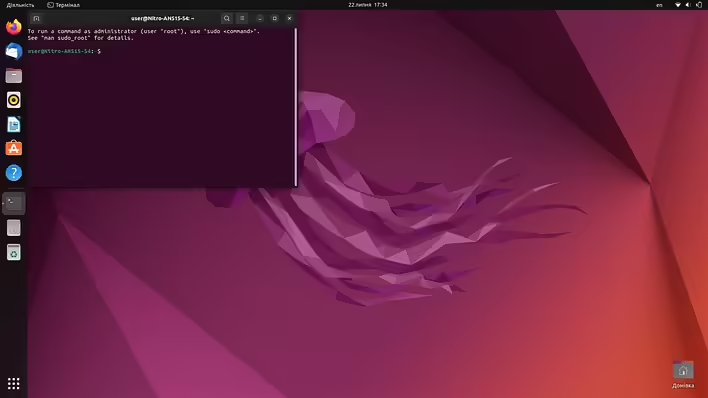
Open the terminal (Ctrl+Alt+T)
Ubuntu Terminal
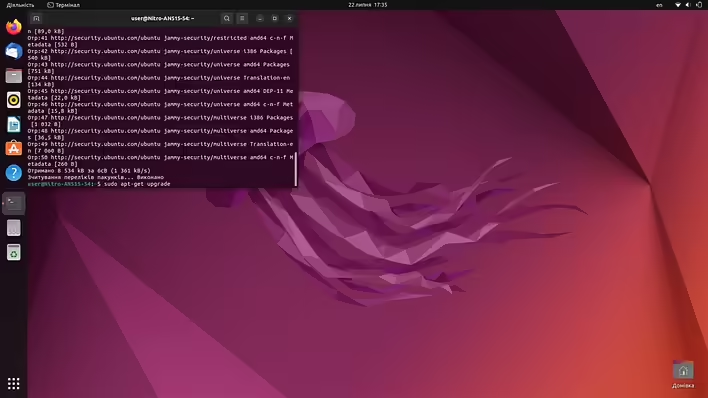
Enter the apt-get command in the terminal (to update information about existing updates and packages):
sudo apt-get update
sudo apt-get update
Next, we update our existing (installed) packages using the command:
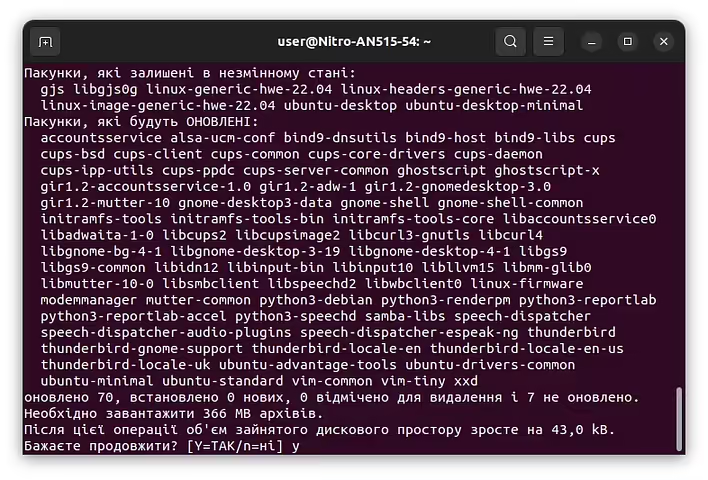
sudo apt-get upgrade
Підтвердження upgrade команди
The terminal will ask if we want to continue. To answer "Yes," you need to type Y and press Enter. After that, the system will install all the necessary updates. Only after this can you install the Steam package:
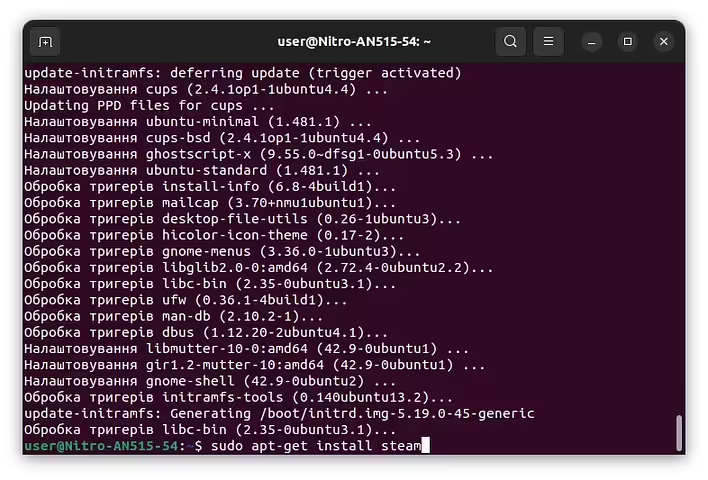
sudo apt-get install steam
sudo apt-get install steam
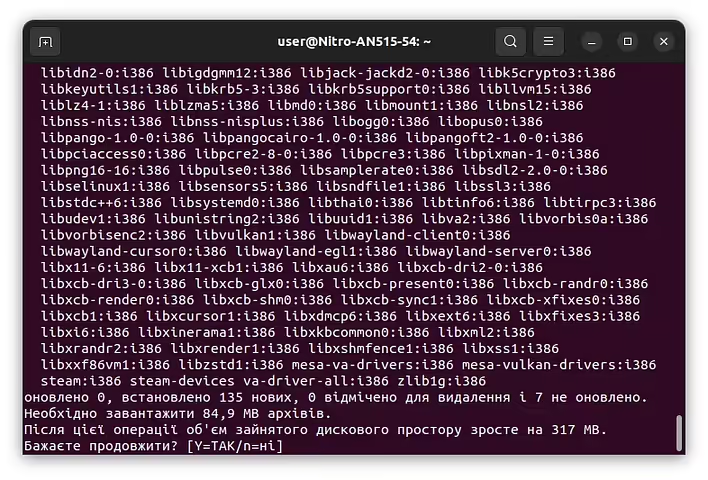
After this, we will be asked again if we really want to install Steam. Press Y and Enter.
Підтвердження встановлення Steam в Ubuntu
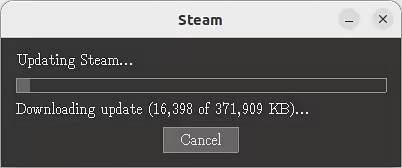
After installing the Steam package, it will start updating (Steam releases updates quite often).
Updating Steam
After the update, we can launch Steam from the terminal. To do this, simply type steam and press Enter.
steam
The terminal will show a lot of information that we do not need. In the future, you can launch Steam using the application icon.
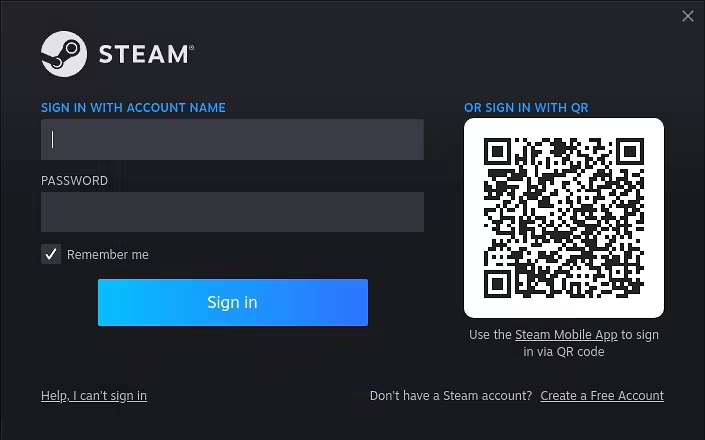
Вхід у Steam
You can change the language to Ukrainian in the Steam settings after launching the program.
In conclusion, installing Steam on Ubuntu is quite a quick and simple process.
Step-by-step installation of Steam on Ubuntu
Open the terminal (Ctrl+Alt+T).
First, update your system using the following commands:
sudo apt-get update
sudo apt-get upgrade
After that, install the Steam package using the command:
sudo apt-get install steam
Press "Y" or "Yes" when prompted to confirm the installation.
After installation, launch Steam using the command:
steam
Steam will open and prompt you to log into your Steam account or create a new one. After logging in, you will be able to install your Steam games and play them on Ubuntu.